
ASUS ProArt PA32QCV
3.9Editor score
Factory calibrated color accuracy
Dual Thunderbolt 4 ports
Free Adobe Creative Cloud
Finding the right display for high-resolution work requires careful consideration of pixel density and color fidelity. A 32 inch 6K monitor offers incredible detail for creative professionals and enthusiasts who demand clarity.
We evaluated ten top models based on panel technology, connectivity options, and ergonomic features. Our analysis focuses on real-world performance for video editing, design, and productivity tasks across different operating systems.
Each pick highlights specific strengths to help you match a display to your workflow needs. Note that pricing and availability change frequently, so check current listings before making your final purchase decision today.
3.9Editor score

3.8Editor score

5.0Editor score
As an Amazon Associate we earn from qualifying purchases.
The following table provides a side-by-side comparison of all ten monitors featured in this guide, highlighting key specifications and unique selling points for each model.


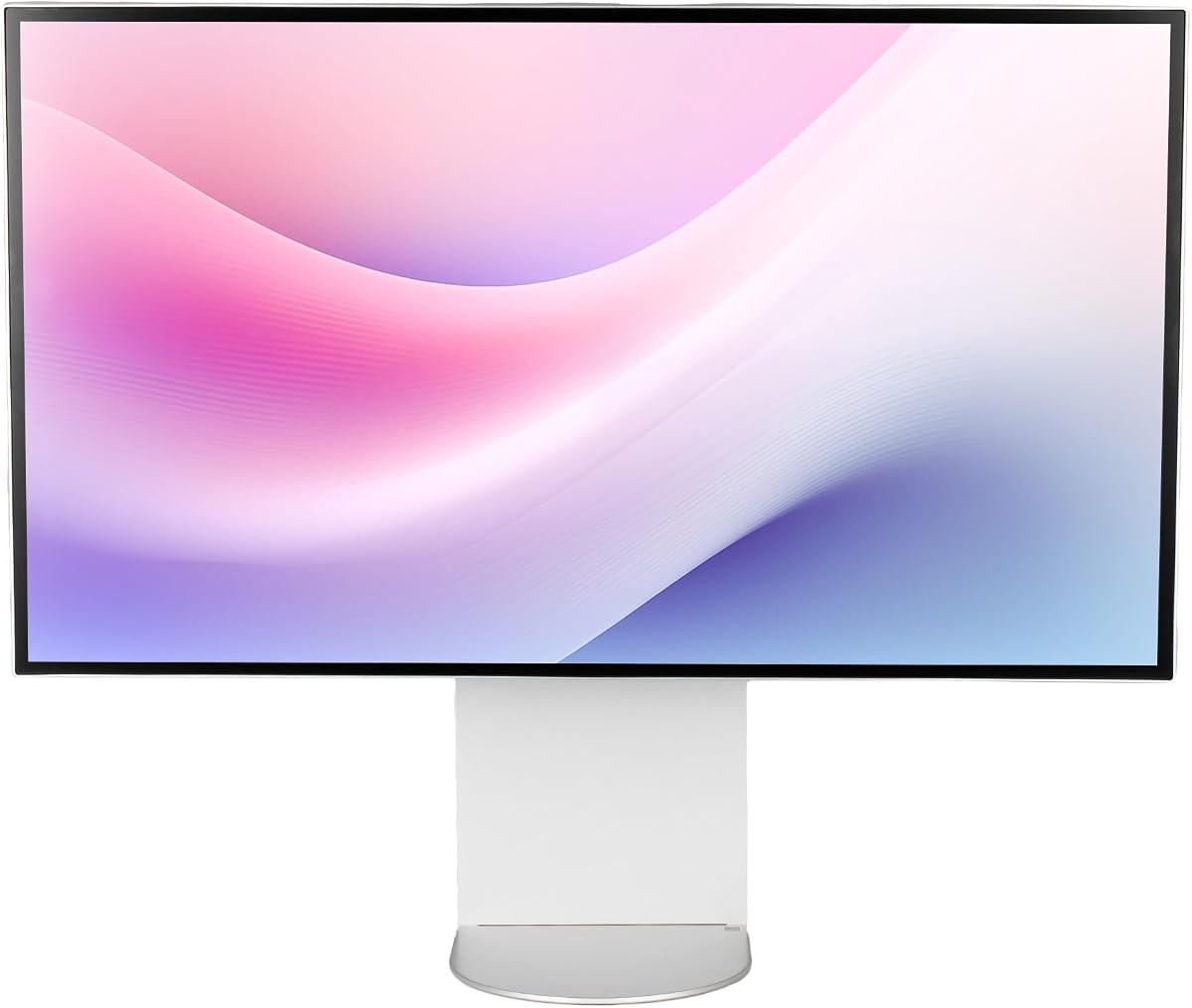
The LG UltraFine evo stands out as a powerhouse for creative workflows with its Thunderbolt 5 connectivity. It delivers stunning clarity and color accuracy suitable for demanding professional tasks across Mac and Windows systems.
We may earn a commission when you buy through this link, at no additional cost to you.
Its Nano IPS Black panel offers a significant upgrade in contrast over standard IPS displays. This results in deeper blacks and richer shadows that are crucial for video grading and high fidelity content creation.
While it lacks high refresh rates for gaming, its focus is firmly on precision and productivity. The high pixel density ensures text is razor sharp which reduces eye strain during long editing sessions.
This monitor is ideal for professionals who need future-ready connectivity and top tier color performance. If you require a workstation hub that simplifies cables and boosts efficiency this is a strong recommendation.
Thunderbolt 5 provides ultra-fast data transfer speeds and 96W power delivery through a single cable for streamlined setups.
DisplayHDR 600 and 99.5% Adobe RGB coverage ensure that what you see on screen matches print output accurately.
We may earn a commission when you buy through this link, at no additional cost to you.
The ASUS ProArt PA32QCV offers a compelling entry point for those needing professional grade color accuracy. It comes factory calibrated to ensure reliable color performance right out of the box for creatives.
We may earn a commission when you buy through this link, at no additional cost to you.
Its MacBook Color Matching mode simplifies workflow integration for Apple users significantly. The built-in Auto KVM switch allows you to control two devices with one keyboard and mouse efficiently.
While the resolution is slightly lower than the 6144 x 3456 standard it remains incredibly sharp. The inclusion of a free Adobe Creative Cloud subscription adds significant value to this purchase option.
This monitor is perfect for designers on a budget who need reliable color fidelity. It balances performance and cost effectively making it a great choice for students or small studios.
Calman Verified factory calibration delivers Delta E < 2 accuracy ensuring precise color reproduction for professional work.
Dual Thunderbolt 4 ports support daisy chaining and up to 96W power delivery for laptop charging.
We may earn a commission when you buy through this link, at no additional cost to you.
The ALOGIC Clarity Touch is a unique device that brings touch capabilities to the 32 inch 6K market. It functions as a massive digital canvas for artists and designers who need tactile input.
We may earn a commission when you buy through this link, at no additional cost to you.
With an included active stylus offering 4096 levels of pressure sensitivity it replaces traditional drawing tablets. This allows for direct interaction with your designs at a natural and intuitive scale.
The fold stand enables you to lay the screen flat like a drawing board. This ergonomic flexibility is unmatched by standard monitors and transforms how you interact with digital content.
This is the ultimate choice for digital artists who want an all-in-one creative workspace. Its unique features justify the premium price for those who rely heavily on touch and stylus input daily.
Pinch to zoom and touch navigation work seamlessly on both macOS and Windows for intuitive control.
Low latency and high pressure sensitivity make sketching and annotating feel natural and responsive.
We may earn a commission when you buy through this link, at no additional cost to you.
Samsung brings 6K resolution to gaming with the Odyssey G8 which offers a dual mode experience. You can choose between high resolution visuals or a higher refresh rate depending on your needs.
We may earn a commission when you buy through this link, at no additional cost to you.
The Fast IPS panel ensures vivid colors while the 1ms response time minimizes motion blur during fast action. This makes it suitable for competitive gaming where clarity and speed are both critical factors.
Its support for both NVIDIA G-Sync and AMD FreeSync Premium ensures smooth gameplay across different hardware configurations. This flexibility is rare in high-end monitors and adds significant value for gamers.
If you want the best of both worlds between productivity and gaming this is a strong contender. It handles 6K workstations well but shines when connected to powerful gaming rigs for immersive experiences.
Switch between 6K at 165Hz for visuals or 3K at 330Hz for lightning fast action seamlessly.
Fast IPS technology delivers wide viewing angles and quick response times to reduce ghosting effectively.
We may earn a commission when you buy through this link, at no additional cost to you.
The Dell UltraSharp U3224KB integrates a high quality webcam directly into the bezel. This reduces desk clutter for professionals who frequently participate in virtual meetings and video calls.
We may earn a commission when you buy through this link, at no additional cost to you.
Its USB-C hub allows for quick data transmission and connects multiple peripherals easily. The screen provides striking clarity for both work and entertainment with a standard 60Hz refresh rate.
The 450 nit brightness ensures content is visible even in well lit office environments. It serves as a reliable workstation monitor for those who value simplicity and integrated features over gaming specs.
This monitor is ideal for hybrid workers who need a clean setup for both productivity and communication. It simplifies your desk by combining a high resolution display with essential conferencing tools.
The integrated webcam eliminates the need for external cameras reducing cable clutter and saving space.
USB-C allows quick data transmission and provides power for your connected devices efficiently.
We may earn a commission when you buy through this link, at no additional cost to you.
This bundle adds essential accessories like cable ties and a cleaning kit to the standard LG UltraFine evo. It streamlines your setup by providing tools to manage cables and maintain the screen surface.
We may earn a commission when you buy through this link, at no additional cost to you.
The built-in KVM functionality allows you to control two connected computers with one keyboard and mouse. This efficiency is vital for professionals switching between work and personal devices throughout the day.
The massive 224 PPI provides sharper text and finer image detail than 4K displays. This reduces the need for zooming and panning during advanced creative workflows and increases usable workspace significantly.
If you want a complete package that saves time on setup this bundle is excellent. It complements the monitor features with practical tools for maintaining a clean and efficient workspace.
The included cable ties help organize wires while the cleaning kit keeps the panel pristine.
Built-in KVM lets you control two computers with one keyboard and mouse effortlessly.
We may earn a commission when you buy through this link, at no additional cost to you.
The G32X focuses on a clean aesthetic that fits seamlessly into modern home offices. Its minimalist design helps reduce visual clutter and directs attention purely to the content on screen.
We may earn a commission when you buy through this link, at no additional cost to you.
The CNC-machined aluminum body ensures durability and a premium feel. It also includes universal mounting compatibility so you can attach it to any standard arm if you prefer wall mounting.
Eye care features like flicker-free backlighting and low blue light mode reduce fatigue during long sessions. This makes it a solid choice for users who prioritize health and comfort while working.
For those who value design and build quality this monitor delivers without compromising on specs. It is a strong option for home office setups where aesthetics matter as much as performance.
Height adjustable stand and universal mount compatibility allow for a fully personalized viewing position.
Anti-glare screen and low blue light mode minimize eye fatigue during extended work periods.
We may earn a commission when you buy through this link, at no additional cost to you.
The G32P features a glossy panel that boosts color vibrancy and contrast perception. This is perfect for artists and media consumers who prefer deeper blacks and more saturated colors.
We may earn a commission when you buy through this link, at no additional cost to you.
Its honeycomb cooling design helps dissipate heat efficiently which maintains performance under heavy loads. The CNC-machined aluminum body ensures the unit is durable and looks sleek in any environment.
While the glossy screen may reflect light in bright rooms it offers a cinema-like experience. If you can control your lighting this panel type provides a superior visual immersion than matte options.
This monitor is best for creatives who prioritize color depth and build quality. It serves well as a dedicated creative or media monitor where reflection management is easy to control.
The glossy panel enhances contrast and saturation for a more immersive viewing experience.
Honeycomb cooling design ensures efficient heat dissipation during prolonged use.
We may earn a commission when you buy through this link, at no additional cost to you.
This Dell bundle provides a 2-year enhanced protection pack alongside the monitor itself. It also includes a full set of necessary cables such as Thunderbolt and USB to start immediately.
We may earn a commission when you buy through this link, at no additional cost to you.
The protection plan offers peace of mind for business users who rely on their hardware daily. It reduces potential downtime and maintenance costs which is valuable for professional environments.
With 450 nit brightness and 6K resolution it delivers clear visuals for movies and games. The LED backlight technology offers visual brilliance with maximum efficiency for daily office tasks.
This option is ideal for IT managers or businesses buying in bulk who value reliability. The included warranty and cables make it a hassle-free solution for corporate workstations.
The 2-year premium extended service protection plan covers hardware failures effectively.
Included Thunderbolt 4 and USB cables ensure you have everything needed for setup.
We may earn a commission when you buy through this link, at no additional cost to you.
This regional version of the LG UltraFine series delivers standard 6K performance. It supports the necessary connectivity options and ergonomic adjustments for general professional use effectively.
We may earn a commission when you buy through this link, at no additional cost to you.
The Nano IPS panel maintains good color accuracy while the anti-glare coating helps in brighter settings. It offers a balanced experience for users who do not need the latest premium features.
With height and tilt adjustments it accommodates various desk setups and viewing preferences. VESA mounting compatibility ensures you can use third-party arms if the included stand does not suit you.
This is a practical choice for users seeking a reliable standard 6K experience. It serves as a dependable display for general office work and content consumption without excess features.
Tilt and height adjustments allow for comfortable viewing angles throughout the day.
VESA 100 x 100 mm holes support third-party monitor arms for flexible installation.
We may earn a commission when you buy through this link, at no additional cost to you.
Choosing the right 32 inch 6K monitor requires balancing resolution, color accuracy, and connectivity to match your workflow.
A 32 inch 6K monitor provides approximately 224 PPI which renders text and images incredibly sharp. This high density is essential for graphic design and video editing where detail matters.
Look for panels offering at least 6144 x 3456 pixels to ensure you get the full benefits of 6K.
Nano IPS and Fast IPS panels are common in these monitors. They offer wide viewing angles and good color consistency across the screen.
Consider contrast ratios if you work in dark rooms; higher contrast improves black levels and image depth.
For professional work look for monitors covering 98% DCI-P3 or Adobe RGB. Factory calibration ensures the colors match industry standards right out of the box.
Delta E values below 2 indicate high color accuracy which is crucial for print and video.
Thunderbolt 4 or 5 support is vital for transferring large files and powering laptops simultaneously. USB-C hubs reduce clutter by allowing one cable to handle video and data.
Ensure your computer supports the selected Thunderbolt standard to maximize speed and charging capabilities.
Most professional 6K monitors run at 60Hz which is sufficient for editing. Gaming monitors may offer higher refresh rates like 165Hz for smoother motion.
Choose 60Hz for productivity and high refresh rates if you also game on the same display.
Height adjustable stands with pivot and tilt options prevent neck strain during long sessions. VESA mount compatibility allows you to use monitor arms for better positioning.
Prioritize ergonomic features to maintain comfort and health during daily work hours.
Check the length of the warranty and what it covers. Some manufacturers offer extended protection plans which are valuable for business use.
A solid warranty protects your investment against potential hardware failures over time.
Set up your monitor using a high-speed Thunderbolt or HDMI cable to ensure it recognizes the full 6K resolution correctly.
Calibrate your colors regularly using software tools or built-in presets to maintain accuracy over time.
Clean the screen gently with a microfiber cloth and approved LCD solution to avoid damaging the coating.
Yes running a 32 inch 6K monitor requires a system with a dedicated graphics card capable of handling high resolution. Modern CPUs with integrated graphics may struggle with demanding applications.
You should use a certified Thunderbolt 4 or 5 cable to ensure stable signal transmission. Standard HDMI cables may not support the required bandwidth for full resolution.
It is worth it if you work with high resolution content like 4K video or detailed design. For general browsing the extra pixels offer minimal benefit over high quality 4K displays.
Many models support daisy chaining via Thunderbolt allowing you to connect two displays with one cable. Check the specific product details for support before purchasing.
HDR provides better dynamic range for media consumption and color grading. DisplayHDR 600 or higher is recommended for professional workloads.
High PPI means more pixels per inch making text smoother and details sharper. It reduces eye strain and improves clarity for reading and editing.
Yes some specialized models offer touch capabilities for artists and designers. These models usually come with active styluses for precise input.
Most professional 6K monitors are designed with macOS compatibility in mind. Look for Thunderbolt support and color matching presets for seamless integration.
The LG 32U990A-S leads the pack with its future-ready Thunderbolt 5 connectivity and excellent color performance. The ASUS ProArt PA32QCV offers a great balance of features for budget conscious professionals.
When selecting your monitor consider whether you need high refresh rates for gaming or strict color accuracy for design. Your specific workflow will dictate which features are most valuable.
Prices and availability change frequently so please check current listings for the best deals. Investing in a high quality display can significantly enhance your productivity and visual experience.