
SANSUI 34-Inch Curved Gaming Monitor
4.4Editor score
200Hz Refresh Rate
AI Blue Light Reduction
UWQHD Resolution
AI ready monitors are transforming how we work and play by integrating intelligent features directly into the display. These screens go beyond simple image output, offering tools like AI upscaling, noise reduction, and smart connectivity that adapt to your environment automatically.
We evaluated ten top models based on resolution, refresh rate, AI capabilities, and overall value. Our analysis focuses on how each monitor handles real-world tasks, from creative work to immersive gaming, ensuring you find a display that meets your specific needs today.
Each pick highlights unique strengths, whether it is color accuracy, smart home integration, or gaming performance. Note that prices and availability change frequently, so verify current details before purchasing to ensure you get the best deal for your setup.
4.4Editor score

4.2Editor score

4.3Editor score
As an Amazon Associate we earn from qualifying purchases.
This side-by-side comparison breaks down the key specifications and unique features of each model to help you decide quickly.



The Samsung 32” Smart Monitor M7 stands out as a top contender for AI ready monitors with its Vision AI features. Rated 4.2 stars, it brings intelligent picture optimization that adapts visuals based on your content and environment.
We may earn a commission when you buy through this link, at no additional cost to you.
Its AI Picture Optimizer ensures documents remain comfortable to read while deepening blacks for games. The Active Voice Amplifier analyzes background noise to keep dialogue clear even in loud rooms. Streaming apps like Samsung TV Plus are instantly accessible without a PC.
Trade-offs include reliance on internet connectivity for smart features and a remote interface that might feel unfamiliar to traditional monitor users. These are acceptable given the versatility of having a standalone media center on your desk.
Buy this if you want a display that functions as a smart TV and a workspace. Its balance of AI tools and connectivity makes it ideal for households seeking an all-in-one entertainment and productivity hub.
Vision AI automatically optimizes visuals to suit your specific viewing context and needs.
AI technology analyzes ambient noise to amplify voices and ensure clear dialogue.
We may earn a commission when you buy through this link, at no additional cost to you.
The SANSUI 34-Inch Curved Gaming Monitor offers exceptional value for those seeking AI ready features on a budget. With a 4.4 rating, it delivers fast VA performance and AI tools like crosshair and PQ optimization.
We may earn a commission when you buy through this link, at no additional cost to you.
AI Blue light reduction helps during long sessions, while AI Crosshair and Sniper Scope aid competitive gaming. The 200Hz refresh rate ensures smooth motion in fast-paced titles. Its 1500R curvature wraps visuals around your field of view.
Drawbacks include lack of built-in speakers and limited stand tilt compared to premium ergonomic stands. These trade-offs are reasonable given the price and performance focus targeting gamers who prioritize speed over audio.
Choose this if you need an ultrawide gaming screen with basic AI enhancements without breaking the bank. It suits budget-conscious gamers who want high refresh rates and AI eye care in a single package.
Smart sensors reduce blue light emissions to minimize eye strain during extended use.
Built-in AI features assist with aiming and visibility in competitive titles.
We may earn a commission when you buy through this link, at no additional cost to you.
The Samsung 40" ViewFinity S8 delivers premium AI readiness with 5K2K resolution and Thunderbolt 5 capabilities. Rated 4.3 stars, it serves professionals needing vast workspace and robust data handling in one panoramic display.
We may earn a commission when you buy through this link, at no additional cost to you.
Thunderbolt 5 allows management of data-intensive tasks and up to 140W charging. The built-in KVM switch enables control of two sources with one keyboard and mouse. HDR10+ optimizes brightness and contrast for stunning detail.
Its high price and large footprint may not suit small desks, but the productivity gains justify it. These constraints are acceptable for users prioritizing screen real estate and connectivity above all else.
Select this if you need a professional powerhouse with AI-driven clarity and connectivity. It fits architects, editors, and multitaskers who demand premium visuals and seamless multi-device workflows.
Thunderbolt 5 interface manages heavy data loads with maximum bandwidth throughput.
Built-in KVM switch lets you control multiple devices with a single setup.
We may earn a commission when you buy through this link, at no additional cost to you.
The Dell 27 Monitor S2725QS is an AI ready choice for comfort-focused users with its ComfortView Plus technology. Rated 4.4 stars, it reduces blue light emissions while maintaining color accuracy for all-day work.
We may earn a commission when you buy through this link, at no additional cost to you.
ComfortView Plus minimizes harmful blue light by 65% without losing detail. The 120Hz refresh rate provides a smooth, tear-free experience. It features 99% sRGB coverage and an ultra-thin bezel for a minimalist setup.
Response time of 5ms may lag in competitive gaming, and HDR brightness is limited compared to dedicated gaming panels. These trade-offs suit office environments where eye comfort and color fidelity are prioritized over speed.
Buy this if you need a reliable workhorse with built-in AI health features. It fits professionals and students who value eye comfort and accurate colors for long working hours.
ComfortView Plus reduces blue light while keeping color accuracy intact.
A 120Hz refresh rate ensures fluid visuals for work and casual play.
We may earn a commission when you buy through this link, at no additional cost to you.
The LG 27UP850K-W delivers precision with 95% DCI-P3 and HDR 400 support, Rated 4.5 stars, it integrates AI tools to enhance color and brightness for content creators.
We may earn a commission when you buy through this link, at no additional cost to you.
Its Switch app transforms multitasking with up to six screen sections. USB Type-C supports data transfer and 90W power delivery. Built-in stereo speakers with Waves MaxxAudio provide robust sound.
The Switch app may require adjustment for efficiency, and dark scene visibility is modest. These are acceptable trade-offs for creators prioritizing color fidelity and workspace flexibility over raw contrast.
Choose this if you need an AI enhanced monitor for video editing or design work. Its color tools and connectivity suit creative professionals seeking accurate visuals and efficient workflows.
95% DCI-P3 coverage ensures accurate and vibrant colors for creative tasks.
Switch app enables split screens and easy task management across windows.
We may earn a commission when you buy through this link, at no additional cost to you.
The LG 27U730SA-W shines with BrightSense AI that detects light sources to adjust screen brightness automatically. Rated 4.1 stars, it integrates webOS for seamless streaming and remote control.
We may earn a commission when you buy through this link, at no additional cost to you.
Dynamic Tone Mapping improves detail in movies and games. It offers AirPlay 2 and Bluetooth for easy device connectivity. The clean frameless design enhances any desktop aesthetically.
Brightness sensor may lag slightly in changing light, and contrast is lower than OLED. These trade-offs suit users prioritizing adaptive brightness and streaming over deep blacks.
Buy this if you want an AI driven monitor for adaptive comfort and streaming. It fits home offices needing automatic adjustments and easy access to entertainment apps.
Brightness Control automatically adjusts screen brightness based on ambient light.
webOS provides direct access to popular streaming apps and services.
We may earn a commission when you buy through this link, at no additional cost to you.
The SAMSUNG 32-Inch M8 features AI upscaling via NQM AI Processor to turn lower resolution content into near 4K clarity. Rated 4.3 stars, it is designed for independent streaming and gaming.
We may earn a commission when you buy through this link, at no additional cost to you.
AI Voice Amplifier Pro optimizes dialogue clarity. SlimFit Camera and ergonomic stand support video calls. The SolarCell Remote charges via light for eco-friendly control.
Dependency on smart features may be limiting without internet and remote setup can be complex. These trade-offs suit users seeking a TV-monitor hybrid over traditional PC displays.
Choose this if you want an AI enhanced display for media without a PC. It fits living rooms or guest desks where streaming and smart tools take priority.
AI upscaling enhances standard content to match 4K resolution quality.
AI optimizes audio dialogue for clear sound in noisy environments.
We may earn a commission when you buy through this link, at no additional cost to you.
The ASUS ROG XG27ACS focuses on motion clarity with ELMB SYNC and 180Hz refresh rate. Rated 4.4 stars, it uses AI-driven settings to reduce motion blur in competitive gaming.
We may earn a commission when you buy through this link, at no additional cost to you.
ELMB SYNC eliminates ghosting and tearing during high frame rates. DisplayWidget Center simplifies OSD adjustments via mouse. USB Type-C acts as a hub for clean connectivity.
Lower resolution than 4K panels and software setup may deter non-gamers. These trade-offs fit competitive gamers needing sharp visuals over cinematic detail.
Buy this if you need an AI optimized gaming monitor for speed. It suits eSports players wanting ELMB SYNC and clean connectivity without clutter.
Extreme Low Motion Blur Sync reduces ghosting during high-speed gameplay.
An 180Hz refresh rate delivers smooth motion for competitive games.
We may earn a commission when you buy through this link, at no additional cost to you.
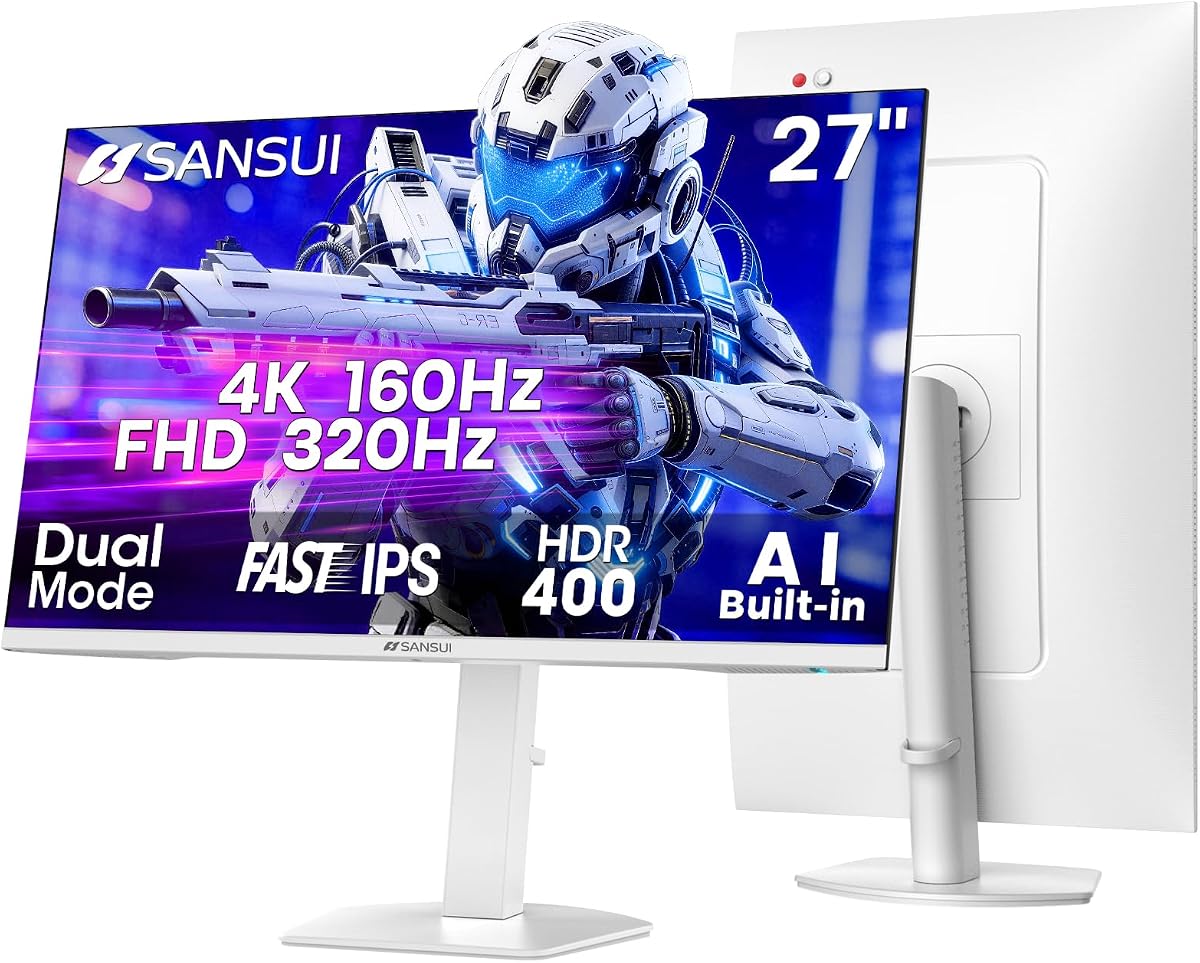
The SANSUI 27" 4K Gaming Monitor offers dual mode switching for AI enhanced flexibility. Rated 4.4 stars, it supports 4K 160Hz and FHD 320Hz modes with AI Crosshair.
We may earn a commission when you buy through this link, at no additional cost to you.
AI Crosshair and Sniper Scope help competitive play. Fast IPS 1ms response keeps action smooth. It includes built-in speakers and AI DBL Eye Care for health.
Mode switching may cause minor lag and HDR brightness is modest. These trade-offs suit gamers needing speed and AI aids over raw HDR brightness.
Choose this if you want versatile AI modes for different games. It fits gamers wanting speed and eye care in one adaptable package.
Switch between 4K clarity and FHD speed depending on your game.
AI tools provide visual aiming aids for competitive shooting titles.
We may earn a commission when you buy through this link, at no additional cost to you.
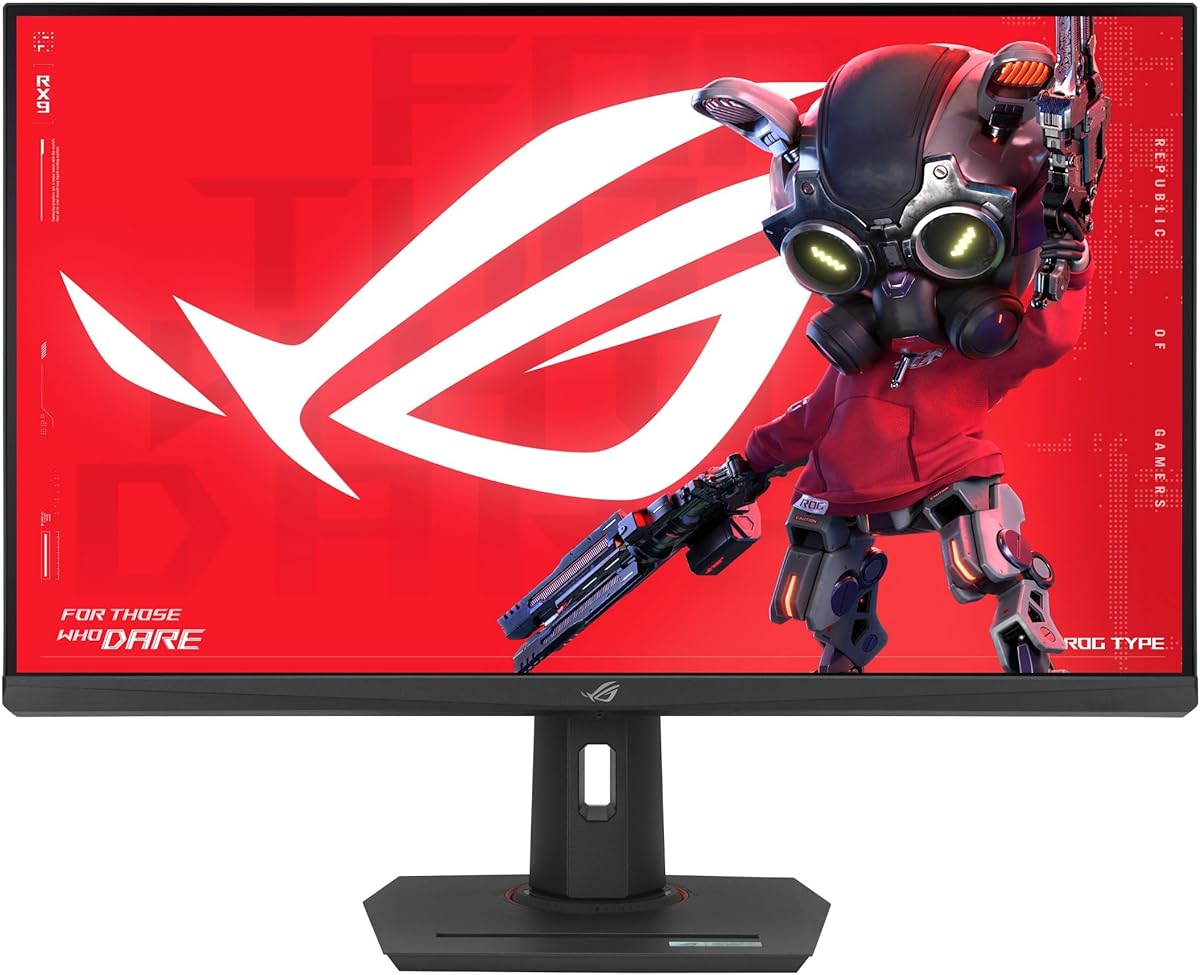
The ASUS ROG XG32UCG features ROG Gaming A.I and a 0.3ms response time for ultra-fast visuals. Rated 4.6 stars, it uses AI to enhance gaming experience and color accuracy.
We may earn a commission when you buy through this link, at no additional cost to you.
ROG Gaming A.I optimizes gameplay settings dynamically. Dual mode allows 4K 160Hz or FHD 320Hz. It includes Adobe Creative Cloud and a 3-year warranty.
Price and software dependency may deter casual users. These trade-offs suit serious gamers and creators needing top-tier speed and support.
Buy this if you want premium AI gaming features and speed. It fits pros needing 0.3ms response and versatile modes with warranty support.
AI technology enhances gaming visuals and response dynamically.
A 0.3ms response time delivers unmatched speed for fast action.
We may earn a commission when you buy through this link, at no additional cost to you.
Choosing the right AI ready monitor depends on specific needs and workflows.
Resolution impacts detail; 4K offers sharpness for creative work while 1080p prioritizes frame rates. AI upscaling can enhance lower resolution content to look near 4K.
Pick 4K if you need crisp text and images for design or office tasks.
Refresh rate determines smoothness; 120Hz+ helps gaming and motion while 60Hz suits basic work. Fast response times eliminate ghosting during rapid movement.
Look for 144Hz and faster for gaming to ensure smooth action without lag.
AI picture tools optimize brightness and contrast based on content. These features help maintain clarity during long viewing sessions.
Choose models with AI upscaling if you watch varied content quality frequently.
AI blue light reduction minimizes strain by adjusting emissions without losing color. These tools improve comfort during extended work periods.
Prioritize monitors with ComfortView Plus or similar tech if you work long hours.
Modern AI monitors include USB-C for data and power plus HDMI and DisplayPort options. Multiple ports support multi-screen setups without adapters.
Ensure your model offers USB-C power delivery for seamless laptop connectivity.
Smart OS like webOS or Samsung Tizen allow streaming without a PC. This adds entertainment value but may require learning.
Consider an AI model with smart apps if you use the monitor as a media center.
Adjustable stands let you tilt, swivel, and raise screens to reduce neck strain. Ergonomic design helps maintain comfort during long sessions.
Check for full adjustability if you use the monitor daily for extended periods.
Prices vary by features; AI upscaling and smart OS add cost but improve flexibility. Balance features against your primary use case to maximize value.
Set a budget that covers essential AI tools without unnecessary extras.
Start by installing manufacturer software like DisplayWidget Center or Switch App to access AI features. Calibrate brightness and color using built-in tools for accurate visuals.
Clean the screen with a soft microfiber cloth and avoid harsh chemicals. Keep vents clear to ensure AI sensors and cooling systems function properly.
Use USB-C for single-cable setups to reduce clutter. Adjust eye care settings during long sessions to reduce strain and maintain productivity.
AI ready monitors integrate artificial intelligence tools such as picture optimization, noise reduction, and adaptive brightness directly into the display. These features adjust visuals and audio based on content and environment to enhance comfort and performance.
Many models can operate standalone with built-in apps for streaming and productivity. However, full feature access may require a PC for advanced connectivity and customization.
AI upscaling uses processors to analyze and enhance lower resolution content to fit 4K screens. This improves detail and clarity by intelligently filling gaps in the image.
Yes, tools like ComfortView Plus reduce harmful blue light emissions without losing color accuracy. These features help minimize eye strain during long work sessions.
For gaming, 144Hz or higher ensures smooth motion. For general use, 60Hz to 120Hz provides fluidity. Match the rate to your primary workload to balance performance and cost.
Yes, smart monitors like Samsung M7 allow control of IoT devices directly. This centralizes management for lighting, energy, and other connected systems from the desk.
Clean with a soft microfiber cloth and avoid harsh chemicals. Keep vents clear for proper cooling. Update firmware regularly to maintain AI feature performance.
Yes, models with high DCI-P3 coverage and HDR support are ideal. AI tools assist with brightness and contrast adjustments to improve color accuracy.
We highlighted the Samsung 32” Smart Monitor M7 as the Editor's Choice for its powerful Vision AI features. The SANSUI 34-Inch Curved Gaming Monitor offers the best budget-friendly AI experience.
Focus on resolution and AI tools that fit your workflow. For creators, color and brightness matter most. Gamers should prioritize response time and refresh rates.
Remember that prices and availability change regularly. Check current listings before purchasing to ensure you get the best deal on the right model for your needs.