
TransOurDream Heat Transfer Paper for T Shirts (20 Sheets, 8.5×11)
4.0Editor score
Affordable bulk pack
Classic light fabric transfer
Cool peel technology
Finding the right heat transfer printer paper for iron on shirts can transform your creative projects into professional-looking garments. Whether you are making custom gifts or starting a small business, the quality of your transfer paper determines how vibrant and lasting your designs will appear on fabric.
We have carefully analyzed ten leading products available in the market today. Our comparison focuses on key factors such as printer compatibility, fabric suitability, wash durability, and the ease of the transfer process. This ensures you can choose the best option for your specific needs without guessing.
Each pick below highlights specific strengths and ideal use cases for different types of users. You will find detailed insights into how each paper performs with inkjet or laser printers and on light versus dark fabrics. Please note that product availability and pricing may change over time.
4.0Editor score

4.4Editor score

4.6Editor score
As an Amazon Associate we earn from qualifying purchases.
The following table provides a side-by-side comparison of all ten selected products. We highlight essential specifications such as sheet count, fabric type compatibility, printer requirements, and included accessories to help you make an informed decision quickly.
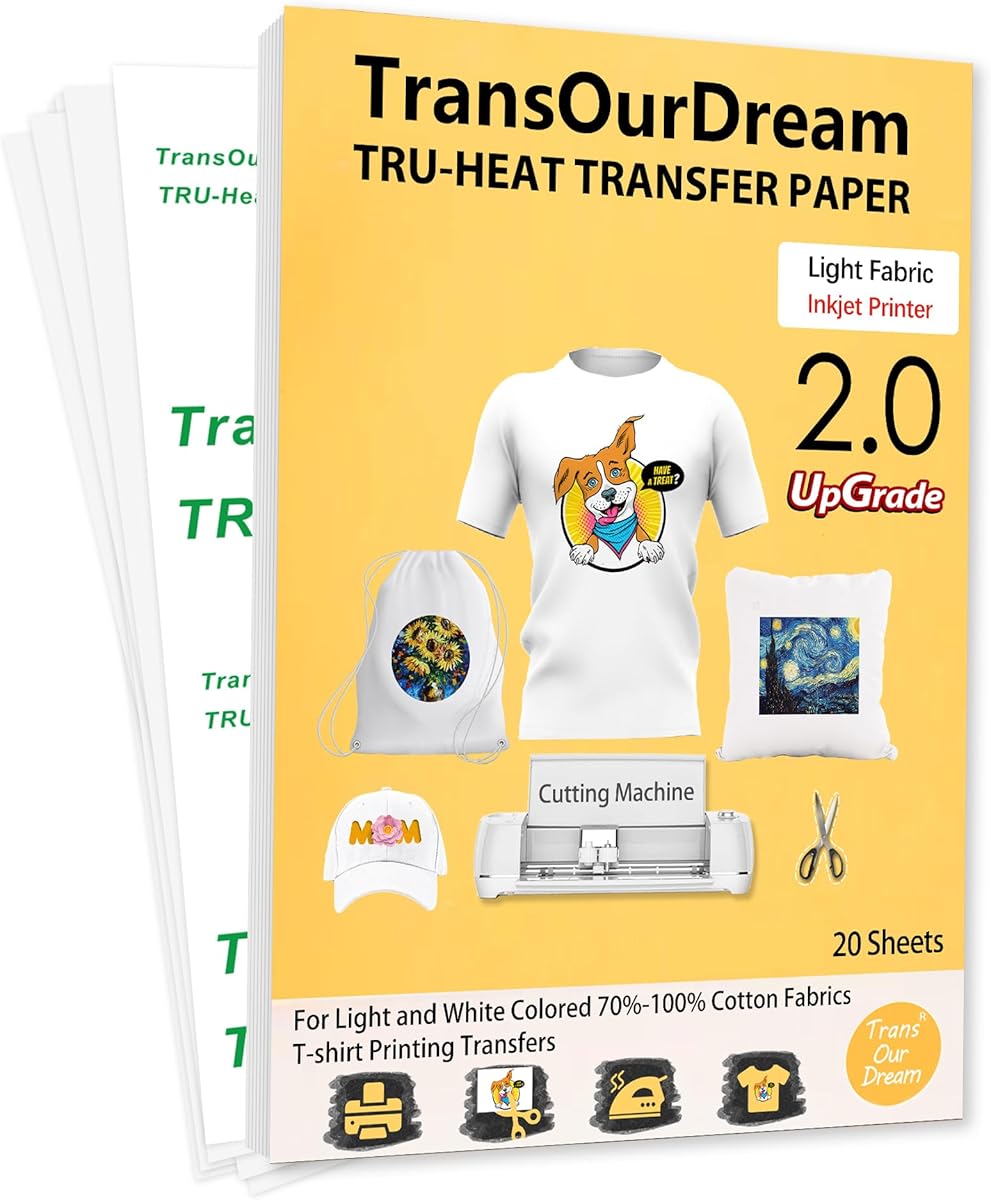



This product stands out as a top choice for those seeking quality heat transfer printer paper for iron on shirts. With a rating of 4.4 out of 5 stars, users appreciate its ease of use and the fact that it does not require mirror printing. This saves time and reduces errors during the design process.
We may earn a commission when you buy through this link, at no additional cost to you.
The TRU-TRANSFER paper is designed for light or white color cotton fabrics ranging from 70% to 100%. It offers vibrant, stretchable, and durable transfers that hold up well to washing. The paper is compatible with standard inkjet printers like HP and Brother, using pigment or dye ink. It works well with cutting machines like Cricut, adding versatility for detailed designs.
While the product is excellent, it is limited to light fabrics and inkjet printers. If you need dark fabric transfers, you will need to look elsewhere. However, for its intended purpose, the quality is high. The included Teflon paper protects your iron and ensures smooth transfers, which is a thoughtful inclusion.
If you are a hobbyist or small business owner focusing on light-colored apparel, this paper is a strong recommendation. It balances quality and usability well. We suggest checking the video tutorial included in the product details to ensure you get the best results on your first try.
The paper is designed to be cut easily with scissors or a cutting machine, making intricate shapes simple to achieve.
The formula ensures that printed colors remain bright and vivid after the transfer process, enhancing the look of your shirts.
We may earn a commission when you buy through this link, at no additional cost to you.
This version offers a larger pack of 20 sheets compared to the previous entry. It shares the same upgraded light 2.0 formula, which fixes the issue of traditional papers not being cut with machines. This makes it ideal for users who need bulk supplies for larger projects or businesses.
We may earn a commission when you buy through this link, at no additional cost to you.
The paper works with inkjet printers and requires no mirror printing. It is designed for light color cotton fabrics and ensures vibrant colors. The Teflon sheets included help prevent sticking during the ironing process. Users have rated it highly for its ease of use and consistent results.
The main limitation is that it is only for light fabrics. You cannot use it on black or dark shirts. Also, it relies on inkjet printers, so laser users should look at other options. Despite this, the value per sheet is good for those focused on light garment customization.
Consider this option if you need more sheets without compromising on quality. It is suitable for DIY gifts for holidays or events. The instructions are clear, and video tutorials are available to guide you through the process successfully.
The upgraded formula allows for easy cutting with scissors or Cricut, expanding design possibilities.
Colors are more vibrant than traditional light transfer papers, ensuring your designs pop on the fabric.
We may earn a commission when you buy through this link, at no additional cost to you.
Avery is a trusted brand in office and craft supplies, and this heat transfer paper reflects that reliability. It has a high rating of 4.6 out of 5 stars. The Color Shield formula ensures vivid prints that resist fading for up to 20 washes. This durability makes it suitable for items that will be washed frequently.
We may earn a commission when you buy through this link, at no additional cost to you.
This paper is designed specifically for dark-colored cotton and cotton/poly fabrics. You can print detailed designs using standard inkjet printers. Avery also provides an online design and print tool with templates, which simplifies the process for beginners. Instructions are included to ensure smooth transfers.
The pack size is smaller with only 5 sheets, which might not be enough for large batches. The price per sheet is higher compared to bulk options from other brands. However, for those seeking a premium experience with reliable brand support and design tools, it offers good value.
If you are making personalized gifts or custom branded apparel for a small event, this paper is a solid choice. The online tool helps create professional looks without graphic design skills. Ensure you print on the right side and follow the heat settings carefully.
Avery Design and Print Online offers templates and text options to create custom transfers easily without extra software.
The Color Shield formula protects prints from fading, maintaining quality through many wash cycles.
We may earn a commission when you buy through this link, at no additional cost to you.
This product is designed for professional heat press machines, making it ideal for business projects or batch transfers. With 25 sheets in a pack, it offers a good quantity for production. The Dark 6.0 formula ensures transfers are bright and vivid even on black fabrics. You can complete transfers in about 10 seconds with a heat press.
We may earn a commission when you buy through this link, at no additional cost to you.
It works with inkjet printers using pigment or dye ink. It is compatible with dark color 100% cotton fabrics. The machine washable feature ensures longevity. Teflon paper is included to protect the press and fabric during heating. Instructions are provided for optimal results.
The need for a professional heat press machine is a significant requirement. A home iron may not work as effectively. This limits accessibility for casual users. However, for those with equipment, the efficiency and quality are excellent for commercial purposes.
Consider this if you are running a small printing business or need to make many custom items quickly. The high transfer efficiency reduces time per item. Ensure your heat press is calibrated correctly for the best outcomes.
Designed for speed, you can finish transfers in 10 seconds with a heat press, increasing productivity.
The Dark 6.0 formula produces bright and vivid images that stand out against dark colors.
We may earn a commission when you buy through this link, at no additional cost to you.
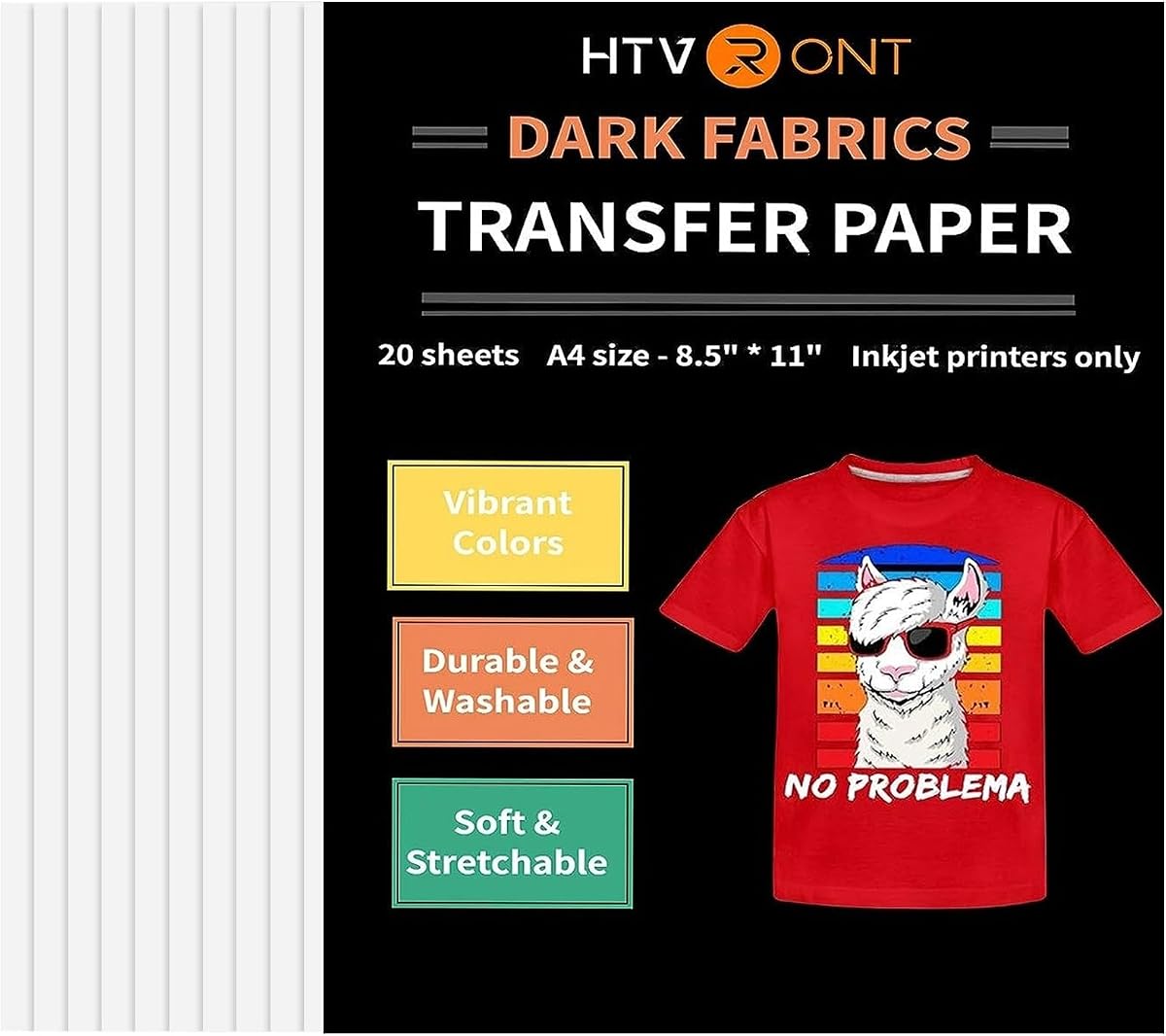
HTVRONT offers a versatile dark transfer paper that can be used with a home iron or heat press. It has a solid 4.4 rating from users who appreciate its vivid colors and ease of use. The paper is durable and withstands repeated washes without fading or cracking, making it reliable for everyday wear.
We may earn a commission when you buy through this link, at no additional cost to you.
You can use this with inkjet printers using dye or pigment ink. It is compatible with cutting machines for custom shapes. The settings provided recommend temperatures between 320 and 338 degrees Fahrenheit for 8 to 12 seconds. This flexibility makes it accessible for hobbyists without professional equipment.
One downside is that Teflon paper is not included, so you may need to source that separately. Also, it is limited to inkjet printers. Despite this, the value is good with 20 sheets. The company provides helpful service if you have issues.
This is a great choice for making dark custom T-shirts for gifts or small events. The ease of use with a home iron is a major plus. Follow the heat settings carefully to avoid scorching the fabric.
Works well with both home irons and heat presses, offering flexibility depending on your available tools.
You can cut this paper with scissors or a cutting machine for detailed designs without difficulty.
We may earn a commission when you buy through this link, at no additional cost to you.
This paper is unique because it works with both inkjet and laser printers. This flexibility is rare and valuable for those who do not have an inkjet printer. It has a rating of 4.4 out of 5 stars. The Dark 3.0 formula ensures transfers on dark fabrics are vibrant and durable.
We may earn a commission when you buy through this link, at no additional cost to you.
It is designed for black and dark T-shirts or cotton fabrics. You can use it with an iron, Easy Press, or heat press. The Teflon paper included helps protect your equipment. It is machine washable with cold water, but tumble drying is not recommended.
The price is higher than some other options, which may be a consideration for budget buyers. Also, the need to avoid tumble drying adds a specific care step. However, the printer compatibility is a major advantage that offsets these minor issues.
If you have a laser printer but want to do heat transfers, this is your best bet. It simplifies the process for users with different printer setups. Just follow the washing instructions to maintain the print quality.
Works with both inkjet and laser printers, making it a versatile choice for various home setups.
Designed to be machine washable with cold water, ensuring your designs last through many washes.
We may earn a commission when you buy through this link, at no additional cost to you.
This paper is notable for its stretchable formula, allowing transfers to stretch up to two times their original size without breaking. This is excellent for garments that require flexibility. It has a rating of 4.4 out of 5 stars. The transfers are soft and vibrant, enhancing comfort.
We may earn a commission when you buy through this link, at no additional cost to you.
It is compatible with inkjet printers and designed for dark color 100% cotton. The AI edge technology used in production ensures high quality. It includes a reusable Teflon sheet for protection. The paper is easy to cut with scissors or die cutting machines.
The pack size is smaller with 10 sheets, which limits the number of projects per pack. It is also limited to inkjet printers. However, the stretchability and softness are unique features that make it worth the cost for stretchy fabrics.
If you are printing on hoodies or stretchy cotton shirts, this paper prevents cracking. It is also great for DIY gifts. Follow the instructions for peeling and pressing to ensure the transfer adheres well.
Transfers can stretch up to 2X their original size, making them ideal for stretchy fabrics without cracking.
The formula guarantees transfers that are soft to the touch and vibrant in color for a premium feel.
We may earn a commission when you buy through this link, at no additional cost to you.
This classic option offers 20 sheets at an affordable price, making it great for budget-conscious buyers. It has a rating of 4.0 out of 5 stars. The paper sticks well to light fabrics and is machine wash durable. The cool peel feature means you wait for it to cool before peeling the backing.
We may earn a commission when you buy through this link, at no additional cost to you.
It works with inkjet printers on white or light color cotton fabrics. Instructions are clear and step-by-step. Even kids can transfer successfully, which makes it good for family projects. It is compatible with irons and heat presses.
You must print with mirror image on this paper, which requires extra attention. Also, it is only for light fabrics. Despite this, the low cost and ease of use make it a strong contender for casual users or beginners.
Consider this if you need to make many custom items on a budget. It is perfect for simple logos or text on light shirts. The video tutorial included helps ensure you get the mirror print right.
Allows you to peel away the backing after the transfer cools, reducing risk of damage.
Very easy to use, even kids can achieve successful transfers with minimal supervision.
We may earn a commission when you buy through this link, at no additional cost to you.
This compact pack offers 10 sheets of dark transfer paper that works with both inkjet and laser printers. It has a rating of 4.4 out of 5 stars. It is a convenient option if you need a smaller quantity or want to test the dual printer compatibility. The Teflon sheet included is helpful.
We may earn a commission when you buy through this link, at no additional cost to you.
It transfers designs onto dark or black T-shirts and cotton fabrics. You can use an iron, Easy Press, or heat press. The instructions are clear and videos are available. Machine washing in cold water is recommended for durability.
The pack is small, so not ideal for large batches. Tumble drying is not allowed, which is a care limitation. However, the dual printer support is a standout feature that makes it unique among dark papers.
Choose this if you have a laser printer but want to make dark transfers. The small pack size is good for trial runs. Follow the washing guidelines to keep the transfers looking fresh.
A compact 10 sheet pack is perfect for testing or smaller projects without buying in bulk.
Works with inkjet and laser printers, giving you flexibility if you do not have an inkjet printer.
We may earn a commission when you buy through this link, at no additional cost to you.
Printers Jack offers a durable dark transfer paper with 20 sheets in a pack. It has a rating of 4.4 out of 5 stars. The material is stretchable and absorbs ink beautifully. Users report no cracking after washing, which indicates high longevity. This makes it good for items that will be worn often.
We may earn a commission when you buy through this link, at no additional cost to you.
It works with inkjet printers using pigment ink. The sheet size is 8.3 by 11.7 inches, which is slightly different from standard 8.5 by 11. You need heavy pressure and specific time and temperature settings for the transfer. This ensures a strong bond.
The different sheet size might require adjusting your print settings. It is also limited to inkjet printers. However, the durability and stretchability are strong points. The company offers a customer satisfaction guarantee, adding peace of mind.
If you need transfers for dark fabrics that will undergo washing, this is a reliable choice. Follow the specific heat settings to ensure quality. The extra care in transfer steps yields long-lasting results.
The material absorbs ink beautifully, leading to clear and sharp designs on the fabric.
The company provides a satisfaction guarantee, ensuring you can reach out if there are any product issues.
We may earn a commission when you buy through this link, at no additional cost to you.
Selecting the right transfer paper involves understanding several key factors. We explain what to consider to ensure your designs turn out well.
The most critical factor is whether the paper works on light or dark fabrics. Light transfer papers are for white or light-colored cotton. Dark transfer papers are for black or dark-colored cotton. Using the wrong type will result in invisible or poor quality designs.
Most transfer papers are designed for inkjet printers. Some brands offer papers that work with both inkjet and laser printers. If you have a laser printer, ensure the product explicitly states it is compatible. Using the wrong printer can ruin the paper or the machine.
Check if the paper requires pigment ink or dye ink. Some brands state both work, while others specify one. Avoid sublimation ink unless the paper is for sublimation, as standard transfer papers are not designed for it. Using incorrect ink can cause smudging.
Durability is measured by how many washes the print lasts. Some papers last up to 20 washes, others may fade sooner. Look for terms like machine washable or wash durable. This ensures your shirt remains wearable for a long time.
Packs range from 5 sheets to 25 sheets. Consider how many shirts you plan to make. Bulk packs often offer better value per sheet. For occasional projects, smaller packs are fine. For business use, larger packs save time and money.
Features like no mirror printing or cool peel technology simplify the process. Instructions and video tutorials are also helpful. Teflon sheets included in the pack protect your iron. These factors affect how smooth your experience will be.
For garments like hoodies or stretchy fabrics, choose paper that is stretchable. Some products allow transfers to stretch without cracking. This is important if the fabric will stretch during wear. Non-stretchable paper may crack on stretchy materials.
If you plan to cut detailed shapes with a Cricut or other machine, ensure the paper supports it. Some papers are designed to be cut easily. Others may require scissors only. This expands your design possibilities significantly.
First, ensure your design is printed correctly. For light papers, print mirror image. For dark papers, print normally. Use the correct ink type as specified. Print on a high-quality setting to ensure vibrant colors.
Next, cut out your design. Use scissors or a cutting machine depending on the paper type. Place the shirt on a hard surface. Position the transfer on the fabric. Cover with the included Teflon paper to protect your iron and the transfer.
Finally, apply heat and pressure. Follow the time and temperature settings for your specific paper. Press firmly for the required duration. Let it cool before peeling the backing. For washing, turn the shirt inside out and wash on cold cycles.
No, you do not need to mirror print on dark transfer paper. Dark paper usually requires you to print the design normally so that when flipped, it looks right. However, always check the specific product instructions as some brands may vary. Light transfer paper usually requires mirror printing.
Yes, many heat transfer papers are designed for use with a regular home iron. You may need to press harder and adjust the temperature and time. However, for best results on dark or durable transfers, a heat press provides even pressure and heat.
This could be due to insufficient heat or time, or using the wrong fabric type. Ensure you follow the temperature and time settings exactly. Make sure the fabric is cotton or cotton/poly blend. Clean the fabric area before applying the transfer for better adhesion.
It is recommended to wash transfers in cold water to preserve the design. Hot water can cause fading or peeling over time. Turn the shirt inside out before washing. Avoid tumble drying; instead, let it air dry to extend the lifespan of the transfer.
Standard heat transfer papers are not compatible with sublimation ink. Sublimation requires special polyester fabrics and different paper. You will need to use a standard inkjet printer with pigment or dye ink for these papers. Check your printer settings before purchasing paper.
Store unused transfer paper in a cool, dry place away from direct sunlight. Keep it in its original packaging to prevent moisture damage. If the paper gets damp, it may not work well. Keep it flat to avoid curling before use.
Yes, you can cut transfer paper with a paper cutter for straight edges. For custom shapes, a cutting machine like Cricut may work if the paper is compatible. Test on a small piece first to ensure the cutter does not damage the backing or the transfer.
We have reviewed ten heat transfer printer paper options that cater to different needs. Whether you need dark or light fabric support, inkjet or laser compatibility, or bulk value, there is a suitable choice here.
Prioritize the fabric type and printer compatibility first to avoid errors. If durability is key, look for higher wash ratings. For budget concerns, consider the bulk packs available. These factors will guide you to the right product.
Prices and availability change often. Please check the current product details on the provided links before buying to ensure you get the best deal available right now.