
OBDLink EX FORScan OBD Adapter
4.7Editor score
Dealership-level diagnostics support
Electronic CAN bus switching
High throughput data transfer
This guide compares the top Forscan USB OBD2 adapters for Ford and Mazda vehicles, evaluating stability, speed, features, and value for DIY diagnostics.
Finding the right adapter for diagnostic software is essential for vehicle maintenance and customization. A quality tool ensures stable connections and access to advanced features across multiple modules.
We evaluated ten top-rated USB adapters based on reliability, compatibility, speed, and user feedback. Each option was assessed for its ability to handle complex programming tasks efficiently.
Every pick includes key features and practical insights to help you choose the best fit. Prices and availability may change, so verify details before purchasing your preferred model.
4.7Editor score

4.7Editor score

4.4Editor score
This table compares ten leading USB adapters for diagnostic software, highlighting key specs and capabilities for Ford and Mazda owners.


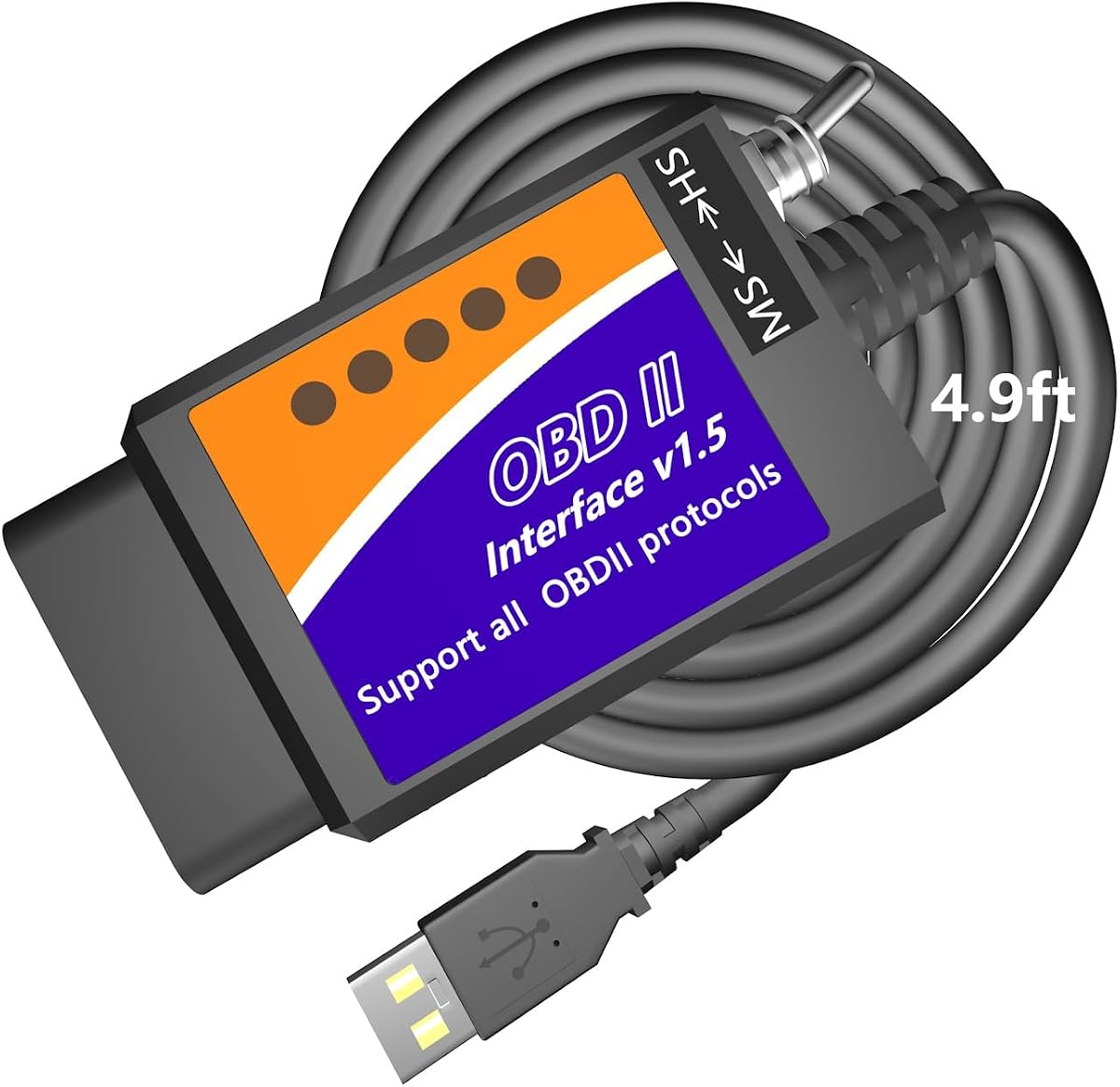


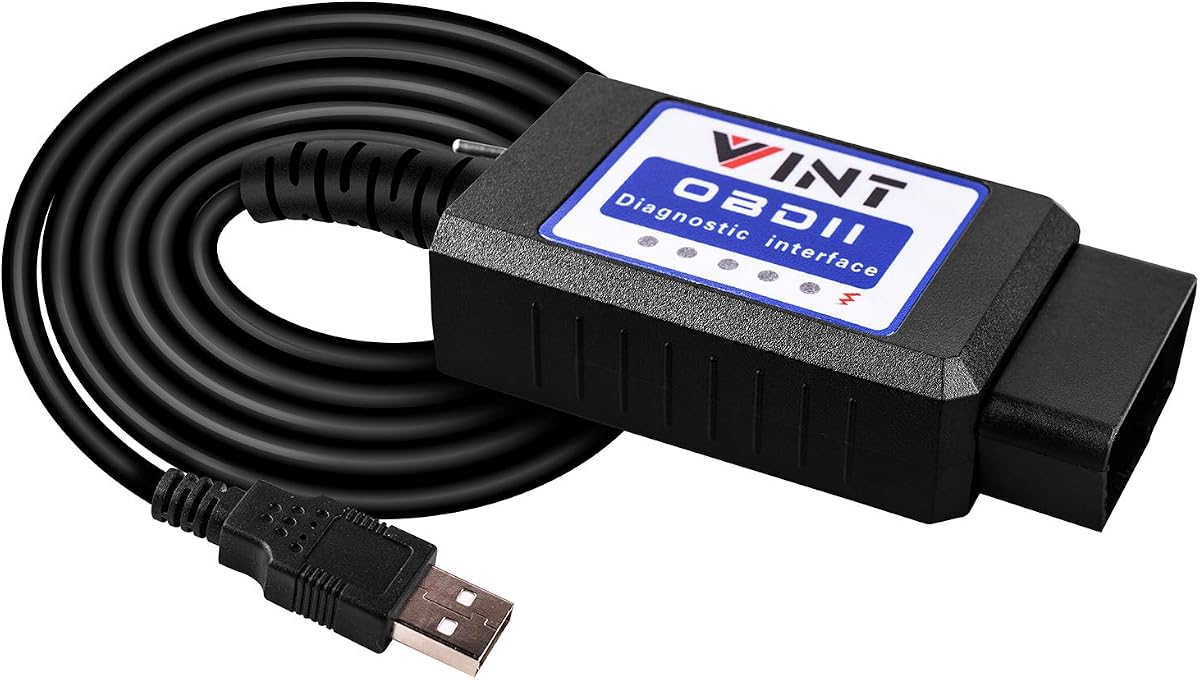
This adapter stands out with a 4.7 rating for its optimized stability during FORScan operations. It delivers reliable performance for extended diagnostics and ECU programming without lag or crashes.
We may earn a commission when you buy through this link, at no additional cost to you.
The intelligent CAN bus access automatically identifies and connects to supported HS-CAN and MS-CAN buses. This enables seamless multi-module access and advanced functions without manual toggling.
While it does not include diagnostic software, it supports high-speed data transfer up to 3 Mbps and full 4095-byte packets. This ensures complete DTC retrieval and stable live data streaming.
Ideal for DIY enthusiasts and professionals seeking a robust tool for Ford and Mazda vehicles. It balances performance, features, and reliability effectively for serious diagnostics.
Designed specifically for FORScan software, it delivers reliable performance during extended diagnostics and ECU programming without lag or crashes.
Intelligent CAN bus access automatically identifies and connects to supported buses for seamless multi-module access and advanced functions.
We may earn a commission when you buy through this link, at no additional cost to you.
Rated 4.7, this adapter is custom-designed for FORScan and recommended by the FORScan team. It supports all Ford protocols, modules, and advanced features for dealership-level diagnostics.
We may earn a commission when you buy through this link, at no additional cost to you.
The electronic switch allows FORScan to access all CAN buses simultaneously, enabling advanced functions not possible with toggle switch adapters. Maximum throughput reaches up to 20 times faster speeds.
It avoids data corruption and dropped packets with a rock-solid connection. This makes it ideal for complex tasks and high-volume diagnostics requiring reliability and precision.
Perfect for professionals or enthusiasts who need the highest performance and full access to vehicle systems. The investment is justified for frequent or advanced diagnostic use.
Supports all Ford protocols, modules, and advanced features for FORScan, delivering capabilities comparable to dealership tools.
Electronic switch allows simultaneous access to all CAN buses, enabling advanced functions and higher data throughput speeds.
We may earn a commission when you buy through this link, at no additional cost to you.
This adapter offers a 4.4 rating with a budget-friendly price. It supports all OBD2 protocols and includes toggle switches for MS-CAN and HS-CAN for troubleshooting.
We may earn a commission when you buy through this link, at no additional cost to you.
Compatible with ELMconfig, FoCCCus, and other software, it enables professional-grade DTC programming. It also unlocks hidden features like global window functions, Bambi mode, and more.
Users must install drivers before use, and it works best with Windows systems. While manual switching is needed, the stable USB connection exceeds wireless options for reliability.
Great for budget-conscious DIYers looking to customize vehicles without spending much. It provides essential tools for diagnostics and modifications effectively.
Unlocks global window functions, Bambi mode, parking assist, tire size calibration, and many hidden configurations for customization.
Compatible with ELMconfig, FoCCCus, Scanmaster, and other ELM327 protocol software for flexible diagnostic use.
We may earn a commission when you buy through this link, at no additional cost to you.
Rated 4.3, this OHP tool offers ELM327 compatibility with a connection speed up to 500 kbit/s. It provides accurate diagnostics for Ford and Mazda vehicles effectively.
We may earn a commission when you buy through this link, at no additional cost to you.
It supports bus speeds from 19200 baud to 500000 baud, ensuring flexibility. Users can read, interpret, and clear DTCs with fault descriptions to identify root causes.
Programming functions depend on the year, model, and FORScan software limitations. Note that it is Windows only and requires manual driver installation for detection.
A solid choice for DIY diagnosis on older Ford models. It balances affordability with the reliability needed for basic and advanced diagnostics.
Covers extensive Ford, Lincoln, and Mercury models including Focus, F-150, Escape, Mustang, and more.
Built with FTDI chip ensuring stable connection and reliable data transfer for diagnostic tasks.
We may earn a commission when you buy through this link, at no additional cost to you.
Rated 4.6, this adapter is optimized FORScan with FEPS 18V programming voltage output. It supports 3 Mbps transmission rates for smoother graphics and real-time meters.
We may earn a commission when you buy through this link, at no additional cost to you.
The serial buffer is 8192 bytes with OBD request bytes up to 4128. Automatic electronic switching allows simultaneous access to all CAN buses seamlessly.
Battery saver protection auto sleeps at 3mA to prevent drain. Lifetime firmware updates and 1-year warranty are included for long-term use.
Ideal for users needing stable connections and advanced programming features. It is designed for Ford, Lincoln, Mazda, and Mercury vehicles specifically.
Supports 3 Mbps transmission and 8192 byte buffer for efficient communication without dropped packets.
Auto sleep mode reduces power consumption to prevent battery drain during extended use or idle.
We may earn a commission when you buy through this link, at no additional cost to you.
Rated 4.0, this adapter offers broad compatibility with 99% of models after 2000. It is compatible with all Ford F-series trucks, Mazda, Lincoln, and Mercury vehicles.
We may earn a commission when you buy through this link, at no additional cost to you.
Special functions include Global Window, Bambi Mod, reverse tilt mirrors, tire size correction, and more. Users can customize vehicle settings using supported FORScan software.
Works on all Windows versions and requires driver installation. It supports all OBD2 protocols and provides access to hidden modules and features.
A practical choice for DIYers seeking affordable diagnostics and customization. It delivers essential functionality without requiring expensive equipment.
Covers 99% of models after 2000 and 92% after 1996 across Ford, Lincoln, and Mercury brands.
Enables modifications like Global Window, Bambi Mod, reverse tilt mirrors, and many other factory settings.
We may earn a commission when you buy through this link, at no additional cost to you.
Rated 4.3, this adapter features a 4.9ft cable for better working comfort compared to shorter 3ft versions. It allows you to rest laptops on knees while working.
We may earn a commission when you buy through this link, at no additional cost to you.
Unlock factory configurations like digital speedometer readouts, transmission temperatures, daytime running lights, and Sync menus. Also supports global window control and remote engine starting.
Designed for x86/x64 Windows laptops only. It includes a HS-CAN/MS-CAN toggle switch and provides comprehensive graphic and video tutorials for safe use.
Great for users needing physical comfort and guidance. It balances performance and ease of use for customization tasks.
4.9ft cable provides working comfort and flexibility, reaching passenger seats and reducing strain.
Access factory configurations like Sync menus, trailer brake controllers, and daytime running lights.
We may earn a commission when you buy through this link, at no additional cost to you.
Rated 4.3, this adapter uses an FTDI chip for reliable data transfer and corruption avoidance. V1.5 hardware ensures fast operation and professional-grade fault programming.
We may earn a commission when you buy through this link, at no additional cost to you.
Switching MS-CAN/HS-CAN enables speeds up to 500 kbit/s. It improves smooth access to existing modules without data loss or corruption issues.
Compatible with FORS-can, Elmconfig, FF2, and FoCCCus. It covers 99% of F150 and F250 models after 2000 effectively.
A robust tool for DIY projects focused on stability and reliability. It balances affordability with the required hardware quality for diagnostics.
FTDI chip and V1.5 hardware avoid data corruption and ensure stable connections.
MS-CAN/HS-CAN switch enables 500 kbit/s speed for efficient and professional-grade programming tasks.
We may earn a commission when you buy through this link, at no additional cost to you.
Rated 4.8, this adapter is custom-designed for FORS-can and recommended by the team. It allows simultaneous CAN bus access via automatic electronic switching.
We may earn a commission when you buy through this link, at no additional cost to you.
Supports FEPS 18V programming voltage and reaches 3 Mbps transmission for smoother graphics. USB connection ensures no dropped packets or network interference.
Improved to support USB 2.0 and 3.0 interfaces for better compatibility. It delivers faster work efficiency for advanced configuration and programming functions.
A top-tier tool for serious Ford and Mazda diagnostics. It offers excellent reliability and speed for all users.
Automatically switches between CAN buses allowing simultaneous access and advanced feature use.
Reaches 3 Mbps transmission and 3Mhz baud rate for efficient data handling.
We may earn a commission when you buy through this link, at no additional cost to you.
Rated 4.5, this adapter is sought by Ford owners for flawless scanning and programming. It supports F150, F250, and light pickup trucks from 1996 onwards.
We may earn a commission when you buy through this link, at no additional cost to you.
The MS-CAN and HS-CAN toggle switch helps access and configure as-built data efficiently. Users can apply endless mods via FORscans software for customization.
It runs at constant 500kbit/s speed and requires Windows systems. Drivers must be updated via internet for best performance and connectivity.
A practical choice for Ford truck owners needing reliable diagnostics. It delivers essential tools for troubleshooting and module modification.
Supports F-series trucks from 1996 onwards including F150, F250, F350, and Ranger.
Toggle switch enables efficient access and configuration of vehicle as-built data for customization.
We may earn a commission when you buy through this link, at no additional cost to you.
Selecting the right adapter depends on compatibility, speed, stability, and your intended use. This guide outlines key factors to evaluate.
Ensure the adapter supports FORScan and your vehicle's protocols like HS-CAN and MS-CAN. Some require electronic switching while others use manual toggles.
Look for adapters explicitly recommended by the FORScan team for best stability and feature access.
USB connections are generally more stable than wireless options for extended diagnostics. Data transfer speed impacts live data streaming and programming efficiency.
Opt for adapters supporting higher speeds like 3 Mbps or 500 kbit/s for smoother performance.
Automatic electronic switching allows simultaneous access to all CAN buses for advanced features. Manual switches require user interaction which can slow tasks.
Automatic switching is preferred for complex programming and full diagnostic capabilities.
Most adapters support Windows systems exclusively. macOS users may need virtualization or alternative setups which adds complexity.
Verify your operating system is compatible before purchasing to avoid connection issues.
Some adapters require manual driver installation like FTDI or CH340T before use. Plug-and-play models reduce setup time significantly.
Check product descriptions for driver needs to ensure smooth initial setup.
Look for robust connectors and quality materials to prevent data corruption or dropped packets. Built-in protection like over-voltage safeguards extend longevity.
Invest in adapters with proven hardware reliability for long-term use.
Prices vary from budget-friendly options under $20 to premium models around $70. Consider what features you need to balance cost and performance.
Budget adapters suit basic diagnostics while premium ones support advanced programming.
First, install any required drivers on your computer and verify compatibility with your vehicle model. Connect the adapter to the OBD2 port under the dashboard.
Launch FORScan software and configure the connection settings to match the adapter type. Select the appropriate CAN bus mode if required manually.
Regularly update drivers and firmware to maintain performance. Keep the adapter protected from moisture and extreme temperatures.
No, FORScan software is downloaded separately from the official website. Some adapters may recommend versions, but the software is always a separate download or trial.
Most adapters support Windows only. macOS users may need virtual machines like Boot Camp which adds complexity to setup and use.
HS-CAN is high-speed for critical modules like engine, while MS-CAN is medium-speed for body electronics. Both are required for full Ford vehicle access.
Yes, advanced programming features often require an Extended License trial from FORScan. It is separate from the adapter itself.
Check drivers are installed and the COM port is properly configured. Sometimes lowering the COM port number helps detection in Windows Device Manager.
Some adapters have battery saver protection allowing safe idle. Always disconnect when not in use to avoid potential battery drain issues.
Top picks include the Vgate vLinker FS for overall balance and OBDLink EX for premium performance. Budget options like ELM327 adapters suit basic needs.
Prioritize automatic switching and high stability for complex diagnostics. Ensure compatibility with your vehicle's protocols before purchasing.
Prices and availability may change so verify current details on Amazon before ordering your chosen adapter today.