
Amazon Fire HD 8 Kids tablet
4.6Editor score
8 inch HD screen
13 hour battery life
32GB internal storage
Choosing the right tablet for young children requires balancing fun with safety and educational value. Parents need devices that withstand drops while offering age appropriate content. This guide reviews the best options available in the market today.
We evaluated each tablet based on durability, parental control features, battery performance, and the quality of included software. Our analysis focuses on models specifically designed for toddlers and early elementary students to ensure they meet family needs.
Each selection highlights key strengths and potential drawbacks to help you make an informed decision. Note that availability and specific bundle details may change frequently. Always check the latest product pages before purchasing to confirm current offers.
4.6Editor score

4.3Editor score

4.0Editor score
As an Amazon Associate we earn from qualifying purchases.
The following table provides a side by side comparison of all ten tablets reviewed in this guide. It highlights key specifications and features to help you quickly identify the model that best fits your family needs.




The Amazon Fire 7 Kids tablet stands out as a top choice for families seeking a reliable device for children aged three to seven. It holds a strong rating and offers a comprehensive bundle including a subscription to Amazon Kids+. This device is designed to withstand everyday toddler use while providing a safe digital environment.
We may earn a commission when you buy through this link, at no additional cost to you.
One of its greatest strengths is the inclusion of a one year subscription to Amazon Kids+, which provides access to thousands of ad free books, games, and videos. The tablet also comes with a durable case that protects against drops. The parental controls allow parents to set educational goals and time limits with ease, ensuring screen time is productive.
While the 16GB of internal storage may feel limited for large media libraries, it can be expanded with a microSD card. The screen resolution is adequate for reading and watching videos but is not as sharp as higher end models. These trade offs are acceptable given the device focus on durability and safety for young children.
This tablet is ideal for parents who want a full featured device without compromising on safety or durability. The two year guarantee provides peace of mind against accidental damage. If you need a dependable tablet for daily learning and entertainment, this model delivers excellent value for the investment.
The included Amazon Kids+ subscription offers thousands of age appropriate titles from trusted brands like Disney and PBS Kids ensuring hours of engaging educational entertainment.
Every unit ships with a kid proof case designed to absorb impact from drops and bumps making it suitable for active children who may not handle devices gently.
We may earn a commission when you buy through this link, at no additional cost to you.
The Amazon Fire HD 8 Kids tablet offers a premium experience with a larger HD screen and enhanced performance specifications. It holds an excellent rating and is perfect for children who need more storage for apps and media. The device maintains the same safety features as the smaller model but improves on display quality and battery endurance.
We may earn a commission when you buy through this link, at no additional cost to you.
Its 8 inch HD display makes reading and watching videos more immersive for young eyes. With 32GB of storage you can download more content without needing immediate expansion. The 13 hour battery life ensures the tablet lasts through long car trips or school days without needing a recharge. Parental controls remain intuitive and effective.
The main drawback is the higher cost compared to the Fire 7 but the extra features justify the price for many families. The charging port is micro USB rather than USB C which is becoming less common. Overall it remains a strong contender for those wanting a brighter screen and more storage for their child.
Choose this tablet if you want a higher resolution screen and longer battery life. It is well suited for children who consume a lot of video content or need to store many educational apps. The warranty and case ensure the device remains functional for years of use.
The 8 inch HD display provides sharper visuals and vibrant colors which enhances the viewing experience for educational videos and interactive games.
With up to 13 hours of use on a single charge this tablet is perfect for travel or days when access to a power outlet is limited.
We may earn a commission when you buy through this link, at no additional cost to you.
This Android based tablet offers a budget friendly alternative to branded devices while maintaining essential features for young children. It runs on Android 12 and provides access to the Google Play Store allowing for a wider range of app downloads. The specs are impressive for the price point including 4GB of RAM and 32GB of storage.
We may earn a commission when you buy through this link, at no additional cost to you.
The device includes parental control features that let you limit screen time and filter content. It also features dual cameras which can be fun for creative projects. The included case is designed to protect the device from drops making it suitable for active play. It is a solid choice for families wanting Android flexibility.
The trade off is that software updates and support may not be as consistent as major brands. Some apps may not be optimized perfectly for the screen resolution. However for basic educational games and video streaming it performs well. The price makes it an accessible entry point into tablet ownership.
Consider this option if you need a device with full Android capabilities at a lower cost. It works well for children who need specific apps from the Play Store. The hardware specs provide a smooth experience for multitasking and loading content quickly.
Full access to the Google Play Store allows parents to download specific educational apps and tools that may not be available on proprietary ecosystems.
Dual cameras enable children to take photos and record videos fostering creativity and providing parents with memories of their child activities.
We may earn a commission when you buy through this link, at no additional cost to you.
The YosaToo Kids Tablet runs on the latest Android 16 system and focuses on providing a safe learning environment. It comes with pre installed offline learning apps which are perfect for travel areas without stable Wi-Fi. The device balances performance with safety features that parents can rely on for daily use.
We may earn a commission when you buy through this link, at no additional cost to you.
One of its unique selling points is the offline content that allows children to learn without an internet connection. This makes it ideal for long car rides or flights. The Google Kids Space interface creates a curated environment for exploration. The drop proof case ensures the device survives the rigors of toddler handling.
While the brand is less known than major manufacturers the hardware specifications are competitive. Some users may need to configure settings to match their specific needs. The integration with Google services provides a robust foundation for app usage. It is a strong contender for tech savvy families.
Choose this tablet if offline capability is a priority for your family. It offers a modern Android experience with built-in tools for education. The case and warranty support provide additional confidence in the purchase.
Pre-installed offline apps allow children to engage with educational content regardless of internet availability making it great for travel.
Google Kids Space offers a safe browsing experience tailored to children helping them discover age appropriate content easily.
We may earn a commission when you buy through this link, at no additional cost to you.
The Amazon Fire HD 8 Kids Pro is tailored for children transitioning from toddlers to pre-teens. It offers a more mature aesthetic while maintaining the safety features parents expect. With 64GB of storage it supports heavier app usage and media libraries. The slim case appeals to older children who prefer less bulky devices.
We may earn a commission when you buy through this link, at no additional cost to you.
Its web browsing capability includes built-in guardrails that filter inappropriate sites allowing for safer exploration. The parental dashboard allows for remote monitoring and content approval. The battery life supports a full day of use without interruption. This device bridges the gap between entertainment and educational tools effectively.
The slim case provides less physical protection than the rugged cases on younger models which is a trade off for style. However it is still durable enough for careful handling. The age range may not fit very young toddlers who need more guidance. It is perfect for growing kids.
Select this model for children who are ready for more independence in their digital use. The larger storage and web access support school projects and learning. The design encourages responsibility while keeping safety in place.
Built-in browser controls help filter out inappropriate sites allowing older kids to explore the web safely under parental supervision.
The sleek design and slim case are appealing to pre-teens who want a device that looks more grown up than standard kids tablets.
We may earn a commission when you buy through this link, at no additional cost to you.
The PEICHENG Kids Tablet is designed to support educational play through its hardware and software configuration. It runs on Android 12 and includes necessary tools for parents to manage usage. The dual camera feature adds a creative element to the experience. It is a solid choice for families prioritizing educational content.
We may earn a commission when you buy through this link, at no additional cost to you.
With 4GB of RAM it handles multiple apps without lagging. This is beneficial for interactive learning apps that require processing power. The parental control features allow you to set passwords and time limits easily. The case protects the screen from common drops and bumps.
The lower rating suggests some users may encounter minor software glitches. Support resources are less centralized compared to major brands. However for the price the value proposition is strong. It is a good option for casual use and learning activities.
Opt for this tablet if you need a straightforward device for learning games. It provides the essential features for young children without unnecessary complexity. The camera and storage are adequate for most daily tasks.
With 4GB of RAM the tablet can run educational apps and switch between tasks smoothly providing a better user experience.
The dual cameras allow children to engage in photography and video recording which can be integrated into learning activities.
We may earn a commission when you buy through this link, at no additional cost to you.
The ApoloSignage 2026 tablet features a larger 10 inch display which is excellent for shared viewing and detailed content. It runs on Android 16 and offers high memory capacity for smooth performance. This device is designed for children who consume significant amounts of video or graphics intensive content.
We may earn a commission when you buy through this link, at no additional cost to you.
The 8GB of RAM ensures that the system runs efficiently even with multiple apps open. The large screen makes reading books and watching shows more comfortable for eyes. Parental controls help manage access to content. The battery life supports extended use sessions.
The weight of a 10 inch device can be cumbersome for very young children. The lower ratings suggest potential quality control issues. However the specifications are impressive for the price. It suits families who want a bigger display without spending a premium.
Consider this tablet for children who prefer a larger view for learning or entertainment. It provides powerful hardware for demanding apps. Ensure the device fits your child comfortably before purchasing.
A 10 inch screen provides ample space for educational content and makes it easier for multiple children to share the experience.
With 8GB of RAM this tablet handles multitasking and complex applications with ease reducing the likelihood of slowdowns.
We may earn a commission when you buy through this link, at no additional cost to you.
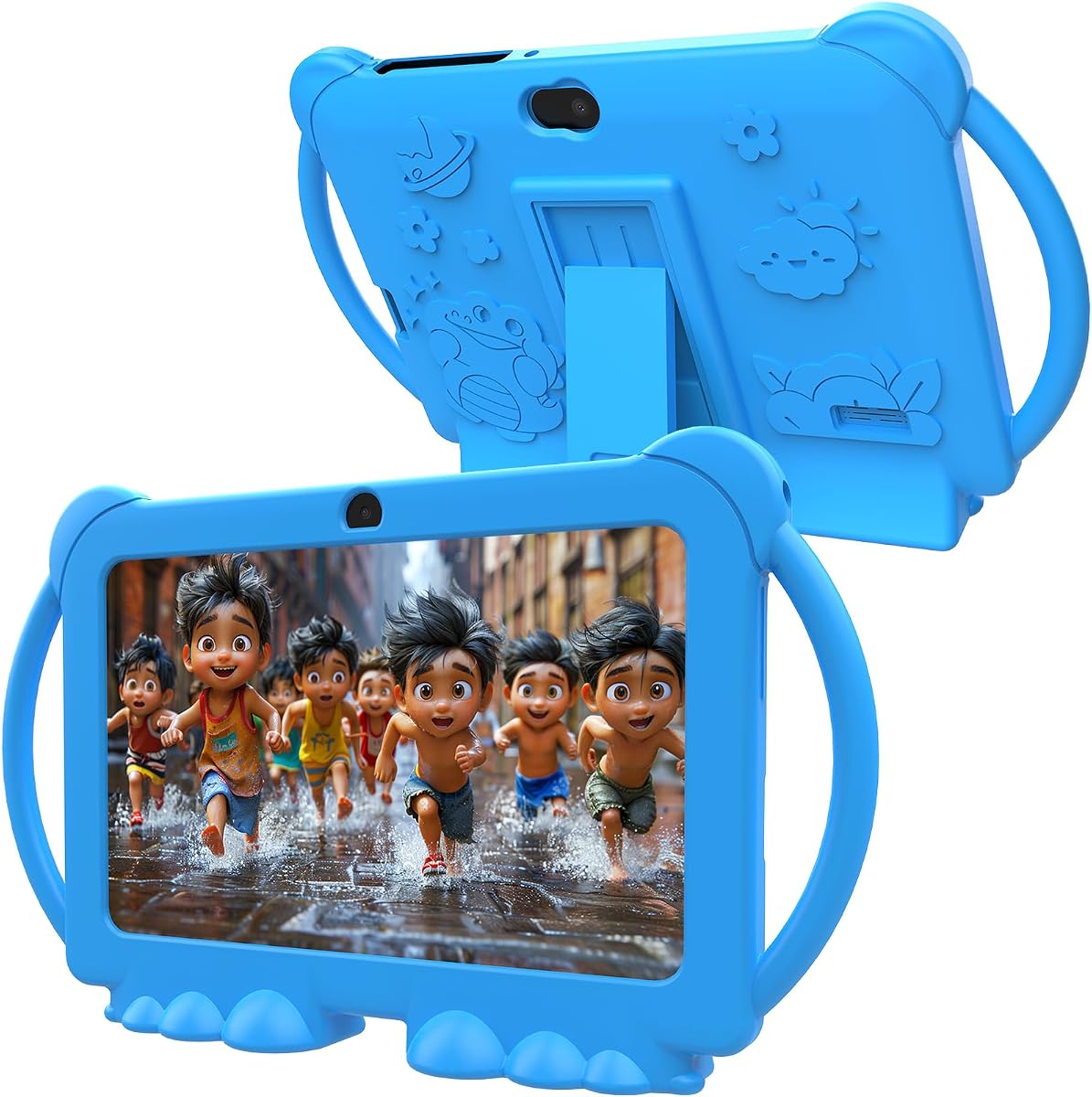
The HOTTABLET Kids Tablet offers a compelling feature set for families with large media collections. It supports expansion up to 1TB allowing for extensive storage of videos and apps. The device runs on Android 12 and includes parental controls to manage usage. It is a practical choice for tech heavy households.
We may earn a commission when you buy through this link, at no additional cost to you.
The silicone case provides protection against drops which is essential for young children. With 32GB of internal storage it is already generous. The camera allows for creative play. The interface is intuitive for parents to set up profiles.
The battery life is average compared to premium models. Support may require contacting the vendor directly. Despite this it offers strong performance for everyday tasks. The storage option is a major benefit for long term use.
Choose this tablet if you need significant storage capacity without paying extra. It works well for downloading large files. The hardware handles daily use effectively for young children.
Support for 1TB expansion allows families to download and store large video libraries and educational content for offline use.
The included silicone case absorbs shocks and protects the device from accidental drops and bumps effectively.
We may earn a commission when you buy through this link, at no additional cost to you.
The aiprotablet 10 inch Kids Tablet boasts a large battery that supports extended use without frequent charging. It runs on the latest Android system and includes powerful hardware for smooth performance. The design focuses on safety and educational content access. It is suitable for travel or long usage periods.
We may earn a commission when you buy through this link, at no additional cost to you.
The 6000mAh battery ensures the device lasts longer than average models. The display is bright and clear for reading. Parental controls allow you to manage screen time effectively. The device is expandable to fit growing needs. It supports various learning apps well.
The price is higher than some budget alternatives but the battery justifies it for heavy users. Support may not be as immediate as with major brands. It is a strong option for families needing reliability and endurance.
Select this model for travel or extended learning sessions. The battery life reduces the need to carry chargers. The performance supports a range of educational activities efficiently.
The 6000mAh battery provides significantly longer usage times making it ideal for long trips or days away from power sources.
Preloaded content and easy to access app stores ensure children can find educational tools quickly without frustration.
We may earn a commission when you buy through this link, at no additional cost to you.
The PRITOM 7 inch Kids Tablet focuses on a simple and intuitive interface for young children. It comes preloaded with kid friendly software to ensure immediate usability. The parental controls are easy to set up for parents. It is a practical device for basic entertainment and learning.
We may earn a commission when you buy through this link, at no additional cost to you.
The iWawa app provides a curated set of content right out of the box. This reduces setup time and allows children to start using the device immediately. The fast charging port ensures minimal downtime between uses. The hardware supports smooth operation for standard apps.
The lower rating may indicate some variability in build quality. It is not as feature rich as higher end models. However it serves the purpose well for casual use. It is a good entry level option.
Choose this tablet for simple and quick setup. It offers a safe environment for children to explore. The interface is designed to minimize frustration and maximize learning.
A child friendly interface makes it easy for young users to navigate and find content without parental assistance.
Pre installed apps like iWawa provide instant access to age appropriate games and videos without needing extra downloads.
We may earn a commission when you buy through this link, at no additional cost to you.
Selecting the right tablet involves evaluating several factors to ensure it meets your child needs and your family requirements.
Children in this age group often handle devices roughly. Look for tablets with sturdy cases or protective bumpers that absorb shock from drops. Some models come with built in guarantees that replace the device if it breaks within a specific period.
The screen size impacts usability. A 7 inch display is lightweight and easy for small hands while an 8 inch or larger screen offers better visuals for reading and video. Ensure the display has high resolution to protect eyes during long sessions.
Robust parental controls are essential for keeping content safe. Look for options that let you filter apps by age set time limits and review activity reports. This ensures your child only accesses educational and appropriate content.
Battery endurance determines how long the tablet lasts on a single charge. Aim for a model with at least 8 to 10 hours of use so it can last through school trips or days out. Some models offer 13 hours of endurance.
Internal storage determines how many apps and videos you can keep. 32GB is a good baseline for most families but consider expandable storage via microSD cards if your child downloads a lot of content. This ensures you do not run out of space quickly.
Decide between a closed ecosystem like Amazon Fire and open Android. Fire tablets offer strong content integration while Android offers flexibility to download any app. Ensure the system supports the educational apps your child needs for school or hobbies.
A good warranty provides peace of mind against accidental damage. Check if the manufacturer offers a multi year guarantee or replacement program. Reliable customer support ensures you can resolve issues quickly if they arise during use.
To ensure the tablet lasts as long as possible always place the child in protective case before use. Avoid exposing the device to water or extreme heat which can damage the battery and screen. Keep the screen clean with a soft microfiber cloth to prevent scratches and smudges.
Yes most of these devices include robust parental controls that allow you to filter content and set time limits. The Amazon options include a Kids+ subscription that provides an ad free environment. Always review settings to ensure only appropriate content is accessible.
Parental control dashboards allow you to set daily time limits and educational goals. You can schedule when the tablet is active to prevent usage during sleep or study times. These tools are easily accessible through a parent account.
Many models support offline modes where you can download books and videos for later viewing. This is especially useful for travel or areas without internet access. Some Android tablets also support apps that function without a connection.
Fire tablets are optimized for Amazon content and have a simplified interface for kids. Android tablets offer more flexibility and access to the Google Play Store. Fire tablets often include kid proof cases as standard while Android models vary.
Most models offer between 8 and 13 hours of use on a single charge. This duration depends on screen brightness and active apps. The larger capacity batteries in newer models help extend usage times significantly.
Yes many of the reviewed tablets support microSD card expansion up to 1TB. This allows you to store more media and apps without paying for higher internal storage versions. Check specifications for compatibility before purchasing a card.
The Amazon Fire 7 and HD 8 models stand out as the most reliable options for families seeking durability and parental controls. They offer the best balance of features and safety for children aged three to seven.