
CORSAIR RS140 ARGB
4.6Editor score
Daisy-chain connection support
High static pressure 3.46mm
8 LEDs per fan unit
This guide compares the top 10 ARGB 140mm fans for cooling and style, covering airflow, noise, and lighting features.
Finding the right cooling solution for your PC build is essential for performance and longevity. ARGB 140mm fans offer a perfect blend of efficient airflow and customizable lighting to enhance your setup visually.
We evaluated ten leading models based on airflow capacity, noise levels, bearing technology, and RGB synchronization capabilities. Our analysis focuses on real-world performance metrics and user satisfaction ratings from verified sources.
Each product entry details specific strengths, trade-offs, and ideal use cases to help you make an informed decision. Please note that pricing and availability are subject to change over time.
4.6Editor score

4.7Editor score

4.7Editor score
The following table provides a side-by-side comparison of key specifications for all ten selected models to help you quickly identify the best fit for your system requirements.
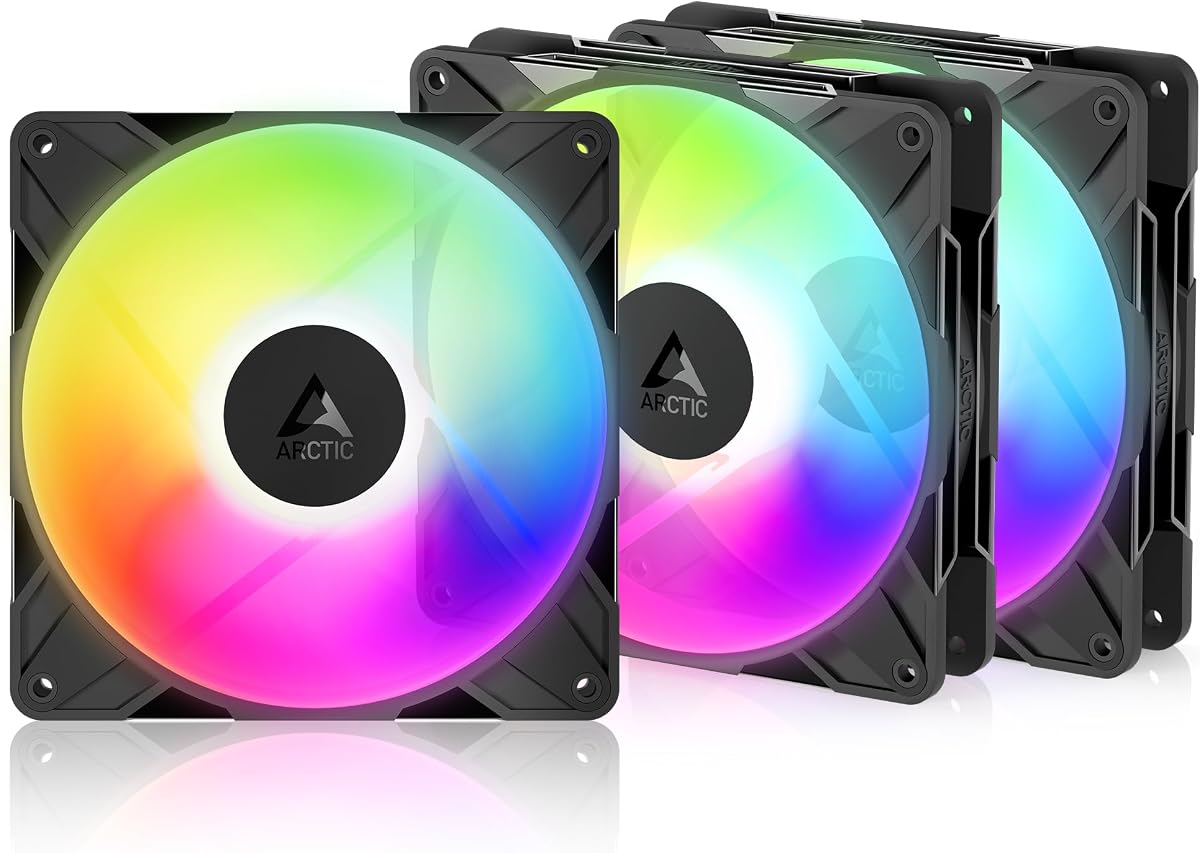



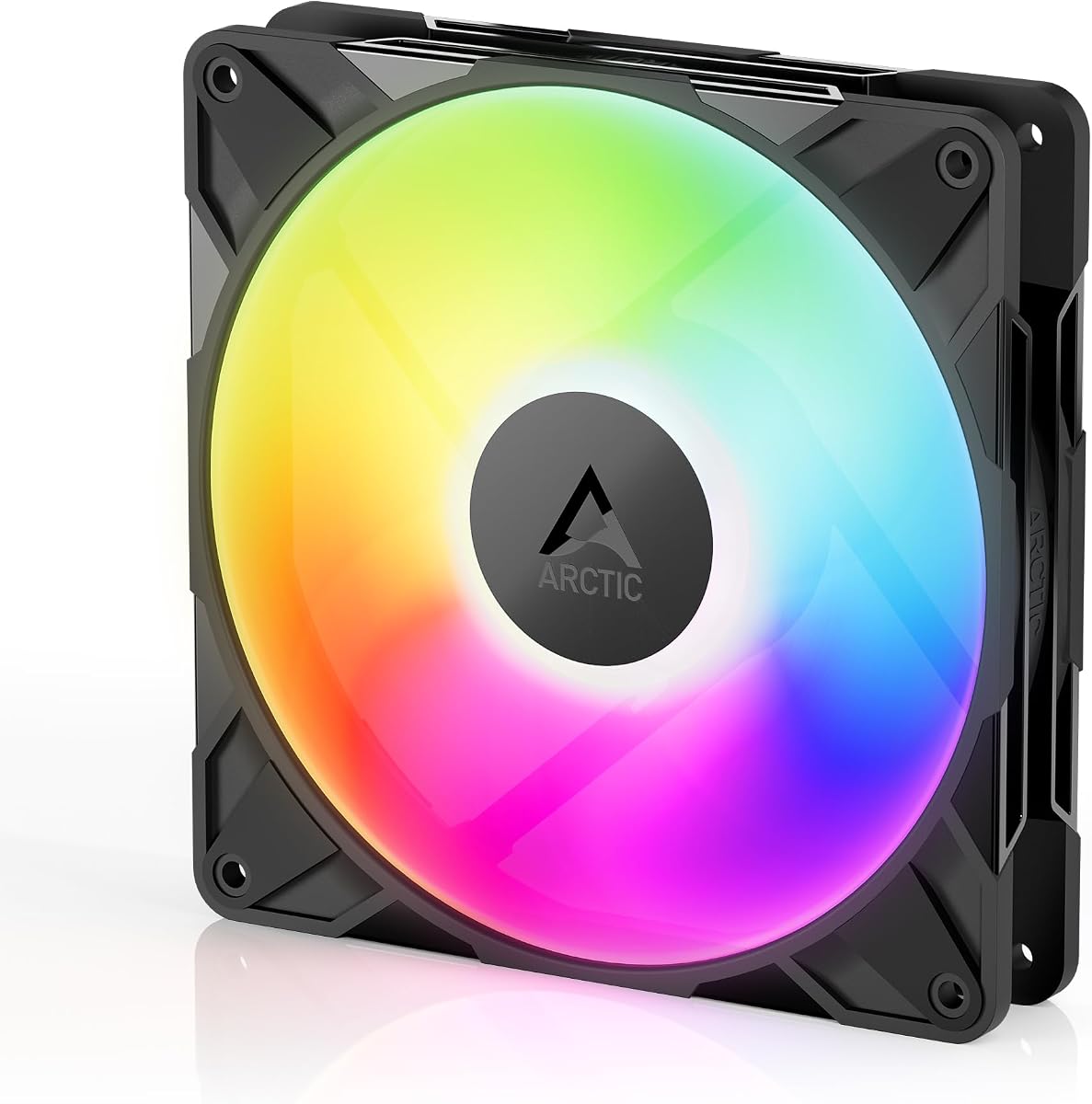

The Thermalright TL-C14C-S X3 stands out as the top choice for builders seeking reliable cooling with aesthetic appeal. Rated highly by users, this three-pack delivers consistent airflow while maintaining whisper-quiet operation.
We may earn a commission when you buy through this link, at no additional cost to you.
Its S-FDB bearing technology ensures long lifespan and minimal vibration. The 1500 RPM limit provides sufficient cooling for most cases without excessive noise. The ARGB lighting integrates seamlessly with motherboard headers.
While the cable length is functional, larger cases might require extensions. The lack of reverse airflow means traditional mounting is preferred for intake setups. These are minor trade-offs for the value offered.
Ideal for mid-range builds, this fan set delivers performance and style. We recommend it for users prioritizing silence and RGB sync without breaking the budget.
The 26.4 dBA noise rating ensures a peaceful environment even during intense gaming sessions.
High-brightness LED blades create a softer glow that matches well with standard PC cases.
We may earn a commission when you buy through this link, at no additional cost to you.
CORSAIR brings premium quality with the RS140 ARGB dual pack. The daisy-chain design simplifies wiring significantly for those aiming for a clean aesthetic inside the chassis.
We may earn a commission when you buy through this link, at no additional cost to you.
AirGuide technology directs airflow efficiently over components. The magnetic dome bearing reduces friction and noise over time. Performance specs like 95.5 CFM make it suitable for radiators.
Premium pricing is a consideration, but the build quality justifies it. It requires specific headers for full control. Users valuing clean setups will appreciate the daisy-chain feature.
We suggest this for high-end builds where performance and aesthetics are paramount. It is a reliable investment for serious enthusiasts.
Anti-vortex vanes help direct air precisely where it is needed to maximize cooling efficiency.
Connecting multiple fans via one connector simplifies internal wiring and reduces clutter.
We may earn a commission when you buy through this link, at no additional cost to you.
The single Thermalright TL-C14C-S offers impressive value for tight budgets. It delivers the same core specifications as the three-pack but in a singular unit, ideal for specific upgrades.
We may earn a commission when you buy through this link, at no additional cost to you.
Performance matches higher-priced competitors with 1500 RPM speed. The S-FDB bearing ensures smooth operation. Soft silicone feet reduce vibration transmission to the chassis.
It lacks the bulk of a multi-pack, so plan accordingly. Lighting is functional but not overly complex. For cost-conscious builders, it delivers essential cooling well.
We recommend this for adding an extra intake or exhaust slot affordably. It proves that quality cooling does not require a high price.
Silicone mounting points isolate fan movement to reduce resonance noise inside the case.
PWM control allows the fan to adjust speed based on temperature automatically.
We may earn a commission when you buy through this link, at no additional cost to you.
This three-pack offers a unique reverse airflow design ideal for aesthetic builds. It draws air from the back to avoid unsightly fan grills on glass panels.
We may earn a commission when you buy through this link, at no additional cost to you.
With speeds up to 2650 RPM, it handles high resistance well. The Y splitter simplifies connectivity for multiple units. Bearing quality ensures smooth performance over years.
The price is a bit higher than standard fans, but justified by the special design. It requires specific mounting for reverse airflow. Users prioritizing glass panel aesthetics will love this.
We suggest this for cases with glass fronts where standard fans look bad. It blends form and function effectively.
Airflow enters from the rear to keep the front visual area clean and uninterrupted.
Wide RPM range allows precise control from silent idling to maximum cooling.
We may earn a commission when you buy through this link, at no additional cost to you.
The CT140 EX introduces magnetic connections for simplified setup. This reduces the need for complex cable routing between fans significantly.
We may earn a commission when you buy through this link, at no additional cost to you.
RGB lighting offers 16.8 million colors for rich customization. The hydraulic bearing maintains smooth operation. Vibration mounting ensures stability during high speeds.
Connectors are convenient but should be handled with care. Software dependency adds a layer of setup complexity. Overall, it is a robust choice for visual builders.
We recommend this for users who want a clean setup with RGB sync. The magnetic links are a standout feature for quick installation.
Built-in magnets align cables automatically to reduce installation time and cable clutter.
Nine LEDs per fan provide vivid lighting patterns compatible with motherboard software.
We may earn a commission when you buy through this link, at no additional cost to you.
This fan brings a distinctive infinity mirror look to the case. It appeals to users seeking unique visual flair beyond standard RGB rings.
We may earn a commission when you buy through this link, at no additional cost to you.
Performance is strong with high airflow and pressure. The HDB bearing supports longevity up to 50,000 hours. RGB sync works across major motherboard brands.
Some may find the mirror effect too busy. The brand is less common but delivers quality. It is a great fit for gamers wanting style.
We suggest this for builds aiming for distinctive aesthetics. Its performance supports heavy use reliably.
The infinite reflection creates depth and draws attention to the cooling system.
High-quality materials and lubrication extend operational life significantly.
We may earn a commission when you buy through this link, at no additional cost to you.
The MF140 Halo fan is a standout for its dual-ring lighting. It offers a balanced approach to noise and cooling for general cases.
We may earn a commission when you buy through this link, at no additional cost to you.
Sound-absorbing materials help reduce audible noise. The included extender simplifies header connections. It works well for liquid radiator setups.
Buying single units can add up for full setups. The cost is fair given the build quality. It is a solid choice for quality-focused users.
We recommend this for users wanting premium visual details. The halo effect is modern and attractive.
Integrated sound-absorbing materials minimize mechanical noise during operation.
Included extender cables help reach headers without excessive bending.
We may earn a commission when you buy through this link, at no additional cost to you.
This model is designed for high-performance cooling requirements. The speed goes up to 3000 RPM, offering significant airflow potential.
We may earn a commission when you buy through this link, at no additional cost to you.
The redesigned blades optimize efficiency. It is suitable for pushing air through dense radiators. The bearing ensures smooth movement.
Noise increases significantly at max speed. Users may need to lower speeds for daily use. It is powerful but requires careful tuning.
We suggest this for enthusiasts who need raw cooling power. It is built for extreme workloads.
The high RPM ceiling ensures adequate cooling even under heavy thermal loads.
Optimized rotor blades balance airflow and noise for efficient performance.
We may earn a commission when you buy through this link, at no additional cost to you.
This three-pack offers excellent value for cooling entire cases. The performance is consistent across all units ensuring uniform airflow.
We may earn a commission when you buy through this link, at no additional cost to you.
Silicone feet help reduce vibration and noise. The PWM interface allows automatic speed adjustment. Material quality ensures long life.
RGB is functional but simple. It works well for those not needing complex light shows. The value is hard to beat.
We recommend this for users needing multiple fans. It is a reliable bulk solution.
Durable materials ensure resistance to wear and thermal stress.
Feet and balance reduce vibration noise inside the case.
We may earn a commission when you buy through this link, at no additional cost to you.
This single fan holds an impressive 4.9 rating. It combines premium build quality with specialized airflow direction.
We may earn a commission when you buy through this link, at no additional cost to you.
It draws air from the rear for clean aesthetics. The bearing ensures low noise. Speed is adjustable up to 2650 RPM.
Installation requires attention to airflow direction. It is expensive for a single unit but high quality. It is perfect for targeted upgrades.
We suggest this for users needing one specific fan. Its quality is highly regarded.
Customers appreciate the quality and performance relative to the price.
Reverse intake allows for unobstructed front panel designs.
We may earn a commission when you buy through this link, at no additional cost to you.
Selecting the right fan involves understanding several technical factors that impact both cooling performance and visual integration.
Airflow measured in CFM indicates how much air the fan moves, while static pressure measures its ability to push air through resistance like radiators. For general case ventilation, prioritize high airflow. For radiators or dense filters, choose high static pressure fans.
Always match the fan type to its intended location to ensure optimal efficiency.
Bearing type determines noise, lifespan, and reliability. Fluid Dynamic Bearings (FDB) and Hydraulic Bearings offer long life and quiet operation. Sleeve bearings are cheaper but often louder. Magnetic bearings are premium options for stability.
Look for FDB or Hydraulic for best balance of price and longevity.
PWM (4-pin) allows precise speed control via motherboard temperature readings. Voltage control (3-pin) adjusts speed manually. Most modern systems support PWM for automatic thermal regulation. Ensure your motherboard has compatible headers.
Choose PWM for automatic silent operation when the system is idle.
RGB headers vary between 5V 3-pin and 12V 4-pin. Confirm your motherboard supports 5V ARGB for these fans. Sync software allows matching colors across all components. Some fans require hubs for multiple connections.
Verify connector types to avoid compatibility issues during installation.
Noise is measured in decibels (dBA). Lower ratings mean quieter operation. Fans under 30 dBA are considered silent. Some models offer rubber mounts to reduce vibration noise transmitted to the case chassis.
Check dBA ratings for peaceful environments especially in quiet offices.
Standard 140mm fans are larger and move more air than 120mm. Ensure your case supports 140mm mounting points. Thickness matters for tight spaces like radiators. Check clearance for cables and other components.
Measure your case and cooler before buying to guarantee fit.
Prices range from budget to premium. Multi-packs often offer better value than single units. Consider longevity and warranty. Premium brands may offer better support and build quality.
Compare cost per fan to maximize your budget efficiency.
When installing fans, ensure airflow direction is correct. Intake fans should face outside the case while exhaust fans face inward. Use rubber mounts to reduce vibration noise effectively.
Connect PWM cables to the CPU or SYS_FAN headers. Connect ARGB cables to the 5V header. Use daisy-chain connectors if available to minimize cabling clutter inside the chassis.
Regular maintenance includes dusting blades with compressed air. Check cables for wear or tightness. Ensure the fan spins freely. Avoid bending the blades which can cause imbalance.
ARGB stands for Addressable RGB, allowing individual control of each LED. Standard RGB colors all LEDs the same color. ARGB enables complex lighting effects and patterns. Most modern motherboards support 5V ARGB headers.
Not necessarily if the fans support daisy-chain connections. Many models link via single connectors. Otherwise a hub reduces connector load. Check if your motherboard has enough headers.
1000 to 1200 RPM is generally quiet while effective. Most modern fans have PWM to auto adjust. High RPM increases noise significantly. Aim for silent rated models.
Yes but airflow direction should be consistent. Mixing brands may cause RGB sync issues if software varies. Ensure voltage and connector types match. Uniform airflow paths work best.
Use compressed air to blow dust from blades. Avoid touching the blades with fingers to prevent oils. Hold the blades still while cleaning. Wipe the frame with a dry cloth.
Reverse airflow draws air from the back side. It hides the motor and grill on glass panels. It improves aesthetics for front panels. Ensure you mount it correctly.
This guide highlights top choices from Thermalright, CORSAIR, and ARCTIC. Each model balances performance, noise, and aesthetics differently.
Prioritize airflow and noise based on your specific build needs. Ensure RGB compatibility with your motherboard before buying.
Prices fluctuate so check current availability. Investing in quality fans ensures long term system stability.