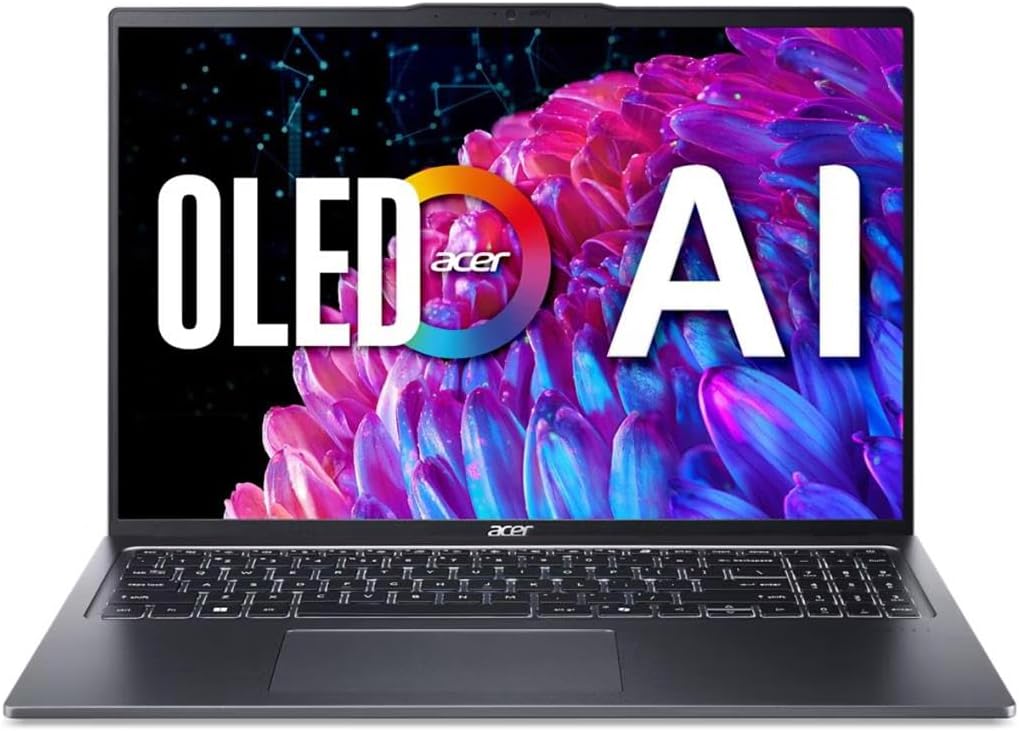
Acer Swift Go 16
4.1Editor score
16-inch 3.2K OLED Display
Intel Core Ultra 5 125H
Thunderbolt 4 Connectivity
TUV Rheinland Eyesafe Certified
OLED technology has revolutionized laptop displays by offering perfect blacks and vibrant colors that make content creation and media consumption more immersive than ever before.
We have analyzed the latest models from top manufacturers to identify the best laptops with OLED displays available this month based on real-world performance and user feedback.
Each pick highlights key features and trade-offs so you can find the right screen for your workflow while keeping in mind that prices and availability change frequently.
4.1Editor score

4.0Editor score

4.5Editor score
As an Amazon Associate we earn from qualifying purchases.
This side-by-side comparison evaluates all ten models to help you understand how they differ in screen quality, processing power, and overall value for various user needs.



The Lenovo IdeaPad Pro 5 ranks first as the top OLED laptop for 2026 due to its excellent balance of display quality and performance for everyday creative work.
We may earn a commission when you buy through this link, at no additional cost to you.
Its 16-inch 2.8K OLED screen with 120Hz refresh rate provides smooth visuals perfect for video editing or design, while the Ryzen AI 7 processor handles multitasking well.
Although the RTX 5050 GPU is capable for light gaming and rendering, it may not suffice for high-end AAA gaming, which is a trade-off for portability.
We recommend this laptop for professionals who need vibrant colors and reliable performance without breaking the bank on a high-end gaming rig.
The OLED panel ensures deep blacks and accurate colors ideal for photo editing and media consumption.
The Ryzen AI NPU accelerates AI tasks locally improving efficiency for creative software.
We may earn a commission when you buy through this link, at no additional cost to you.
The Acer Swift Go 16 stands out as the most affordable option offering a genuine OLED display with high resolution in a portable chassis.
We may earn a commission when you buy through this link, at no additional cost to you.
Its Intel Core Ultra 5 processor and WQXGA+ OLED screen deliver crisp visuals and efficient performance suitable for students and light professionals.
The main limitation is the 8GB RAM which might restrict heavy multitasking but is acceptable for browsing and office work at this price.
This model is the ideal choice for users seeking premium screen quality without paying premium prices for high-end specs.
At 3.2K resolution this screen offers detailed text and images rare at this budget level.
Eyesafe certification reduces blue light making it easier on the eyes during extended use.
We may earn a commission when you buy through this link, at no additional cost to you.
The HP OmniBook 5 16 offers a premium experience with its Snapdragon processor that provides impressive battery efficiency and AI capabilities for modern workflows.
We may earn a commission when you buy through this link, at no additional cost to you.
Its 2K OLED touchscreen supports touch input which enhances interaction for creative tasks and the battery life rivals many ARM-based devices.
While the Snapdragon X Plus offers great efficiency it may have some software compatibility issues compared to traditional x86 processors.
We highly recommend this for travelers and power users who prioritize battery life and next-gen AI features above raw gaming performance.
Up to 34 hours of battery ensures you can work away from power outlets for long periods.
The touchscreen adds versatility for navigating UIs and sketching ideas directly on the display.
We may earn a commission when you buy through this link, at no additional cost to you.
The ASUS Vivobook S16 provides a robust configuration with 32GB of RAM ensuring smooth multitasking for demanding applications without compromising on thinness.
We may earn a commission when you buy through this link, at no additional cost to you.
Its OLED screen delivers deep blacks and the Copilot+ PC status brings advanced AI features directly to the device for enhanced productivity.
The lower resolution WUXGA panel might be less sharp than higher end options but still offers excellent contrast for media consumption.
This laptop suits professionals who need memory capacity and portability over the absolute highest screen resolution available today.
32GB RAM ensures that heavy applications like browsers and IDEs run smoothly simultaneously.
At 3.75 lbs it remains light enough for travel while supporting powerful performance.
We may earn a commission when you buy through this link, at no additional cost to you.
The HP OmniBook 3 14 is a compact machine that prioritizes portability with a 14-inch OLED screen and Snapdragon processor for extended battery life.
We may earn a commission when you buy through this link, at no additional cost to you.
Its 2K display offers decent color reproduction though brightness is moderate which may affect visibility in bright environments.
Users should note the 256GB SSD capacity is limited for large media libraries but can be expanded via cloud storage options.
We suggest this model for travelers who need a lightweight daily driver for writing and web browsing with all-day battery.
Its compact form factor makes it easy to slip into a backpack for on-the-go use.
The Snapdragon processor ensures that basic tasks run cool and efficiently without fan noise.
We may earn a commission when you buy through this link, at no additional cost to you.
This Intel variant of the ASUS Vivobook S16 offers slightly more raw processing power with the Core Ultra 9 which helps in complex tasks.
We may earn a commission when you buy through this link, at no additional cost to you.
The Arc graphics provide better acceleration for video rendering compared to the AMD version while maintaining similar portability.
The price is higher than the AMD model but justified for users who prefer Intel compatibility or specific software requirements.
We recommend this for professionals needing top-tier CPU performance and reliable battery life in a portable 16-inch form.
Integrated Arc graphics support hardware encoding improving video editing workflows significantly.
MIL-STD testing ensures the chassis can withstand daily wear and travel conditions.
We may earn a commission when you buy through this link, at no additional cost to you.
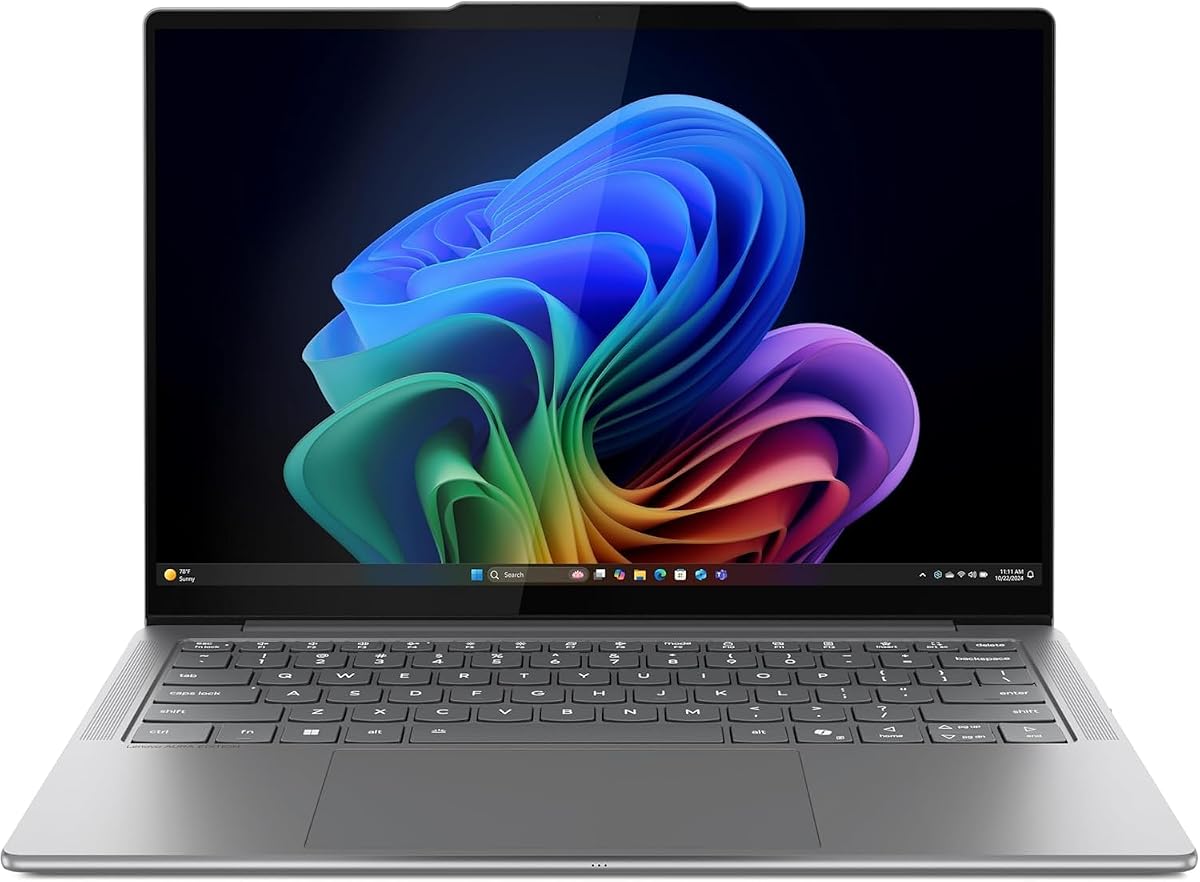
The Lenovo Slim 7i stands out as a premium ultrabook featuring an OLED touchscreen and a lightweight chassis ideal for business professionals.
We may earn a commission when you buy through this link, at no additional cost to you.
With DisplayHDR True Black 500 the screen offers deep blacks and vivid colors making it excellent for media viewing and design.
While its 17-hour battery life is strong the price is high relative to competitors offering similar screen quality and specs.
We suggest this model for users who value portability and build quality over raw gaming performance or budget savings.
The aluminum chassis feels solid and the ergonomic edge design makes carrying comfortable.
Internal blowing tech keeps the device quiet during typical office workloads.
We may earn a commission when you buy through this link, at no additional cost to you.
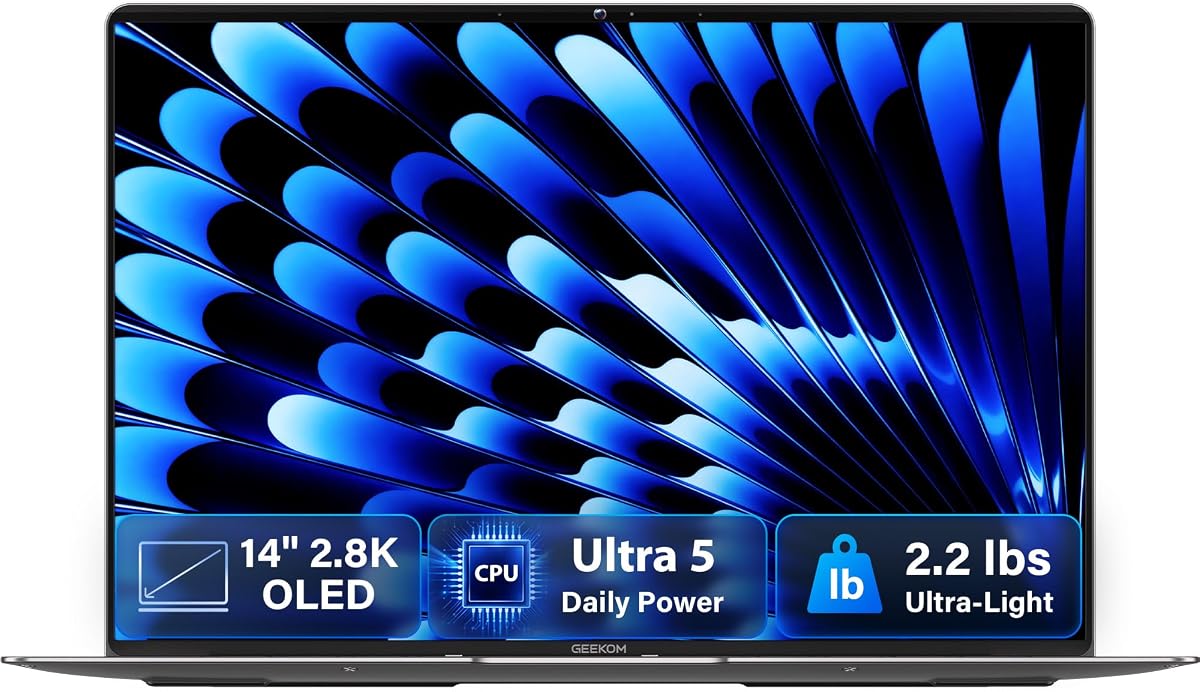
The GEEKOM GeekBook X14 Pro is a lightweight contender offering a magnesium alloy body and sharp OLED display with high brightness.
We may earn a commission when you buy through this link, at no additional cost to you.
Its 120Hz refresh rate ensures smooth scrolling and the battery capacity is robust enough for a full day of work.
The main concern is brand support which might be smaller than established names but the build quality is impressive.
We recommend this for tech-savvy users looking for a unique thin laptop with excellent screen specs at a competitive price.
At 450 nits this screen remains visible even in bright sunlight or well-lit offices.
A built-in dock saves dongles and simplifies connectivity for peripherals.
We may earn a commission when you buy through this link, at no additional cost to you.
The Lenovo Legion 5a is designed for gamers who want the deep blacks of OLED combined with high refresh rates and powerful GPU performance.
We may earn a commission when you buy through this link, at no additional cost to you.
Its 165Hz panel and RTX 5060 ensure smooth frame rates in modern games while the color accuracy supports creative work after gaming.
However this laptop is heavier than ultrabooks and battery life drops significantly under load which limits travel convenience.
We suggest this model for gamers or creators needing desktop-level performance in a portable chassis without sacrificing screen quality.
165Hz refresh eliminates tearing and stuttering for fluid motion in fast-paced games.
100% DCI-P3 coverage ensures colors match professional standards for content creation.
We may earn a commission when you buy through this link, at no additional cost to you.
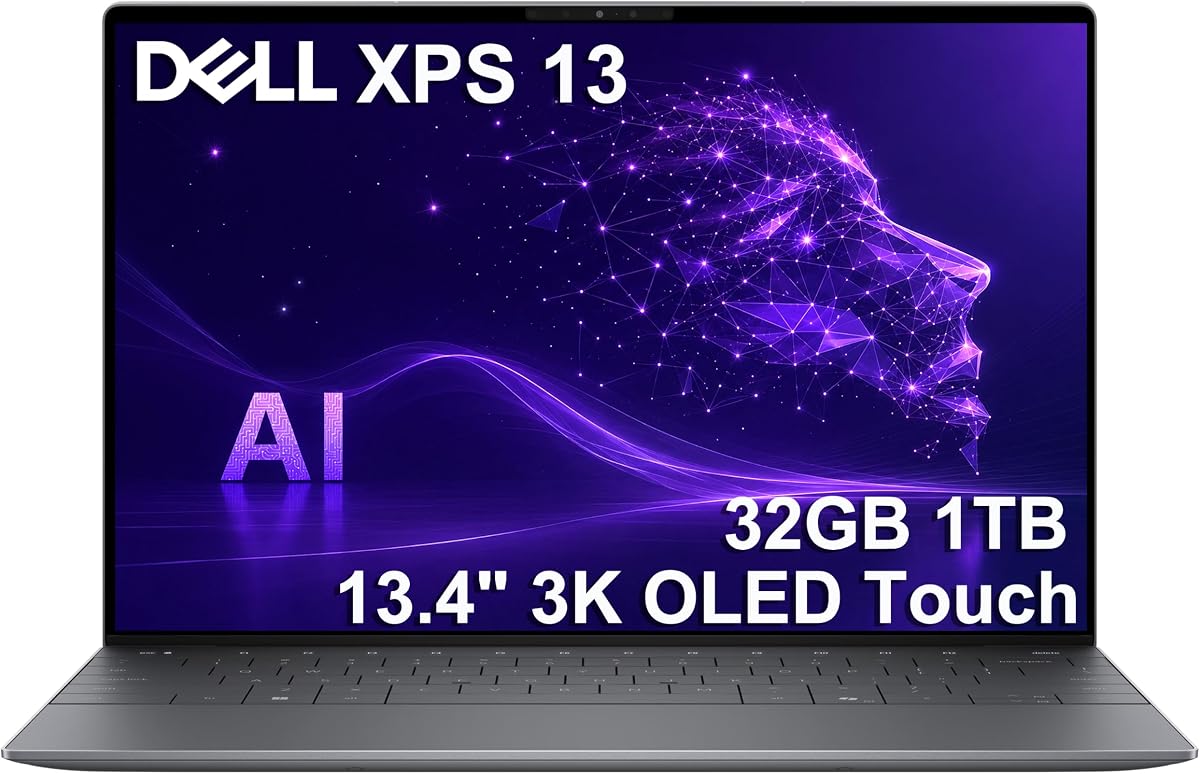
The Dell XPS 13 9345 is a high-end ultrabook offering a stunning 3K OLED touchscreen and top-tier Snapdragon X Elite processor for efficiency.
We may earn a commission when you buy through this link, at no additional cost to you.
Its NPU delivers 45 TOPS of AI performance making it suitable for advanced Copilot+ features and local AI tasks.
The price is steep and ports are limited requiring dongles for legacy connectivity but the build quality is top class.
We recommend this for business professionals who value premium materials and high-resolution visuals for presentations and work.
The X Elite NPU ensures AI tasks run locally without needing cloud dependency for better privacy.
The 3K OLED panel offers sharp details perfect for reading text and designing interfaces.
We may earn a commission when you buy through this link, at no additional cost to you.
Selecting the right OLED laptop involves balancing screen quality with processor power and budget constraints to match your specific workflow.
OLED screens come in resolutions from WUXGA to 4K and sizes from 13 to 16 inches depending on the model you choose.
Higher resolutions offer sharper text and visuals which is essential for creative work but increase cost and power consumption.
Refresh rates on OLED laptops vary from standard 60Hz to high 120Hz or 165Hz options depending on usage scenarios.
High refresh rates are vital for smooth motion in gaming and scrolling but may slightly reduce battery life on some models.
Intel Core Ultra and AMD Ryzen AI chips are the current standards for balancing efficiency and power in modern laptops.
For graphics work ensure the GPU is discrete like RTX or capable integrated Arc to handle rendering tasks efficiently.
OLED displays consume power differently than IPS panels so battery life can vary significantly between different models.
Look for devices rated for at least 10 hours of real-world use if you work away from an outlet regularly.
Check the available ports such as USB-C Thunderbolt HDMI to ensure compatibility with your monitors and peripherals.
Many modern laptops require dongles for HDMI or USB-A so verify what is included in the box before buying.
Premium chassis materials like magnesium alloy or aluminum enhance durability and protect against accidental drops.
Mil-STD certifications provide extra assurance that the device can survive the rigors of daily travel and use.
Newer models include NPUs specifically designed to handle local AI tasks that improve privacy and system efficiency.
Copilot+ PC status unlocks specific AI features like recall or advanced image generation depending on your Windows version.
OLED laptops often command a premium price so decide how much you are willing to pay for better screen quality.
Budget options exist but may compromise on RAM or storage while premium options offer better materials and features.
To maintain screen longevity adjust the brightness settings automatically based on ambient light to reduce constant high brightness usage.
Use dark mode where possible in applications to minimize the number of pixels emitting high light and preserve battery life.
Ensure your laptop is placed on a flat surface to avoid physical stress on the hinge and screen which could damage the OLED panel.
OLED screens offer superior contrast and color accuracy due to self-emissive pixels. They provide deeper blacks but generally cost more and consume power differently.
Modern OLED panels have built-in protections like pixel shifting to reduce burn-in risk. However it is still advisable to avoid static images for long periods.
Use auto-brightness and enable power saving modes. Reducing screen brightness and closing unused apps helps extend runtime significantly on OLED displays.
Yes some premium models offer 4K OLED panels but they are less common due to higher power usage and cost. Most mainstream models stick to 2.8K or 3K.
For most users a 2.8K or 3K resolution strikes a perfect balance between sharpness and battery life. 4K is best for high-end creative work.
Yes many OLED laptops support high refresh rates and low response times making them ideal for gaming. Look for models with dedicated GPUs for best results.
The Lenovo IdeaPad Pro 5 and HP OmniBook 5 16 lead this list offering the best balance of performance and screen quality for most users.
Prioritize battery life and processor compatibility if you are using the device for travel rather than raw graphical power.
Check current prices and availability before purchasing to ensure you get the best deal as these models fluctuate often.