
65W USB C Laptop Charger Compatible with Lenovo ThinkPad
4.5Editor score
65W Power Delivery 3.0
Reinforced connector joint
Premium fire retardant materials
This guide compares the top Lenovo Thinkpad Charger options for 2026, reviewing performance compatibility safety features and value to help you choose the
Finding a reliable power source for your laptop is essential for productivity and convenience. A high quality charger ensures your device runs smoothly without interruptions during critical tasks or travel. You need an adapter that delivers consistent power while protecting your hardware from electrical issues.
We evaluated ten top rated chargers based on compatibility safety certifications and build quality. Each product was reviewed for its output capabilities connector durability and overall value proposition. This list covers official OEM options and trusted third party alternatives for various ThinkPad models.
Each pick highlights key specifications and real world performance traits to guide your decision. We include detailed breakdowns of features and pros and cons for every option listed. Please note that prices and availability may change frequently so verify current details before purchasing.
4.5Editor score

4.4Editor score

4.6Editor score
The following table provides a side by side comparison of all ten chargers reviewed in this guide. You can quickly see key specifications and ratings to identify the best fit for your specific laptop model.
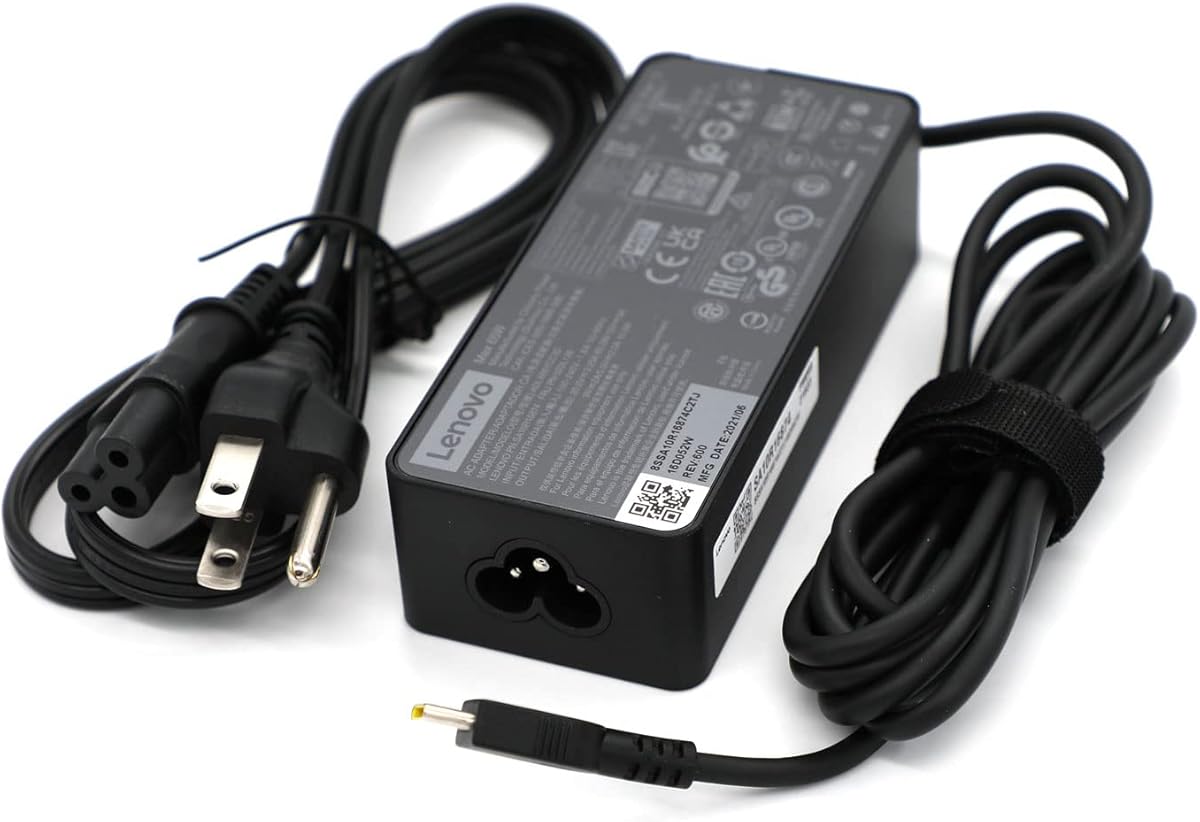


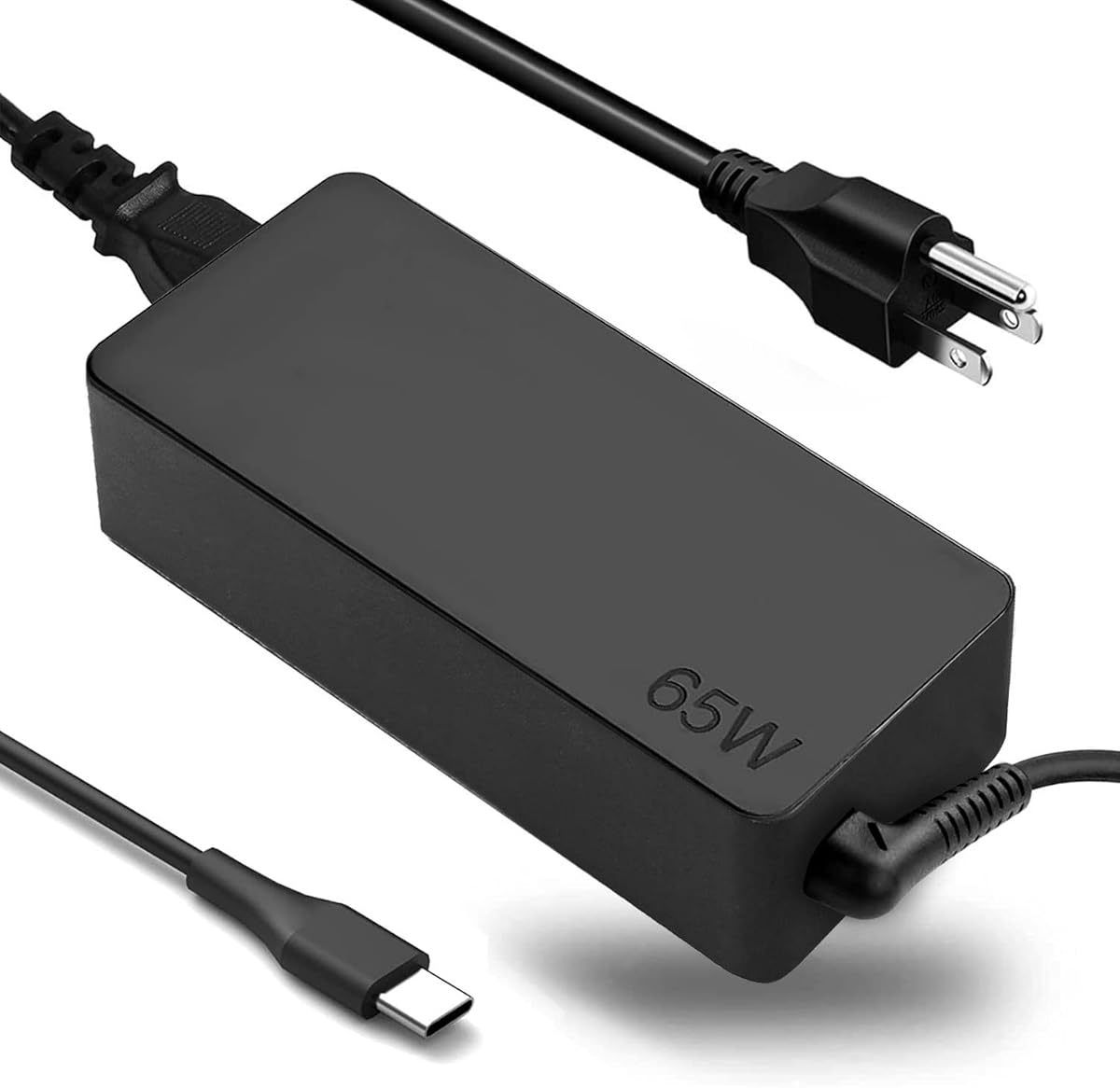
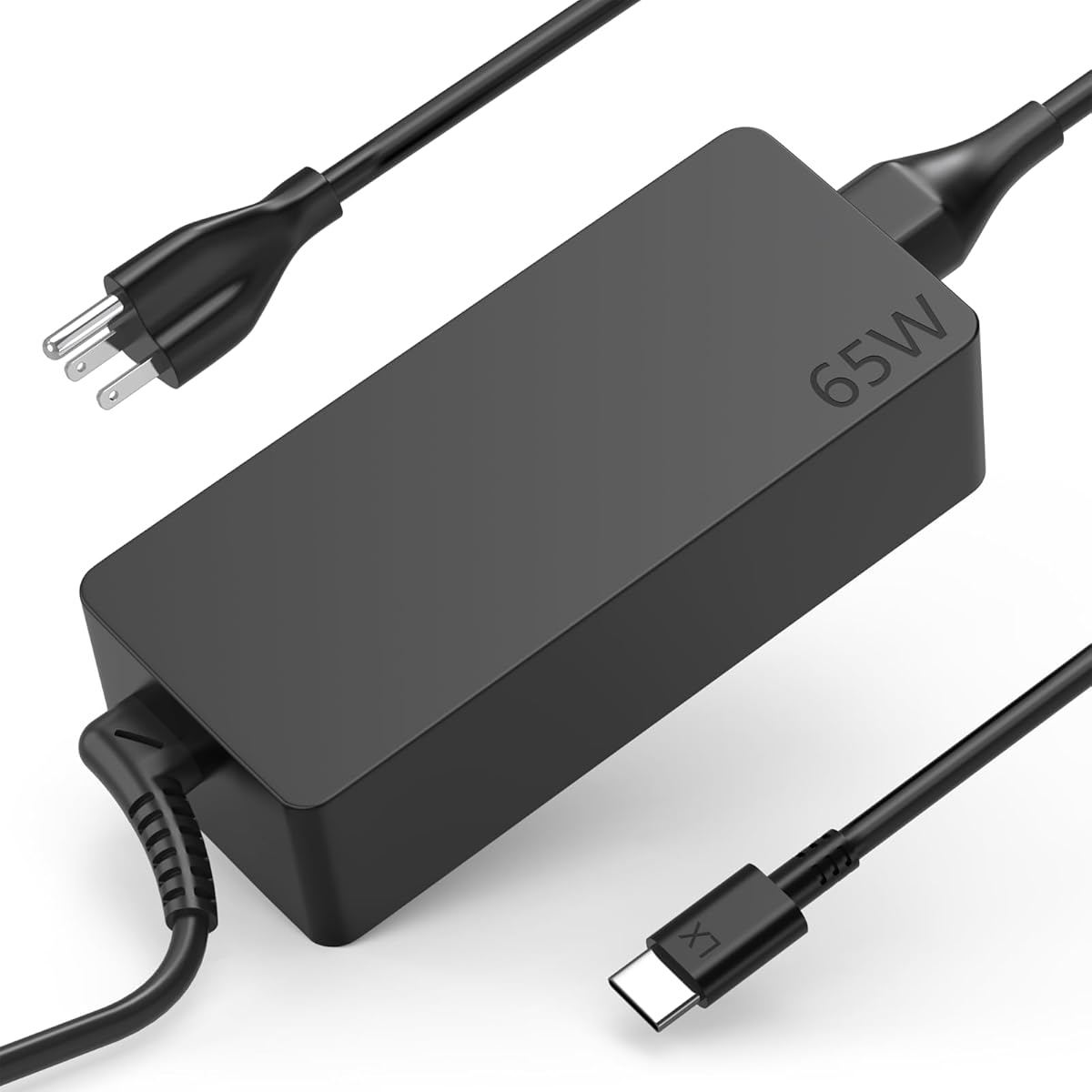


This Lenovo Laptop Charger 65W offers a solid solution for users needing a reliable power source for ThinkPad T14 T15 and X13 models. It delivers 65W via USB Type C ensuring efficient charging for daily tasks. The adapter supports multiple voltage levels to accommodate various device requirements effectively.
We may earn a commission when you buy through this link, at no additional cost to you.
The charger is designed to match factory model specifications like ADLX65YCC3A providing stable power output. Its broad compatibility list includes ThinkPad and ThinkBook models making it versatile for office environments. Users appreciate the straightforward plug and play functionality without complex setup steps required.
While it lacks premium branding it performs well for standard charging needs. Some users may notice variability in cable durability over extended use. This trade off is acceptable given the competitive pricing and functional performance for most workloads.
Ideal for professionals seeking a cost effective replacement for broken adapters. It ensures your device stays powered during meetings or travel. We recommend this for those prioritizing compatibility and budget over high end build aesthetics.
Supports ThinkPad T14 T15 E14 E15 X1Carbon X13 and others for broad utility.
Delivers 65W with multiple voltage levels for consistent device charging.
We may earn a commission when you buy through this link, at no additional cost to you.
UNAWUDOH delivers a robust 65W USB C charger with advanced Power Delivery 3.0 technology. This ensures high speed charging for compatible laptops and devices efficiently. The design features a reinforced connector joint to prevent fraying and breakage at critical points.
We may earn a commission when you buy through this link, at no additional cost to you.
Built with premium fire retardant materials and an upgraded intelligent circuit chip it actively monitors temperature and current. Comprehensive protection against short circuiting over voltage and internal overheating ensures safety during extended use. It is rigorously tested to meet industry safety standards.
The broad compatibility list includes ThinkPad T480 T490 Yoga and Chromebook models making it a versatile choice. Users benefit from the peace of mind provided by the safety features and durable build. However charging speeds may vary slightly on older devices lacking latest USB-C specs.
Best for budget conscious users needing reliable safety features. It is suitable for students and professionals alike who need a secondary charger for travel. The durable build quality makes it a smart investment for daily usage.
Monitors temperature and current with protection against short circuiting and overheating.
Reinforced connector joint withstands 50000 bends preventing breakage.
We may earn a commission when you buy through this link, at no additional cost to you.
Lenovo official USB-C 65W Wall Charger offers a sleek and portable charging solution for laptops and mobile devices. The slim and light design makes it easy to carry while the extra long cable allows charging in any spot. It supports rapid charge with PD 3.0 for quick energy boosts.
We may earn a commission when you buy through this link, at no additional cost to you.
With an astonishing 65W output this adapter ensures your device powers up quickly on the fly. The compatibility extends to a wide range of USB-C devices beyond just ThinkPads. You can charge your laptop or mobile device without hassle during commutes or meetings.
While the price is higher than generic third party alternatives the official branding guarantees quality. Some users may find it bulkier than ultra thin options but the cable length is a major benefit. It is a reliable choice for daily office use.
Perfect for users seeking official product reliability and portability. We recommend this for travelers who need a long cable and fast charging. It delivers consistent performance across multiple device types.
Extra long 5.9 foot cable lets you charge in any spot.
Rapid charge your device at 65W with PD 3.0 technology.
We may earn a commission when you buy through this link, at no additional cost to you.
This Lenovo ThinkPad 65W Slim AC Adapter provides constant voltage supply for smooth functioning and charging. It offers maximum output power for optimal performance with maximum feasibility for various setups. The 120V AC input ensures reliable power in standard environments.
We may earn a commission when you buy through this link, at no additional cost to you.
Delivering 5V DC for smooth operation it supports USB Type-C devices for better usability. The adapter is designed to power up portable devices with stable energy. Users benefit from the simplified design and consistent power delivery.
It may lack the advanced safety specs of newer models but remains a solid standard choice. The slim profile makes it easy to pack. It is suitable for those prioritizing simplicity and OEM compatibility over extra features.
Recommended for users needing a straightforward and reliable power source. It ensures your laptop stays powered without complex configurations. A good choice for home or office desktop setups.
Delivers constant 5V DC for smooth functioning of your device.
65W maximum output power ensures optimal performance.
We may earn a commission when you buy through this link, at no additional cost to you.
COWOOGMZ offers a 65W USB C Laptop Charger that supports both 65W and 45W computer devices. It comes equipped with built-in safeguards that monitor voltage and temperature in real time. This comprehensive protection keeps your device safe from overheating overvoltage and short circuits.
We may earn a commission when you buy through this link, at no additional cost to you.
The charger is compatible with a massive list of ThinkPad Yoga Chromebook models ensuring flexibility. It includes an AC power adapter power cable and user manual in the package. The intelligent adjustment of output ensures your device receives exactly what it needs.
While the brand is third party the protection features make it a safe option. Users may find the wide model list slightly overwhelming but it ensures compatibility. The included cable simplifies setup for new users.
Best for users needing a reliable charger for multiple device types. We recommend this for households with mixed Lenovo laptops. The real time monitoring provides peace of mind during long work sessions.
Built-in safeguards monitor temperature and voltage to protect your devices.
Includes 1x AC Power Adapter and 1x AC Power Cable.
We may earn a commission when you buy through this link, at no additional cost to you.
Fepprry provides a 65W USB C Charger as a direct replacement for ADLX65 series parts. It supports multiple voltage outputs from 5V to 20V to accommodate various device needs. The charger is compatible with ThinkPad Yoga and Chromebook devices including T480 and C930.
We may earn a commission when you buy through this link, at no additional cost to you.
The product includes clear instructions for use ensuring a straightforward setup process. Users appreciate the broad compatibility with Lenovo laptops requiring a USB-C connector. It is designed as a professional replacement for lost or broken chargers.
While it is a third party option it meets basic safety standards. The price is competitive for a replacement unit. Users may need to verify their exact model number before purchasing to ensure fit.
Recommended for users needing a cost effective replacement for specific ThinkPad models. It ensures your device stays powered with a compatible connector. A practical choice for occasional use.
Compatible with ADLX65 replacement parts for a direct fit.
Works with ThinkPad Yoga and Chromebook models requiring USB-C.
We may earn a commission when you buy through this link, at no additional cost to you.
DECSZDY Replacement delivers fast efficient charging for Lenovo ThinkPad Yoga and Chromebook models. It supports 65W and 45W requirements providing flexibility for different devices. The OS independent design means it works seamlessly without software installation.
We may earn a commission when you buy through this link, at no additional cost to you.
The charger is exclusively designed to be compatible with all Lenovo laptops needing a USB-C connector. It ensures you keep one at home one at the office and one in your case. The package includes the power adapter and a power cord.
While it lacks advanced technical specs it is a reliable solution for basic needs. Users appreciate the friendly customer service provided by the brand. It is a straightforward option for those wanting minimal complexity.
Best for users who need a simple plug and play charger. It is suitable for daily office use or travel. We recommend this for its simplicity and broad compatibility.
Offers fast and efficient charging at home or on the go.
OS independent design ensures compatibility without software.
We may earn a commission when you buy through this link, at no additional cost to you.
HBONY offers a 65W USB C charger that supports a wide range of models beyond Lenovo. It is compatible with HP Dell and Samsung laptops making it a versatile multi-brand option. The input voltage range spans from 100V to 240V for global use.
We may earn a commission when you buy through this link, at no additional cost to you.
The charger is designed to work with ThinkPad T480 T490 Yoga and Chromebook models. Users appreciate the broad compatibility across different laptop ecosystems. It delivers 65W for fast charging and 45W for lighter tasks.
While the compatibility list is extensive it may require checking your specific model number. The price remains competitive for the broad utility offered. It is a solid choice for those managing multiple devices.
Recommended for users with mixed laptop environments. It ensures you can power different brands with one charger. A practical solution for home offices.
Compatible with Lenovo HP Dell and Samsung laptops.
Supports 100-240V input for international travel.
We may earn a commission when you buy through this link, at no additional cost to you.
Lenovo ThinkPad 135W AC Adapter delivers up to 135W of maximum power for high performance devices. It ensures stable charging with constant voltage supply and 120V AC input. The USB Type-C interface provides a quick worry-free charging experience.
We may earn a commission when you buy through this link, at no additional cost to you.
This premium option supports multiple devices and offers better reliability for demanding workloads. The adapter is designed for maximum dependability during critical work sessions. Users benefit from the official OEM quality and engineering.
While the price is higher the power output justifies the cost for professional workstations. The form factor is larger than slim options but offers superior efficiency. It is a reliable choice for intensive tasks.
Ideal for users with high power ThinkPad models needing extra energy. We recommend this for professionals requiring robust charging. It ensures your device performs at peak capacity.
Up to 135W maximum power for demanding tasks.
Official Lenovo quality ensures dependability.
We may earn a commission when you buy through this link, at no additional cost to you.
Lenovo 135W AC Laptop Adapter is designed for gaming and high performance models including Legion. It delivers maximum output power to sustain peak performance during gaming sessions. The slim tip ensures compatibility with specific Lenovo legacy ports.
We may earn a commission when you buy through this link, at no additional cost to you.
This official OEM adapter provides reliable charging for IdeaPad Gaming and other high demand models. Users appreciate the power delivery and engineering quality. It is a necessary accessory for maintaining laptop performance.
While it is a larger option the output is essential for gaming laptops. The price reflects the high wattage and official status. It is a solid investment for gamers.
Best for users with Lenovo Legion or gaming notebooks. We recommend this for those needing guaranteed performance. It ensures your gaming sessions run without power interruptions.
Compatible with IdeaPad Gaming and Legion models.
Delivers 135W maximum power for peak performance.
We may earn a commission when you buy through this link, at no additional cost to you.
Selecting the right charger requires balancing power output and safety features and brand reliability. This section covers the essential factors to consider before making your purchase.
Ensure the charger provides at least the recommended wattage for your device. Most ThinkPad models require 65W but gaming or workstation models need 135W. Using a lower wattage charger may slow charging speeds and reduce performance during heavy loads.
Always check your laptop model requirements to ensure the charger can handle peak power needs.
Verify that the charger uses the correct connector type for your device. Modern ThinkPads use USB Type-C connectors while older models may use Slim Tip designs. A mismatched connector will prevent charging entirely.
Check the connector shape and pin configuration before purchasing to ensure a perfect fit.
Look for built-in safeguards like over voltage current and temperature protection. These features prevent damage to your battery and internal components. Certified chargers meet industry standards for electrical safety.
Prioritize chargers with active safety monitoring to extend the lifespan of your laptop.
OEM chargers from Lenovo guarantee compatibility and quality standards. Third party brands may offer lower prices but vary in build quality. Trusted third party brands with high ratings are generally reliable alternatives.
Choose OEM for peace of mind or trusted third parties for budget savings.
Consider the length of the power cord based on your workspace setup. A longer cable offers more flexibility while a compact design aids portability. Slim chargers are easier to fit in travel bags.
Balance convenience and size based on whether you use the charger at home or on the go.
Prices range significantly from budget third party options to premium OEM models. Assess your needs and prioritize quality over savings for critical daily use. A slightly higher cost may ensure better longevity and reliability.
Calculate the cost per year of use to determine true value.
Always connect the power adapter to the wall socket first before plugging it into your laptop. This prevents electrical surges from reaching your device directly and ensures stable voltage delivery. Allow the charger to cool down before unplugging if it feels warm after prolonged use.
Avoid placing heavy objects on the charging cable to prevent internal wire damage. Keep the connector ends clean and dry to maintain optimal connection quality. Regularly inspect the cable for fraying or cracks and replace if any damage is visible.
Store your charger in a cool and dry place to maintain battery health and adapter longevity. Use a dedicated pouch or case to prevent scratches and tangling during transport. Ensure the power outlet is grounded for safety.
Yes you can use a third party charger if it matches the voltage and wattage requirements of your device. Ensure it supports USB-C Power Delivery if your laptop uses that port. Choose reputable brands with safety certifications to protect your hardware from electrical issues.
Check your laptop model specifications on Lenovo's support site or the bottom case label. Most ThinkPads require 65W but gaming models need 135W. Using a lower wattage charger may charge slower or reduce performance.
Modern chargers have safety features that stop power flow when the battery is full but it is generally safe to unplug when not in use. This helps prolong the lifespan of the charger and reduces power consumption.
Power Delivery 3.0 is a USB-C standard that allows faster charging at higher wattages. It enables your charger to adjust voltage and current dynamically for optimal power transfer. This ensures efficient charging for compatible devices.
Slow charging may be due to a lower wattage charger or a damaged cable. Using a third party charger without proper power delivery specs can also cause this issue. Ensure you use a charger rated for your device's requirements.
Use a soft dry brush or compressed air to remove dust from the connector. Avoid liquids or abrasive materials that could damage the metal contacts. Keeping it clean ensures a stable connection and prevents charging errors.
We hope this guide helped you narrow down the best options for your needs. Whether you prefer the official Lenovo brand or a third-party alternative there is a charger here for every user. Our top picks cover budget safety and performance needs.
Prioritize compatibility and safety features over saving a few dollars to protect your device. Investing in a reliable charger ensures smooth performance during your critical tasks and travel. Choose the model that fits your usage style and budget.
Remember that prices and availability change frequently so verify current listings before purchasing. Check the latest reviews and specs on Amazon to confirm quality. We recommend comparing your options carefully to find the perfect match.