
ProElife 2-Pack Anti Glare Screen Protector for 2026 New MacBook Neo 13 inch
4.6Editor score
Anti-glare matte finish
Fingerprint resistant coating
Easy bubble removal card
This guide compares the top MacBook Neo screen protector options for 2026, evaluating clarity, privacy, anti-glare features, and installation ease to help you
Protecting your valuable MacBook Neo display is essential for maintaining performance and longevity. A high-quality screen protector guards against scratches, fingerprints, and eye strain while preserving visual clarity for your daily work.
We evaluated ten leading screen protectors based on compatibility with the 2026 Neo model, material durability, optical quality, and user feedback. Our analysis focuses on real-world performance and ease of application.
Each pick highlights specific strengths like privacy, anti-glare, or clarity to match your workflow needs. Note that product availability and pricing may change frequently, so verify details before purchasing.
4.6Editor score

4.2Editor score

4.5Editor score
Compare key specifications across all ten options to find the perfect balance of protection, clarity, and price for your specific workflow needs.


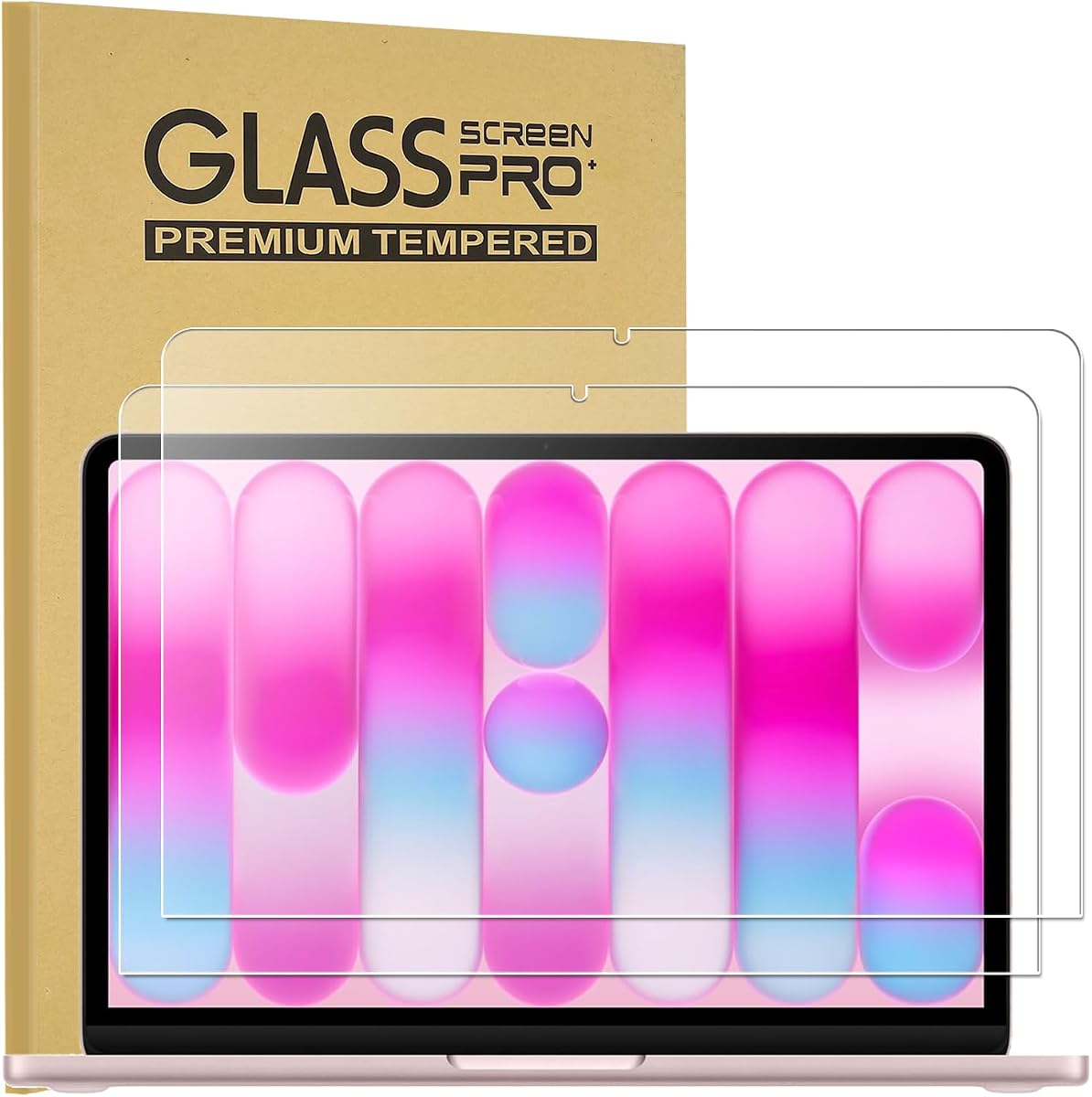
This ProCase kit provides durable tempered glass protection specifically for the 2026 MacBook Neo. With a strong 4.2 rating, users praise its precise fit and clarity.
We may earn a commission when you buy through this link, at no additional cost to you.
The 9H hardness rating ensures resistance against keys and daily wear while the static cling adhesive allows for bubble-free application. The package includes all necessary cleaning tools.
Installation requires careful dust removal as the static layer can attract particles. Also, the adhesive may wear slightly over months but is generally reliable.
Ideal for daily users wanting solid scratch protection without compromising screen clarity. This option balances durability and ease of installation effectively.
The dimensions are tailored to the Neo's bezel ensuring full coverage without camera obstruction.
Tempered glass offers superior impact resistance compared to standard plastic films found elsewhere.
We may earn a commission when you buy through this link, at no additional cost to you.
Users report a high 4.6 rating for this matte option which excels in reducing screen glare. The anti-fingerprint coating keeps surfaces clean during long work sessions.
We may earn a commission when you buy through this link, at no additional cost to you.
The PET foam material absorbs light to minimize reflections making it great for bright environments. The included hard card helps smooth out minor bubbles post-installation.
Small bubbles may appear initially due to adhesive settling but usually vanish within 48 hours. Users might notice a slight reduction in text sharpness compared to clear films.
A budget-friendly choice for those prioritizing eye comfort over absolute clarity. It is a strong recommendation for frequent travelers or office workers.
The matte finish diffuses ambient light to improve visibility in sunny rooms.
Two units ensure you have a replacement ready if the first gets damaged.
We may earn a commission when you buy through this link, at no additional cost to you.
This Japanese PET film option offers a practical three-pack solution for users needing frequent replacements. It maintains high definition clarity and full touch sensitivity.
We may earn a commission when you buy through this link, at no additional cost to you.
The film is designed to peel off cleanly without leaving sticky residue behind when you want to upgrade. This feature is highly valued by users who swap protectors often.
While durable against fingerprints, PET is softer than glass and may show micro-scratches over time. Edge adhesion can be inconsistent depending on screen curvature.
Choose this if you want a large stock of protectors without breaking the bank. It works well for light daily use and quick changes.
Peeling off old films leaves your screen pristine for new applications.
Transparent material ensures colors remain vibrant and text stays sharp.
We may earn a commission when you buy through this link, at no additional cost to you.
This matte option provides solid glare protection with a three-pack layout ensuring long-term value. The coating helps keep the screen clean of oil and smudges effectively.
We may earn a commission when you buy through this link, at no additional cost to you.
The matte finish is specifically tailored for the 2026 Neo model to prevent any fit issues around sensors. Users appreciate the straightforward application process without complex tools.
Expect a trade-off in text sharpness typical of matte screens which diffuse light to reduce reflections. It is not ideal for color-critical work like photo editing.
An excellent pick for writers or students who prioritize comfort over pixel-perfect visuals. It offers consistent protection across multiple units.
Special coating prevents oils from sticking to your display surface.
Material resists scratches from keys and pens effectively.
We may earn a commission when you buy through this link, at no additional cost to you.
This magnetic shield is designed for rapid privacy protection in public spaces like coffee shops or airports. It installs instantly using strong magnets without any sticky adhesive.
We may earn a commission when you buy through this link, at no additional cost to you.
The 30 degree privacy technology blocks side views effectively keeping sensitive data safe from prying eyes. It also includes blue light blocking to reduce eye strain during long hours.
The ultra-thin profile usually allows for normal lid closure but some cases may interfere. Ensure your laptop case is thin enough to avoid compatibility issues.
Ideal for business travelers needing quick privacy on the go. The magnetic design makes it easy to remove and store when not needed.
Magnets align the screen perfectly every time without tools.
Side views are blocked while front view remains clear.
We may earn a commission when you buy through this link, at no additional cost to you.
This privacy filter uses a multi-layer design to block side views while maintaining front clarity. It includes an anti-blue light coating to filter out harmful UV radiation effectively.
We may earn a commission when you buy through this link, at no additional cost to you.
The matte finish reduces glare and adds anti-fingerprint properties to keep the screen clean. Users appreciate the included storage folder for transporting the screen safely.
Expect a slight softening of sharpness which is typical for privacy filters. Ensure you check if it fits your specific laptop case for proper lid closure.
A practical solution for professionals handling sensitive data in shared spaces. It offers good privacy features without permanent adhesive damage.
Advanced layers block side angles to protect data.
Helps reduce eye strain from prolonged screen exposure.
We may earn a commission when you buy through this link, at no additional cost to you.
Peslv uses Japanese filter materials to deliver high definition privacy that preserves vivid colors. The magnetic strip ensures a secure attachment without shifting during use.
We may earn a commission when you buy through this link, at no additional cost to you.
The filter reduces 95% of blue light and UV light providing excellent eye protection. Users note that it maintains high definition visuals better than cheaper alternatives.
The price is higher due to superior material quality. Also note that the storage clip is separate so you may need to find a separate pouch for transport.
Best for users who need privacy without sacrificing image quality. The strong magnet design keeps the screen firmly in place.
Imported filters ensure better visual performance and clarity.
Advanced materials maintain brightness better than standard filters.
We may earn a commission when you buy through this link, at no additional cost to you.
This IPROKKO filter specifically targets harmful blue light to help reduce headaches and sleep disruption. The nano-silicone adhesive allows for a bubble-free application easily.
We may earn a commission when you buy through this link, at no additional cost to you.
Japanese PET film ensures high clarity without the yellow tint often found in cheaper filters. The product comes with a video guide to assist users with installation steps.
PET material is less durable against heavy scratching compared to tempered glass but is lightweight. Some users might notice a slight yellow tint depending on lighting conditions.
Ideal for students or professionals who spend long hours on the screen. The warranty offers added peace of mind for your purchase.
Targets harmful UV light while keeping color accurate.
Nano-silicone layer pushes out air bubbles automatically.
We may earn a commission when you buy through this link, at no additional cost to you.
This tempered glass option provides a ultra clarity and a strong 9H hardness rating against scratches. The bubble-free installation process ensures a clean finish on your display.
We may earn a commission when you buy through this link, at no additional cost to you.
Glass material is easier to clean than PET films and maintains vibrant colors better. Users appreciate the two-pack option to have a backup available if needed.
Glass is heavier and thicker than film which might affect lid closure slightly. Ensure you align edges carefully to prevent misalignment with the webcam.
A top choice for users prioritizing screen clarity and durability. It is highly recommended for heavy daily users.
Tempered material maintains 99% color accuracy.
Ranks high on Mohs scale for scratch resistance.
We may earn a commission when you buy through this link, at no additional cost to you.
SightPro offers a premium magnetic privacy screen that integrates seamlessly with the Neo. The instant snap-on magnets allow for quick attachment and detachment without tools.
We may earn a commission when you buy through this link, at no additional cost to you.
The multi-layer film filter blacks out side views while keeping the front clear. It is TAA compliant which makes it suitable for government and corporate contracts.
Ensure your laptop case allows for the added thickness of the filter. The price is higher than standard films but justified by durability and compliance.
Ideal for government employees or corporate travelers needing secure privacy. It provides reliable protection with high-quality materials.
Patented magnets ensure secure fit without adhesive damage.
Fits strict government procurement regulations for hardware accessories.
We may earn a commission when you buy through this link, at no additional cost to you.
Selecting the right screen protector requires balancing durability, clarity, and specific features like privacy or anti-glare.
Choose between tempered glass for maximum scratch resistance or PET film for lightweight flexibility. Glass offers better clarity while PET is easier to install.
Prioritize tempered glass if you handle keys or pens near your screen often.
If you work in public spaces, consider a magnetic privacy screen that blocks side views. These filters ensure data safety but slightly reduce brightness.
Check the viewing angle specification; 30 degrees is standard for good privacy.
Matte finishes reduce reflections from overhead lights or sunlight. They are ideal for bright offices but may slightly soften text sharpness.
Select matte if eye strain is your primary concern over color accuracy.
Look for bubble-free adhesives or magnetic mounts to ensure a clean fit. Static cling options are reusable while adhesive ones are permanent.
Ensure the product includes cleaning tools for a dust-free installation.
High-definition films maintain the original Retina display colors. Avoid cheap films that introduce yellow or blue tints to the image.
Check reviews to confirm the product preserves color fidelity.
Ensure the protector is labeled for the 2026 MacBook Neo model A3404. Incorrect sizes may cover sensors or the camera.
Verify the exact model number on your device before purchasing.
Multi-packs offer better value if you plan to replace protectors frequently. Having a spare ready avoids gaps in screen protection.
Look for sets that include cleaning cloths and dust removers.
Check if the manufacturer offers a warranty for defective units. Good support ensures you can get a replacement if issues arise.
Prioritize brands with responsive customer service.
Clean the screen thoroughly with the provided microfiber cloth to remove dust before applying the protector. Use the included alcohol wipe to ensure the surface is free of oils.
Align the protector carefully with the edges of the screen before pressing down. If using a static cling type, apply slowly to prevent air bubbles from forming.
Clean the protector gently with a soft cloth to avoid scratching the surface. Avoid using harsh chemicals that could degrade the coating or adhesive.
High-quality protectors maintain full resolution and color accuracy. However, matte filters may reduce sharpness slightly to minimize glare.
Most magnetic screens add thickness that prevents the lid from closing fully. Always check your laptop case compatibility before purchase.
Start at one corner and peel slowly. If adhesive remains, use a small amount of isopropyl alcohol on a microfiber cloth to wipe it clean.
Yes, they significantly reduce reflections in bright sunlight. This makes the screen easier to read without straining your eyes.
A magnetic privacy screen is ideal as it can be easily attached and removed in public spaces like cafes or libraries.
Replace it if scratches compromise visibility or if bubbles form. For heavy use, every few months is a good guideline.
We recommend the ProCase 2 Pack for general protection and the SightPro Magnetic Privacy Screen for privacy needs. Both offer reliable performance for different workflows.
Prioritize clarity if you do graphic work but choose matte or privacy options for heavy travelers. Consider how often you need to replace the protector.
Always check the current availability and pricing as models may vary. Verify your exact model number before ordering to ensure a perfect fit.