
AOC 24" Gaming Monitor FHD 200Hz IPS NVIDIA G-SYNC Compatible 0.3ms 24G42HE
4.6Editor score
200Hz refresh rate
1ms MPRT response
Frameless design
Finding the right display can transform your computing experience. AOC offers a wide range of monitors tailored for gaming, work, and entertainment. Each model brings unique strengths to the table.
We evaluated ten standout AOC monitors based on panel technology, refresh rates, and build quality. Our analysis covers everything from budget-friendly options to high-end OLED displays. This list helps you find the best match.
Each pick highlights key features and ideal use cases. Note that availability and pricing vary over time. Always verify current details before making your final decision to ensure you get the best value.
4.6Editor score

4.6Editor score
4.4Editor score
As an Amazon Associate we earn from qualifying purchases.
This side-by-side comparison highlights the key specifications and unique selling points of each AOC monitor. Use this table to quickly identify which model fits your specific gaming or productivity requirements.


This monitor stands out as a top choice for serious gamers. It offers a 27-inch QHD IPS panel with a 240Hz refresh rate. The combination of speed and clarity makes it ideal for competitive play.
We may earn a commission when you buy through this link, at no additional cost to you.
The IPS panel ensures wide viewing angles and accurate colors. With a 0.3ms MPRT response time, motion blur is minimal. Adaptive-Sync technology works with both AMD and NVIDIA GPUs to prevent screen tearing.
While the tilt adjustment is limited to -3° to +21°, the frameless design enhances immersion. The 300-nit brightness is sufficient for most indoor environments. Shadow Control and Game Mode presets help optimize visuals.
Competitive gamers seeking high refresh rates and color accuracy should choose this model. Its performance justifies its place as our top pick. Ensure your PC can support QHD at high frame rates.
The 240Hz refresh rate and 0.3ms response time ensure smooth visuals during fast-paced games. This reduces blur significantly compared to standard 60Hz displays.
Adaptive-Sync synchronizes the monitor with your GPU to eliminate screen tearing. This provides a seamless gaming experience across different hardware configurations.
We may earn a commission when you buy through this link, at no additional cost to you.
This model delivers excellent value for budget-conscious gamers. It features a 24-inch FHD IPS panel with a 200Hz refresh rate. The speed allows for smooth gameplay without breaking the bank.
We may earn a commission when you buy through this link, at no additional cost to you.
The monitor covers 116% of the sRGB color space, providing vivid images. With a 1ms MPRT response time, fast-moving action remains clear. Adaptive-Sync supports both AMD and NVIDIA GPUs for tear-free visuals.
While it lacks native HDR, the HDR Ready label indicates compatibility with HDR content. The 3-sided frameless design is perfect for multi-monitor setups. Low input lag mode benefits console gaming as well.
Gamers looking for high speed at a low cost will love this pick. It balances performance and price effectively. Ensure your graphics card can push 200Hz at 1080p.
Achieving a 200Hz refresh rate at this price point is impressive. It allows competitive gamers to react faster to in-game events.
The monitor supports HDMI and DisplayPort connections for seamless integration. This flexibility ensures it works with various systems.
We may earn a commission when you buy through this link, at no additional cost to you.
This monitor represents the pinnacle of display technology. The self-luminous OLED panel offers genuine blacks and over 1.07 billion colors. With a 0.03ms response time, it is virtually instantaneous.
We may earn a commission when you buy through this link, at no additional cost to you.
The 27-inch QHD resolution provides excellent sharpness. HDR10 support enhances contrast and detail in compatible content. Backlighting adds a unique aesthetic touch to your gaming setup.
While the price is higher, the visual quality justifies it for enthusiasts. The 240Hz refresh rate ensures fluidity in fast games. Console gamers can enjoy up to 120Hz frame rates.
Premium users seeking the best image quality should choose this OLED model. It offers a unique experience unmatched by LCDs. Take care to avoid static images to prevent burn-in.
The OLED panel turns off individual pixels for perfect blacks. This creates an incredibly immersive viewing experience.
Rear lighting illuminates your setup in various colors. You can sync this with other AOC devices for a cohesive look.
We may earn a commission when you buy through this link, at no additional cost to you.
This monitor focuses on clarity and workspace efficiency. The 27-inch 4K UHD resolution offers massive screen real estate. It is ideal for multitasking and content creation work.
We may earn a commission when you buy through this link, at no additional cost to you.
The IPS panel ensures consistent colors from wide angles. Built-in speakers provide convenient audio without extra hardware. The 350 cd/m² brightness is suitable for office lighting.
While not designed for high-speed gaming, it handles everyday tasks well. The frameless design makes it look modern. It is a practical choice for professional environments.
Professionals needing sharp text and detailed images will appreciate this model. It simplifies your setup with integrated features. Check connectivity options to match your computer ports.
4K resolution allows you to fit more windows on screen. This boosts productivity significantly.
Built-in speakers remove the need for external devices. This keeps your desk clean.
We may earn a commission when you buy through this link, at no additional cost to you.
This monitor prioritizes speed above all else. With a 240Hz native refresh rate and 260Hz overclocked speed, it is incredibly fast. The 27-inch FHD panel provides a large canvas.
We may earn a commission when you buy through this link, at no additional cost to you.
The 0.5ms MPRT response time ensures minimal blur. Adaptive-Sync supports NVIDIA G-Sync compatibility for smooth visuals. Flicker-Free technology helps reduce eye strain during long sessions.
It uses low power and has an Eco Mode. The frameless design supports multi-monitor setups. While the resolution is lower, the speed is unmatched in this range.
Competitive gamers who prioritize frame rate over resolution should pick this. The tilt adjustment allows for ergonomic positioning. Ensure your PC can sustain high frame rates.
Pushing to 260Hz provides extra smoothness. This is a rare feature at this price.
Eco Mode keeps power usage low. This saves energy over time.
We may earn a commission when you buy through this link, at no additional cost to you.
This monitor offers a highly immersive experience. The 32-inch curved VA panel draws you into the game. With a 180Hz refresh rate, gameplay remains smooth.
We may earn a commission when you buy through this link, at no additional cost to you.
The 1500R curvature wraps around your vision. It boasts an 80,000,000:1 SmartContrast ratio for deep blacks. Coverage of 120% sRGB delivers vibrant colors.
LowBlue Mode and Flicker-Free tech support eye comfort. The 3-year warranty offers peace of mind. It is a solid choice for those who prefer larger screens.
Users wanting a wide screen for gaming and movies will like this. The contrast ratio enhances dark scenes. Check stand adjustability before purchasing.
The curved design mimics natural vision. This increases immersion significantly.
VA panels offer deeper blacks than IPS. This improves image depth.
We may earn a commission when you buy through this link, at no additional cost to you.
This 32-inch monitor balances size and speed. The Full HD resolution with 240Hz refresh rate is a strong combination for esports. The curved VA panel enhances immersion.
We may earn a commission when you buy through this link, at no additional cost to you.
0.5ms SmartResponse time keeps action sharp. Low latency helps improve reaction times. AMD FreeSync Premium ensures smooth variable refresh rates.
The 3-sided frameless design looks sleek. The 3-3-1 Re-Spawn program covers defects well. It is a cost-effective choice for competitive setups.
Gamers seeking a large screen for fast-paced titles will appreciate this. The size gives you a wider field of view. Consider pixel density on a 32-inch 1080p panel.
A 32-inch screen covers more of your vision. This helps spot opponents faster.
Low input lag gives you a split-second advantage. This is critical in ranked matches.
We may earn a commission when you buy through this link, at no additional cost to you.
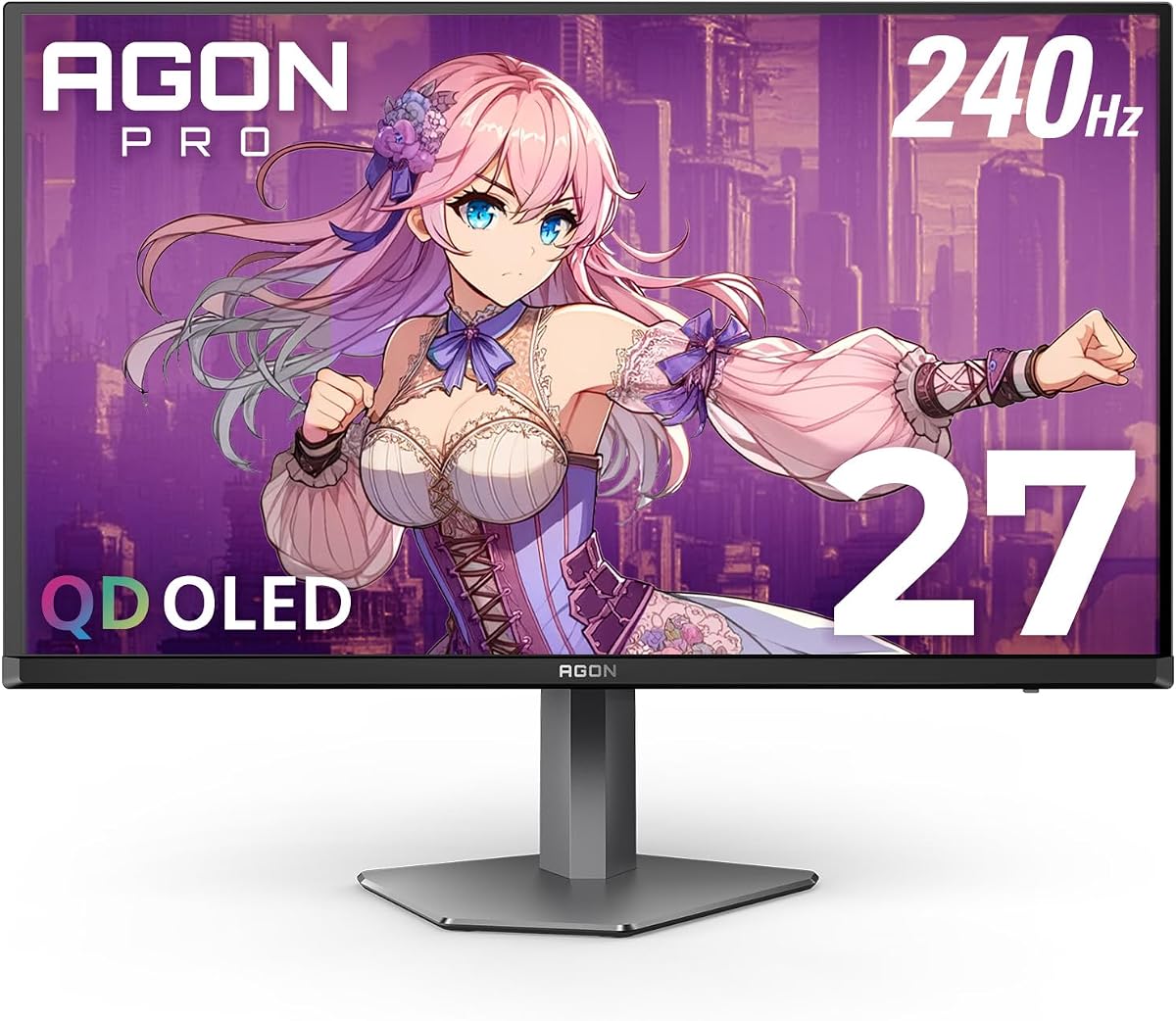
This monitor offers elite visual fidelity. The QD OLED panel provides extreme color accuracy and deep blacks. With a 0.03ms response time, it reacts instantly.
We may earn a commission when you buy through this link, at no additional cost to you.
The 27-inch QHD resolution ensures crisp details. HDR10 support enriches visual dynamics. It syncs with NVIDIA GPUs for tear-free performance.
Consolation gaming is optimized for up to 120Hz. The frameless design enhances immersion. It is a premium choice for quality seekers.
Enthusiasts wanting the best visuals will love this. It brings console and PC gaming to life. Manage static elements to ensure long-term health.
QD OLED combines quantum dots with OLED. This delivers richer colors.
G-Sync compatibility ensures smooth performance. There are no tearing artifacts.
We may earn a commission when you buy through this link, at no additional cost to you.
This monitor delivers ultimate flexibility and quality. The OLED panel offers sharpness and contrast. A 240Hz rate unlocks high-end GPUs fully.
We may earn a commission when you buy through this link, at no additional cost to you.
Height adjustment provides ergonomic comfort. The USB Hub simplifies peripheral connections. HDR400 adds dynamic range to visuals.
It supports both AMD and NVIDIA syncs. The removable bracket aids wall mounting. It is a top-tier choice for serious users.
Professionals and gamers wanting a full feature set will benefit. Adjusting height helps posture. The hub reduces cable clutter effectively.
Height adjustment helps maintain proper posture. This reduces strain.
A built-in hub centralizes USB access. This simplifies your setup.
We may earn a commission when you buy through this link, at no additional cost to you.
This renewed option provides a budget-friendly start. The 21.5-inch VA panel offers decent contrast. With a 120Hz refresh rate, it handles basic gaming well.
We may earn a commission when you buy through this link, at no additional cost to you.
Flicker-Free and Blue Light Filter support eyes. The VESA mount enables flexible positioning. It is a smart choice for tight budgets.
While smaller, it is efficient for compact desks. The renewed status saves money. Ensure the unit passes all checks before use.
Entry-level gamers needing a functional setup will find this useful. It offers speed at a low cost. Verify warranty terms for renewed products.
Renewed items provide great value. They pass quality checks.
Blue Light filters reduce strain. This helps during long sessions.
We may earn a commission when you buy through this link, at no additional cost to you.
Selecting the right monitor involves balancing your needs with specific features. This guide outlines key factors to consider before making a purchase.
Panel technology impacts color and speed. IPS offers wide angles and accuracy, VA provides deep blacks, and OLED delivers perfect contrast.
Choose IPS for color, VA for contrast, or OLED for premium visuals.
Refresh rate determines how many frames display per second. Higher rates like 144Hz or 240Hz offer smoother motion for competitive gaming.
Aim for 144Hz or more if gaming; 60Hz works for work.
Resolution defines detail clarity. 1080p is standard, 1440p offers sharp text, and 4K provides massive workspace. Ensure your GPU can drive it.
Select resolution based on screen size and PC power.
Response time measures how fast pixels change. Low values like 1ms or 0.5ms reduce blur. This is crucial for fast-paced shooters.
Look for under 1ms for competitive play.
Adjustable stands help maintain posture. Tilt, height, and swivel allow custom positioning. VESA mounts enable wall mounting.
Ensure the stand adjusts or check VESA compatibility.
Sync tech like G-Sync or FreeSync matches refresh rates to GPU output. This prevents screen tearing and stuttering during gameplay.
Confirm compatibility with your graphics card.
Ports like HDMI, DisplayPort, and USB hubs matter. DisplayPort often supports higher refresh rates. Check your system connections.
Verify ports match your device requirements.
Good warranty protection covers defects. Zero-bright-dot and advance replacement services add value. Check terms before buying.
Prioritize brands with strong after-sales support.
Proper setup ensures optimal performance. Adjust brightness and contrast to match your environment. Use built-in presets for gaming or reading.
Keep the screen clean using a soft, dry cloth. Avoid chemicals that might damage the coating. Regular dusting maintains clarity.
Allow the monitor to cool between intense sessions. Avoid static images to prevent burn-in on OLED models. Follow manual guidelines for longevity.
Yes, AOC is highly regarded for gaming. Their panels offer high refresh rates and low response times. Models include Adaptive-Sync for smooth performance.
IPS offers better color accuracy and viewing angles. VA provides deeper blacks and higher contrast. Choose based on your needs for color vs. darkness.
Many AOC monitors support Adaptive-Sync. Some include NVIDIA G-Sync compatibility. Check the specific product specs for exact certifications.
For competitive play, 144Hz or higher is ideal. Many AOC monitors offer 165Hz to 240Hz. This ensures smooth motion and reaction speed.
Absolutely. Models with 4K resolution and IPS panels are great for work. They provide sharp text and wide viewing angles for multitasking.
Some models include built-in speakers for basic audio. Others rely on external devices. Check the feature list for audio specs.
Our picks highlight diverse strengths across the range. From budget FHD options to premium OLED displays, there is a model for everyone. Consider your specific needs first.
Prioritize features like refresh rate and panel type. A monitor fits your use case. Don't overspend on features you won't use.
Prices and availability shift over time. Always check current listings before buying. This ensures you get the best deal today.