
VAYDEER Volume Control Knob
4.5Editor score
One-click mute
Driver free setup
Metal construction
Explore our expert guide comparing the top Bluetooth volume control knobs for seamless audio adjustment across devices without tapping keyboards.
Finding the perfect Bluetooth volume control knob can transform how you manage audio on your desktop or mobile setup. These devices offer tactile precision and convenience that software sliders simply cannot match for daily use cases.
We evaluated ten leading models based on connectivity options build quality and feature sets. Each product was analyzed for compatibility across Windows macOS and mobile platforms to ensure broad usability for modern workflows.
Each pick highlights unique strengths from programmable macros to robust battery life. Keep in mind that prices and availability fluctuate frequently so verify current details before making your final purchase decision today.
4.5Editor score

4.7Editor score

3.8Editor score
This side-by-side comparison breaks down key specifications across all ten models to help you identify the best fit for your specific workspace needs and device ecosystem.


This unit stands out as our top choice for its seamless blend of wireless freedom and wired reliability. It supports Bluetooth 2.4G and USB-C making it ideal for users who switch between multiple devices daily without reconnection hassle.
We may earn a commission when you buy through this link, at no additional cost to you.
The standout feature is its robust shortcut system allowing you to map complex keystrokes to a single press. This makes it powerful for productivity workflows where you need to quickly navigate documents or media without taking hands off the keyboard.
While the customization software adds depth it might require some time to master for casual users. However the included storage for shortcuts means once set up your preferences persist across sessions reliably.
We recommend this knob for professionals and power users who value speed and precision. Its flexible connection options ensure it fits into almost any modern desktop environment effectively.
The triple mode connection ensures you are never stuck with just one option for your setup.
One key shortcuts streamline repetitive tasks to save valuable time during work hours.
We may earn a commission when you buy through this link, at no additional cost to you.
Anticater focuses on design with this CNC aluminum knob that looks and feels like a high-end studio tool. It offers robust connectivity options including Bluetooth 2.4G and USB-C which ensures it works well on both Windows and Mac.
We may earn a commission when you buy through this link, at no additional cost to you.
The custom macro software allows for detailed control mapping which is rare in this price segment. Users can assign specific actions to turns and clicks making it versatile for various software environments.
Although the build quality is excellent some users may find the price higher than basic alternatives. However the durability and cross-platform utility justify the investment for serious users.
This knob is perfect for creative professionals who need reliable tactile control across different operating systems without compromising on aesthetic quality.
The anodized aluminum construction provides a premium feel that resists wear over time.
Intuitive macro tools make it easy to tailor the knob to your specific workflow needs.
We may earn a commission when you buy through this link, at no additional cost to you.
This model offers a compelling mix of features for tech enthusiasts looking for an affordable upgrade. It supports Bluetooth 5.1 which provides a stable connection and dual modes for flexibility when connecting to your PC.
We may earn a commission when you buy through this link, at no additional cost to you.
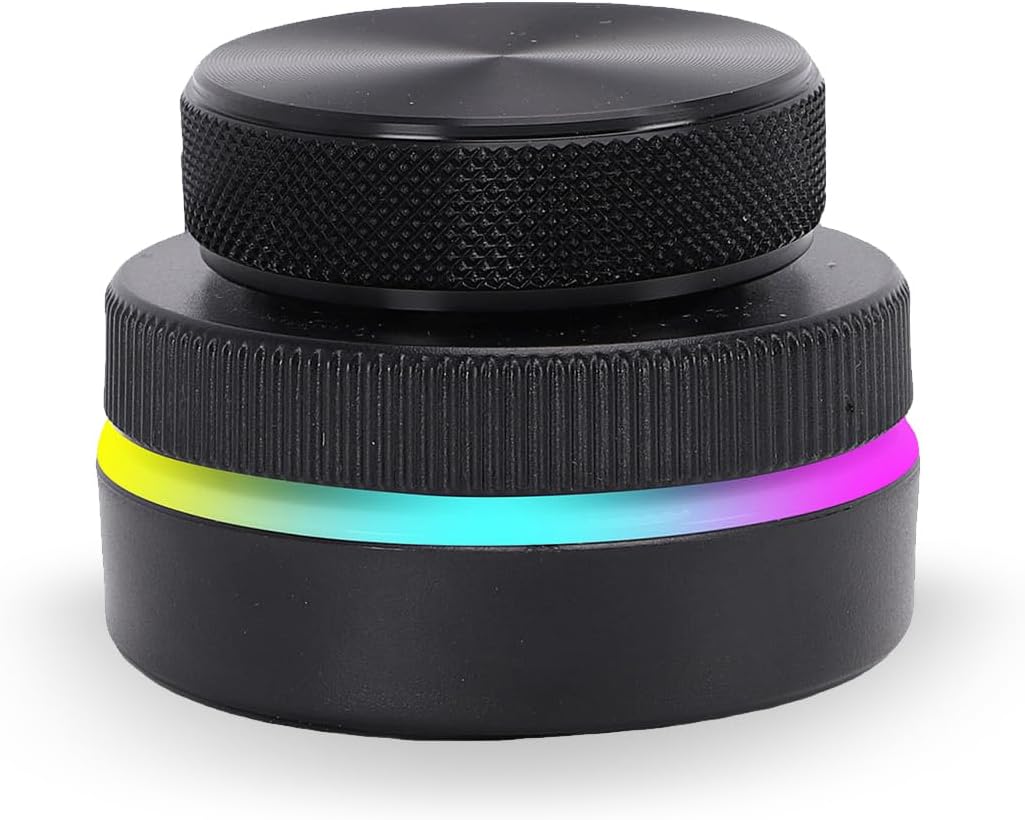
The customizable RGB lighting adds a touch of personality to your desk setup. You can create unique lighting effects that match your mood or theme making it more than just a utility tool.
While it performs well for general volume control some advanced users might find the programming limited compared to top tier options. Still it covers the basics effectively at a very accessible price.
Ideal for budget-conscious users who want style and function in a compact package without breaking the bank for audio management.
RGB lighting adds a dynamic visual element to your workspace that enhances the setup.
Essential functions like volume and mute work reliably for everyday use cases.
We may earn a commission when you buy through this link, at no additional cost to you.
Razer delivers a specialized tool designed for users deeply integrated into their audio ecosystem. The pod connects wirelessly and supports specific Razer speaker models making it a seamless extension of your hardware setup.
We may earn a commission when you buy through this link, at no additional cost to you.
You can customize audio presets and control Chroma lighting directly from the dial. This integration offers a unified experience that standalone knobs cannot match if you own compatible gear.
However the need for specific software and compatible devices limits its appeal to a niche audience. If you do not use Razer speakers the value proposition decreases significantly.
This is a great choice for gamers and enthusiasts within the Razer ecosystem who want a polished unified control experience for their audio setup.
Direct integration with Razer devices simplifies control for existing hardware owners.
Long battery life ensures you can use it for months without worrying about power.
We may earn a commission when you buy through this link, at no additional cost to you.
This silver model brings the latest Bluetooth 5.3 technology to a compact and affordable form factor. It offers stable pairing with Windows and mobile devices ensuring quick access to volume controls.
We may earn a commission when you buy through this link, at no additional cost to you.
The zinc alloy construction provides a satisfying weight without being bulky on your desk. RGB lighting enhances the visual appeal which makes it a pleasant addition to any workstation.
While it lacks advanced programming features it excels at what it is meant to do simply controlling media. For users who want a no fuss device this is a strong contender.
We recommend this for casual users who prioritize modern connectivity and solid build quality over complex programmable functions.
Bluetooth 5.3 ensures faster pairing and better power efficiency for daily use.
The silver finish and RGB lights create a sleek look that fits modern decor.
We may earn a commission when you buy through this link, at no additional cost to you.
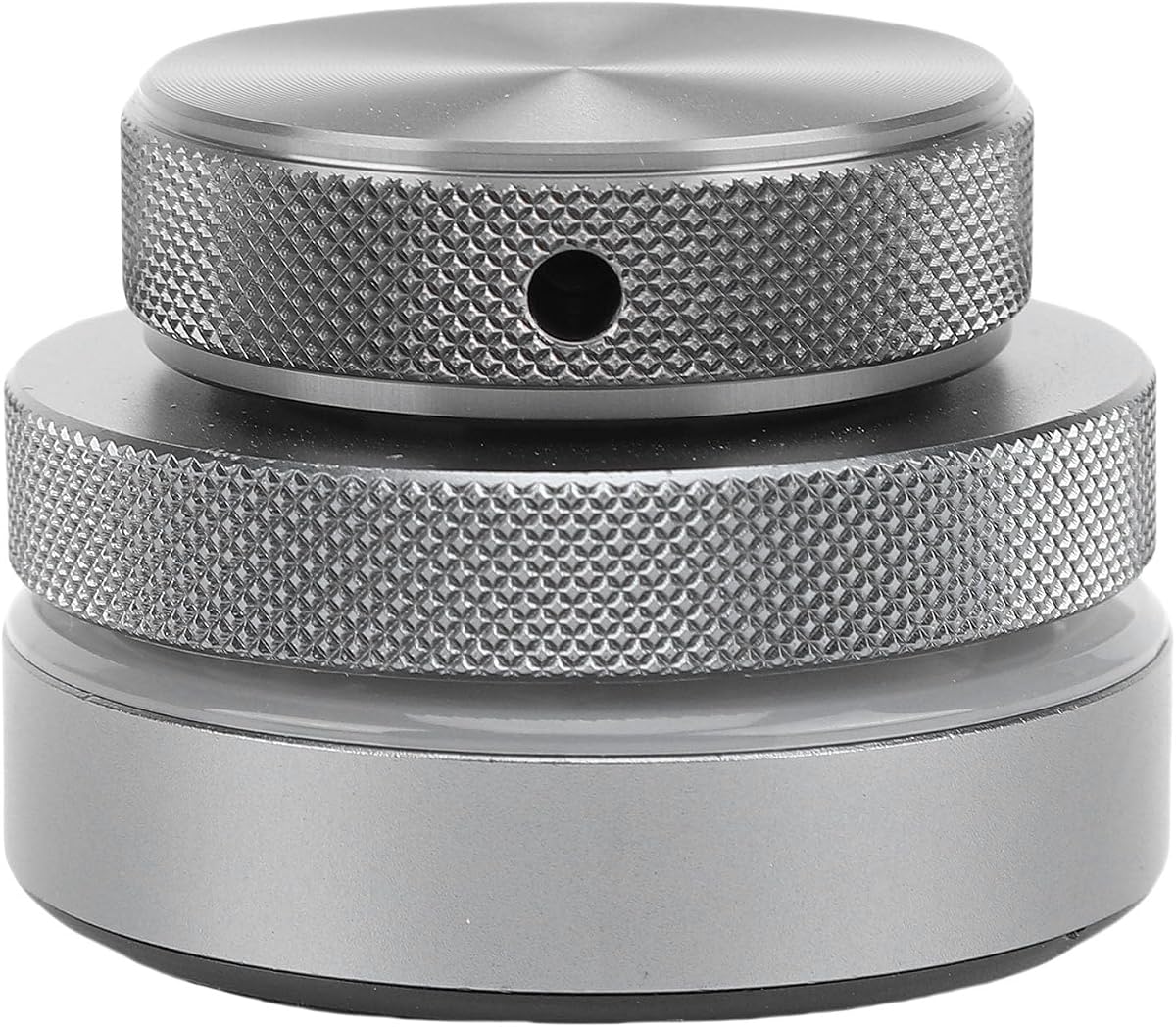
VAYDEER offers one of the most accessible entry points for adding tactile control to your PC. It is driver free and plugs directly into USB making it ready to use instantly upon purchase.
We may earn a commission when you buy through this link, at no additional cost to you.
The one click mute function is a standout utility that saves you time during calls or music playback. Its sturdy metal construction ensures it will last despite its low price tag.
Since it relies on USB only it lacks wireless flexibility but for a stationary setup this is not an issue. The stability provided by the weighted base keeps it firmly in place.
This is the ideal choice for students or home users seeking a reliable and affordable volume controller without unnecessary complexity.
The mute button allows you to silence audio instantly without searching for settings.
No drivers or software installation means it works immediately on your computer.
We may earn a commission when you buy through this link, at no additional cost to you.
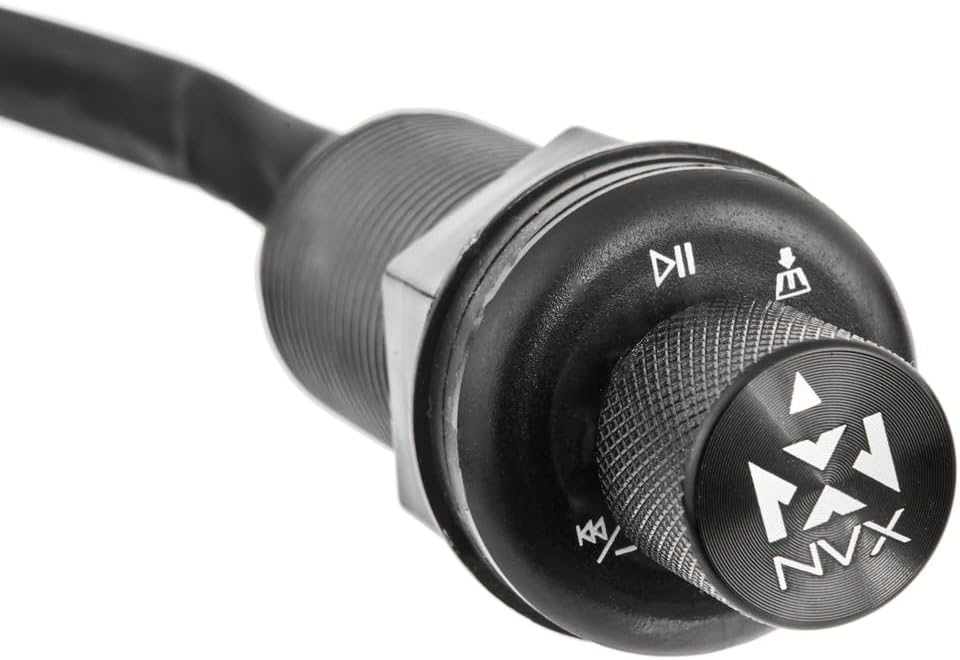
NVX brings the concept of tactile control to the automotive world with this Bluetooth receiver. It allows you to manage music and volume using a dedicated knob which is safer and easier than touchscreen controls while driving.
We may earn a commission when you buy through this link, at no additional cost to you.
The unit can be mounted flush in the dash or underneath depending on your installation preferences. This flexibility makes it adaptable to different vehicle dash layouts and design constraints.
While not a desktop solution it is excellent for those looking to modernize older car audio systems. It bridges the gap between older AUX inputs and modern Bluetooth streaming.
We recommend this for car enthusiasts who want to upgrade their audio control experience with a physical knob for safer driving interactions.
This device transforms AUX inputs into modern Bluetooth streaming with physical controls.
Mounting options allow for a clean integrated look in your car dashboard.
We may earn a commission when you buy through this link, at no additional cost to you.
This controller emphasizes ergonomic design and visual appeal for modern desktop setups. The 2.4G wireless mode provides a low latency connection that feels responsive for daily tasks.
We may earn a commission when you buy through this link, at no additional cost to you.
RGB lighting offers a range of effects that let you customize the look of your workspace. It is designed to be lightweight yet stable enough to stay in place during use.
It covers essential multimedia functions without getting bogged down in complex settings. This makes it accessible for anyone who wants better control without a steep learning curve.
It is a great option for general users who value comfort and style alongside reliable audio and media control.
The aluminum alloy knob provides a comfortable grip for extended use sessions.
The 2.4G mode ensures consistent performance without interference from other signals.
We may earn a commission when you buy through this link, at no additional cost to you.
This model allows users to personalize their experience through a dedicated app interface. You can program up to five functions using different rotation or press combinations for tailored control.
We may earn a commission when you buy through this link, at no additional cost to you.
RGB lighting serves as a visual indicator for your settings enhancing the user experience. The mix of Bluetooth and USB options ensures you have flexibility in how you connect to your devices.
Some users may prefer hardware only solutions but the app adds a layer of customization. This suits those who like to tweak their setup to fit specific habits.
It is recommended for users who enjoy configuring their tools and want a personalized audio control experience.
The app lets you set specific actions for different rotation directions or clicks.
RGB colors provide clear visual cues to your current settings or modes.
We may earn a commission when you buy through this link, at no additional cost to you.
This knob stands out by including page turning capabilities for reading applications. It is designed to help users switch through ebooks or documents without reaching for the mouse constantly.
We may earn a commission when you buy through this link, at no additional cost to you.
The 400mAh battery supports long use sessions which reduces the need for frequent charging. RGB lighting adds a touch of flair to the design making it visually appealing.
While it excels at multimedia it is particularly useful for readers who want a physical interface. The connectivity options ensure it works across a variety of platforms.
Ideal for readers and writers who want a physical way to navigate content while keeping their desk uncluttered.
Dedicated page turning functions make long reading sessions more comfortable and efficient.
High capacity battery ensures the device remains ready for long periods of use.
We may earn a commission when you buy through this link, at no additional cost to you.
Choosing the right knob involves balancing connectivity build quality and features that match your specific workflow and device ecosystem.
Most models offer Bluetooth 2.4G or USB-C wired connections. Bluetooth allows for wireless freedom while USB-C ensures zero lag when wired. Consider whether you need to switch between multiple devices frequently as this impacts your choice.
Look for dual or triple mode options to ensure flexibility across phones laptops and desktops without constant reconnection.
Materials range from plastic to CNC aluminum or zinc alloy. Metal builds provide better durability and tactile feedback than plastic. A heavier base prevents the knob from sliding during use.
Invest in metal construction if you use the device heavily throughout the day.
Wireless units require batteries. Check if it uses AAA batteries or has a built-in rechargeable cell. Rechargeable units reduce waste and cost over time.
Prioritize models with long standby times if you plan to use it frequently without daily charging.
Some knobs allow macro mapping or shortcut programming. This is vital for power users who need specific actions beyond volume control. Others are simple plug and play devices.
Decide if you need advanced shortcuts or basic volume and mute functions only.
Many models include customizable RGB lighting for aesthetic appeal. While not functional for audio control it enhances desk ambiance. Some allow color syncing with your system.
Ignore this feature if you prefer a minimalist desk setup focused on utility.
Ensure the knob supports your OS. Windows and Mac have different drivers. Some models work universally while others are limited to specific ecosystems like Razer.
Check the product details to confirm support for your specific Windows version or macOS release.
Prices vary widely based on features and materials. Higher cost often means better build and software support. Budget options can work well for basic needs.
Balance your budget with the features you actually use to get the best value.
Start by charging the device fully if it has a built-in battery. Pair it via Bluetooth or plug in the USB-C cable to ensure a stable connection.
Download any required software to map your desired functions. Use the rotation dial to adjust volume and the center button for mute or track navigation.
Keep the surface clean with a soft cloth to avoid dust buildup. Store it in a dry place to protect electronic components from moisture damage.
Most models in this guide support macOS but check compatibility before buying. Some require specific drivers to function correctly. Ensure the product lists macOS support explicitly for best results.
Yes many models offer low latency modes suitable for gaming. They allow quick volume adjustments without leaving your game. This improves your overall gaming experience significantly.
Some use AAA batteries which are easily replaceable. Others have built-in rechargeable batteries via USB-C. Check the specs to know which type your chosen model uses.
Most models are plug and play without drivers. Some advanced customization features may require software. Verify driver needs if you need specific macros or functions.
Many models work with phones via Bluetooth. Ensure your phone supports the required profile like AVRCP. Check the product details for mobile device compatibility.
Battery life varies by model from weeks to months on a single charge. Standby time is often longer than active use time. Check the specific hours for your selected unit.
We explored ten excellent options for tactile audio control ranging from budget friendly to premium choices. The LICAEVEY and VAYDEER models stand out for their versatility and value respectively.
When choosing prioritize features that matter most to you such as connectivity or build. A simple unit may suffice if you only need basic volume control.
Remember to check current pricing and availability as these details change often. This ensures you get the best deal when upgrading your audio setup today.