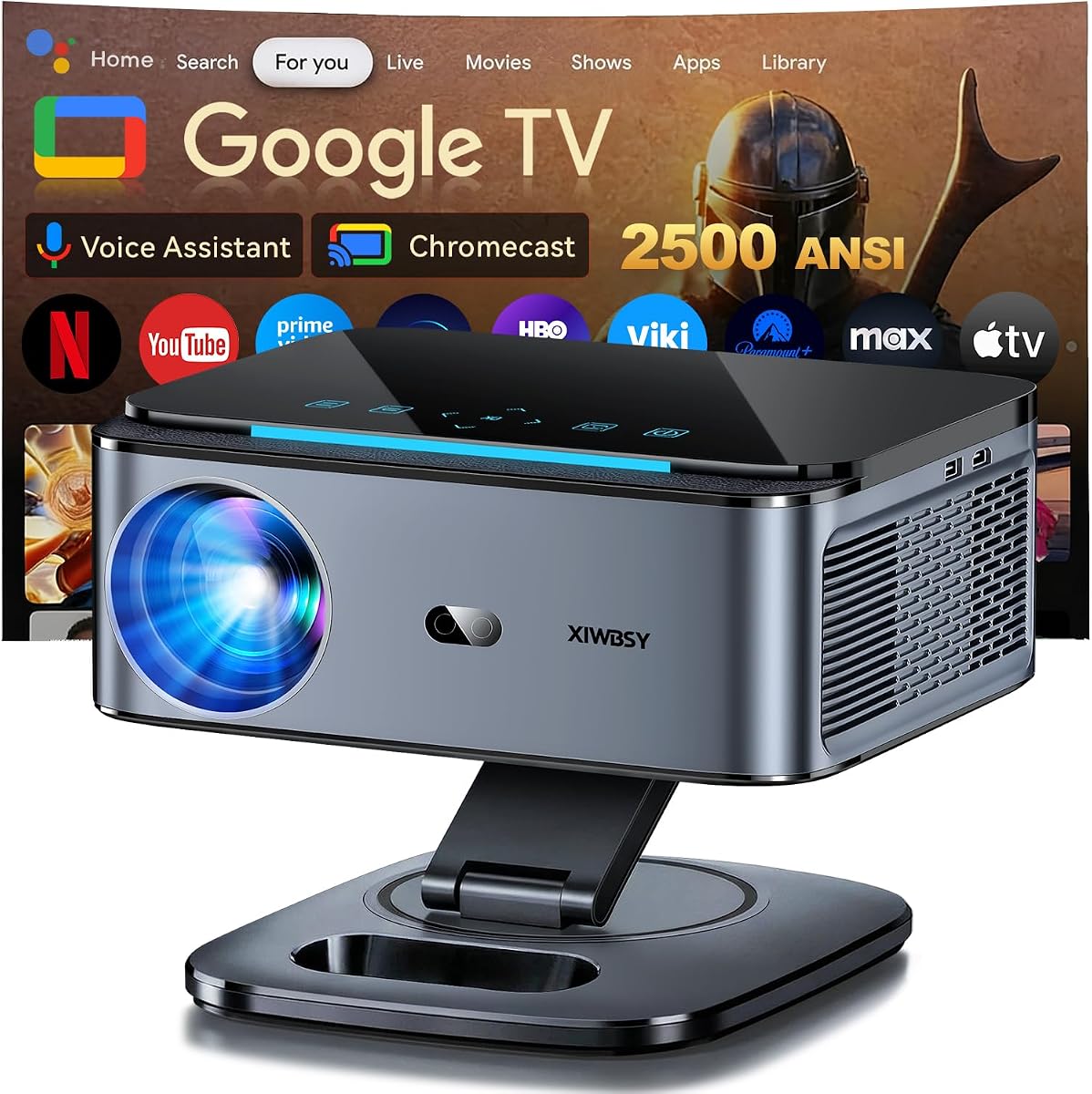
Google TV Smart Projector 4K
4.8Editor score
2500 ANSI High Brightness
Official GTV OS Preloaded
10ms Low Latency Support
Discover the top 10 console gaming projector for big screen options for immersive home theater setups with high refresh rates and low latency.
Transform your living room into a massive arena with a console gaming projector for big screen experiences. These devices bring immersive visuals to your favorite titles without needing a traditional TV setup.
We compared ten leading models based on brightness, resolution, input lag, and smart features to help you find the right fit for your gaming den or home theater.
Each pick highlights key specs and real-world performance notes. Prices and availability change frequently, so check the latest offers before making your final purchase decision.
4.8Editor score

4.4Editor score
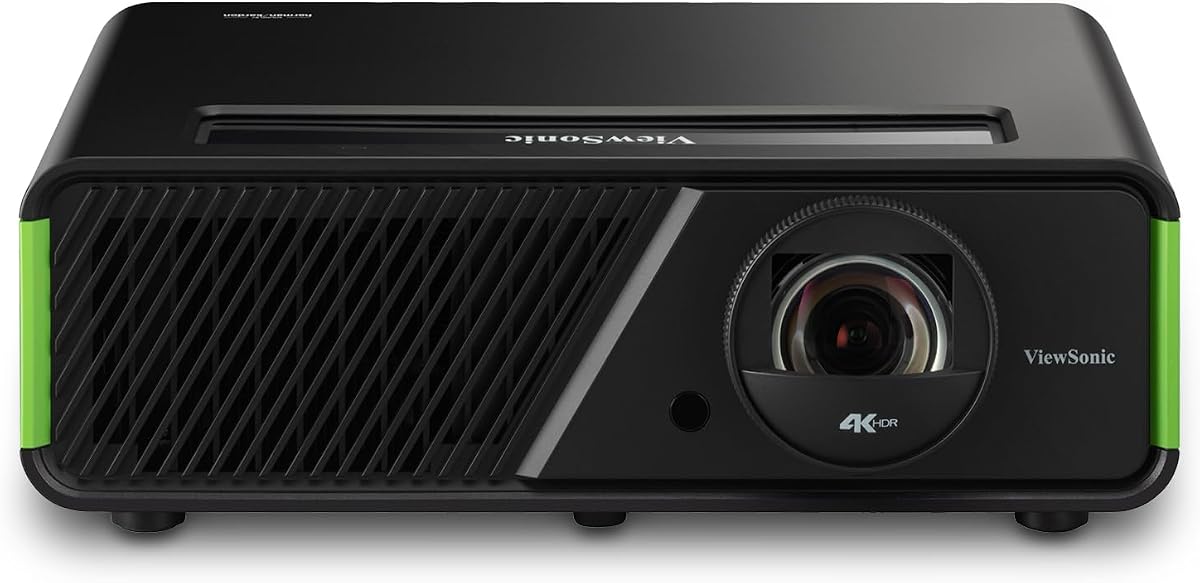
3.9Editor score
This side-by-side comparison highlights the key technical specifications and unique features of each projector to help you choose the right one for your setup.

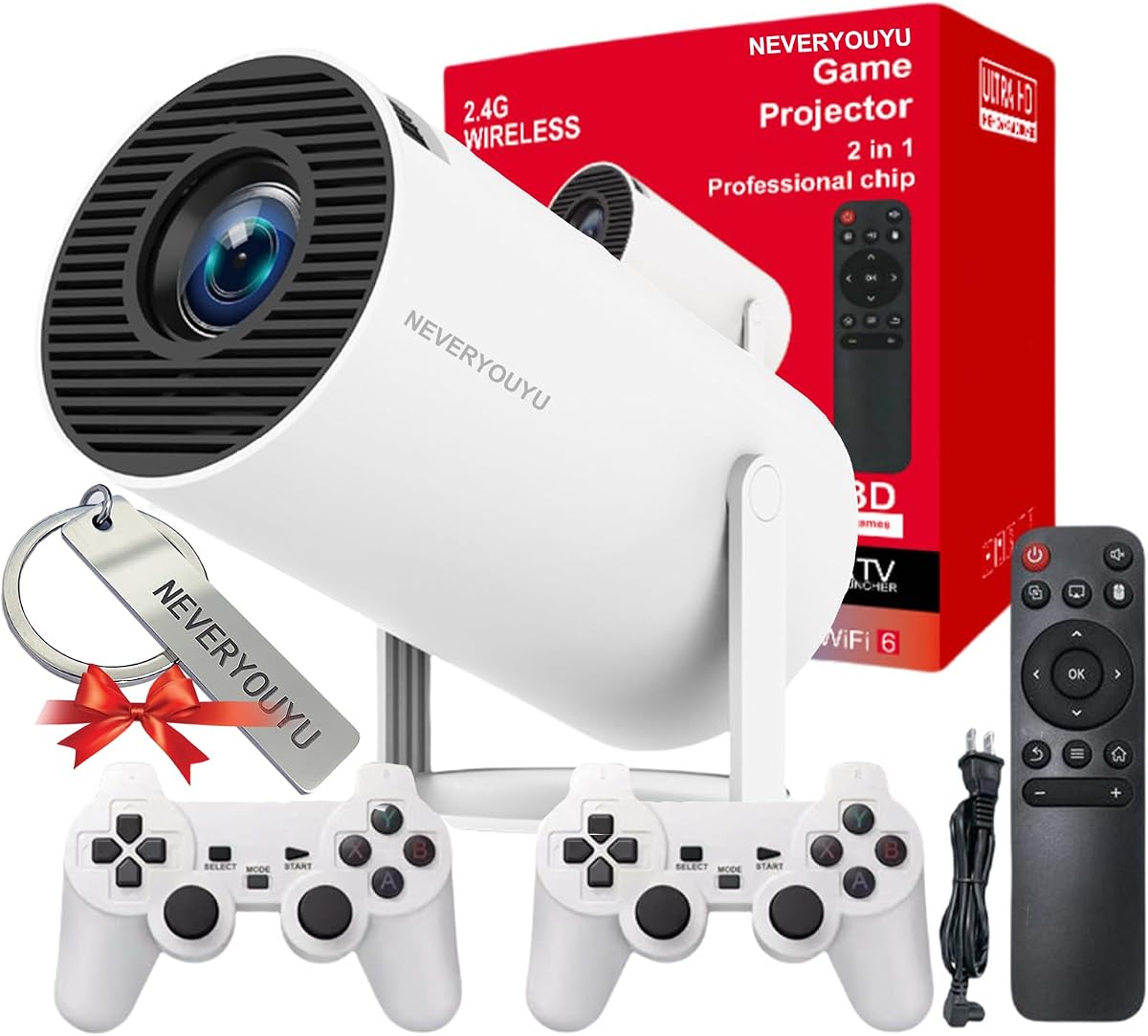


This projector stands out with its high brightness and smart TV integration. It delivers 4K HDR visuals suitable for bright rooms.
We may earn a commission when you buy through this link, at no additional cost to you.
The built-in Google TV eliminates the need for external sticks. Its HDMI 2.1 connectivity ensures fast data transfer for consoles.
Input lag is minimized for responsive play. The auto focus helps maintain image sharpness without manual adjustments.
It is ideal for gamers needing a versatile big screen experience. Check the latest deals before purchasing.
High ANSI lumens allow gameplay even with ambient light.
Integrated Google TV gives instant access to streaming apps.
We may earn a commission when you buy through this link, at no additional cost to you.
This model offers extreme brightness for large screens. It supports high refresh rates which are crucial for competitive gaming.
We may earn a commission when you buy through this link, at no additional cost to you.
Native Xbox compatibility ensures smooth performance. The SuperColor technology enhances visual vibrancy significantly.
However, it requires a well-controlled environment. The high lumens can be overpowering in dark rooms.
Best for those who need a massive and bright display. It is a strong choice for dedicated home theaters.
240Hz ensures fluid motion during fast-paced action.
Optimized settings make Xbox gaming seamless.
We may earn a commission when you buy through this link, at no additional cost to you.
This unit is perfect for retro gaming fans. It comes with thousands of classic games pre-installed.
We may earn a commission when you buy through this link, at no additional cost to you.
The included controllers make it ready to use. It is small enough to carry anywhere for fun.
But the brightness is limited to dark rooms. The resolution is lower than modern standards.
Ideal for casual or nostalgic play sessions. It is a fun gift for game lovers.
Access over 36000 retro games instantly.
Lightweight design allows easy movement.
We may earn a commission when you buy through this link, at no additional cost to you.
This projector allows large images from a short distance. It is great for small rooms or setups behind consoles.
We may earn a commission when you buy through this link, at no additional cost to you.
The short throw lens is the main selling point. It ensures a big screen without needing a large room.
Input lag is low enough for console gaming. But it lacks a built-in smart system.
Choose this if you need a space-saving design. It delivers sharp and bright visuals.
Projects 100 inches from only 5 feet.
Rec. 709 accuracy ensures true color.
We may earn a commission when you buy through this link, at no additional cost to you.
This projector uses laser light for longevity. It offers high brightness and fast refresh rates for gaming.
We may earn a commission when you buy through this link, at no additional cost to you.
The laser source means less frequent bulb changes. It supports 240Hz for smooth motion.
It includes specific simulation modes for sports. But the price is on the higher side.
Best for dedicated gamers who want long-term performance. It is a robust entertainment system.
Laser technology offers extended lifespan.
Optimized settings for golf simulation.
We may earn a commission when you buy through this link, at no additional cost to you.
This projector is tailored for Xbox users. It delivers fast response times and a short throw lens.
We may earn a commission when you buy through this link, at no additional cost to you.
The built-in speakers are high quality. It supports 240Hz for ultra-smooth gameplay.
It is expensive compared to others. The setup can be complex for some users.
Ideal for high-end Xbox gaming setups. It provides a complete audio-visual solution.
Built-in speakers deliver rich sound.
Fast response ensures no input lag.
We may earn a commission when you buy through this link, at no additional cost to you.
This mini projector offers retro gaming fun. It is affordable and comes with controllers.
We may earn a commission when you buy through this link, at no additional cost to you.
The built-in library is a key feature. It connects easily via WiFi and Bluetooth.
Brightness is not high for bright rooms. The resolution is basic for modern content.
Good for kids or casual users. It is a great gift for nostalgia.
Low cost makes it accessible for families.
Wireless options allow easy pairing.
We may earn a commission when you buy through this link, at no additional cost to you.
This budget option offers high brightness and smart TV. It is a strong choice for gamers on a budget.
We may earn a commission when you buy through this link, at no additional cost to you.
It features a preloaded OS for apps. The low latency makes it viable for gaming.
The speakers add to its convenience. But it relies on decoding for 4K.
Ideal for entry-level big screen gaming. It is a cost-effective purchase.
Delivers premium specs at low price.
Official GTV system ensures app access.
We may earn a commission when you buy through this link, at no additional cost to you.
This projector is designed for smart home use. It features a fast OS and accurate brightness.
We may earn a commission when you buy through this link, at no additional cost to you.
The AI setup makes calibration quick. It supports AirPlay for easy casting.
It is a bit pricey for gaming. But the reliability is a plus.
Great for versatile entertainment needs. It fits both indoor and outdoor setups.
VIDAA OS ensures smooth navigation.
ISO standard ensures honest brightness specs.
We may earn a commission when you buy through this link, at no additional cost to you.
This projector balances performance and smart features. It has high ratings and a good smart OS.
We may earn a commission when you buy through this link, at no additional cost to you.
The rotating stand aids placement. It offers decent brightness for home use.
Input lag is acceptable but not for esports. It is versatile for general use.
Ideal for mixed media and casual gaming. It is a reliable option for families.
High user rating indicates satisfaction.
Rotating stand allows flexible angles.
We may earn a commission when you buy through this link, at no additional cost to you.
Selecting the right projector requires understanding key technical factors that impact performance and usability.
Brightness is measured in ANSI lumens. Higher lumens allow gaming in rooms with ambient light. Look for 2000+ lumens for daytime use.
Choose high brightness for any lit room.
Input lag is the delay between controller and screen. Low lag is vital for competitive gaming. Look for 30ms or less.
Prioritize low lag for responsiveness.
Refresh rate dictates how smooth motion is. 60Hz is standard. 120Hz or 240Hz is ideal for fast games.
Higher refresh rate ensures smoother gameplay.
Smart features eliminate extra devices. Google TV or similar OS streamlines access to apps. Ensure it supports your favorite services.
Integrated OS simplifies setup.
Resolution impacts detail. 1080P is standard for gaming. 4K is best for high fidelity. Check decoding support.
Match resolution to your content.
Short throw projectors need less space. This is crucial for small rooms. Standard throw requires more distance for big screens.
Short throw saves space.
Check HDMI 2.1 ports for high bandwidth. USB ports allow external storage. Ensure audio outputs work with your speakers.
Verify all necessary ports.
Built-in speakers add convenience. External audio is better for immersive sound. Look for stereo output if built-in.
Decide on external or built-in audio.
Position the projector centrally to avoid keystone issues. Adjust the height to align with the screen center.
Use a clean white wall or screen for best contrast. Ensure the surface is flat to prevent distortion.
Clean the lens with a microfiber cloth regularly. Keep vents clear to prevent overheating during long sessions.
For most setups, 2000 to 3000 ANSI lumens is ideal. This allows play in dimly lit rooms. Higher brightness is needed for daytime use.
Some models have high lag. Look for a dedicated Game Mode. Aim for 30ms or less for fast-paced games.
Yes if it has low lag. Many modern projectors have 60Hz+ refresh rates. Dedicated gaming models are best for competitive play.
100 to 120 inches is ideal. Larger screens offer immersion. Ensure your room allows this size without distortion.
Not if it has a Smart OS. Google TV models eliminate this need. It simplifies the setup process.
Use auto keystone correction features. Ensure the projector is level. Manual adjustment can fix minor issues.
They save space in small rooms. They allow big screens from a short distance. Best for limited setups.
Use a soft cloth for the lens. Keep vents clear of dust. Avoid spraying liquids directly on the unit.
This guide highlighted ten top projectors for immersive experiences. Each offers unique features for different needs and budgets.
Prioritize brightness and input lag for gaming. Smart features add value for daily use. Choose what fits your space.
Check current prices before buying as they change. These picks provide a solid start for your big screen journey.