
Sceptre 24-inch Prime Monitor
4.6Editor score
99% sRGB color gamut
Dual HDMI ports available
Built-in speakers included
Finding the right HDMI LED monitor can transform your workspace or gaming setup significantly. These displays offer vibrant visuals, crisp text, and reliable connectivity for various needs. Whether you need a budget-friendly option or a premium model, understanding key features helps narrow down choices effectively.
We evaluated ten top-rated monitors based on performance, build quality, and user feedback. Each model was assessed for resolution, refresh rate, color accuracy, and overall value. Our goal is to provide clear insights so you can make an informed decision without confusion or guesswork.
This guide showcases the best options available this month with detailed pros and cons. Each pick highlights specific strengths like eye care tech or gaming modes. Keep in mind that prices and stock levels change frequently so check current listings before buying.
4.6Editor score

4.7Editor score

4.6Editor score
As an Amazon Associate we earn from qualifying purchases.
This side-by-side comparison highlights the key specifications and strengths of each monitor on our list. Use this table to quickly identify which model fits your specific needs for work gaming or media consumption without scanning multiple pages.





This Sceptre model stands out as a top value pick for users seeking reliable visuals without breaking the bank. It earned a strong 4.6 rating from users who appreciate its balanced feature set for work and casual gaming.
We may earn a commission when you buy through this link, at no additional cost to you.
The 99% sRGB coverage ensures vivid colors for photos and videos while the 100Hz refresh rate smooths out motion in games. Dual HDMI ports let you connect multiple devices easily while built-in speakers save desk space for clutter.
While the stand lacks height adjustment the monitor includes a 100mm VESA pattern for wall mounting later. Blue light shift helps reduce eye strain during long sessions though some may prefer a higher contrast panel.
Anyone needing an affordable entry-level display should consider this pick. It delivers crisp 1080p visuals and essential ports making it ideal for students or home offices on a tight budget.
The 99% sRGB gamut delivers accurate colors for general media and design tasks.
Two HDMI inputs plus VGA ensure compatibility with older and newer devices alike.
We may earn a commission when you buy through this link, at no additional cost to you.
Users wanting a bigger screen for less money will find this 27 inch option compelling. It holds a 4.5 rating thanks to its clear Full HD visuals and practical design for daily tasks.
We may earn a commission when you buy through this link, at no additional cost to you.
The 99% sRGB color coverage provides vibrant images for videos and games. Two HDMI ports allow easy switching between a laptop and console while built-in speakers handle basic audio needs without extra hardware.
The tilt adjustment helps position the screen comfortably but lacks height or swivel features. Blue light shift protects eyes during extended work though the 75Hz rate is less smooth for fast action.
This monitor suits users prioritizing screen real estate over high refresh rates. It is a solid choice for media consumption or general productivity where budget and size matter most.
A 27 inch panel offers more space for multitasking or immersive gaming.
Blue light shift reduces strain during long hours of document editing or browsing.
We may earn a commission when you buy through this link, at no additional cost to you.
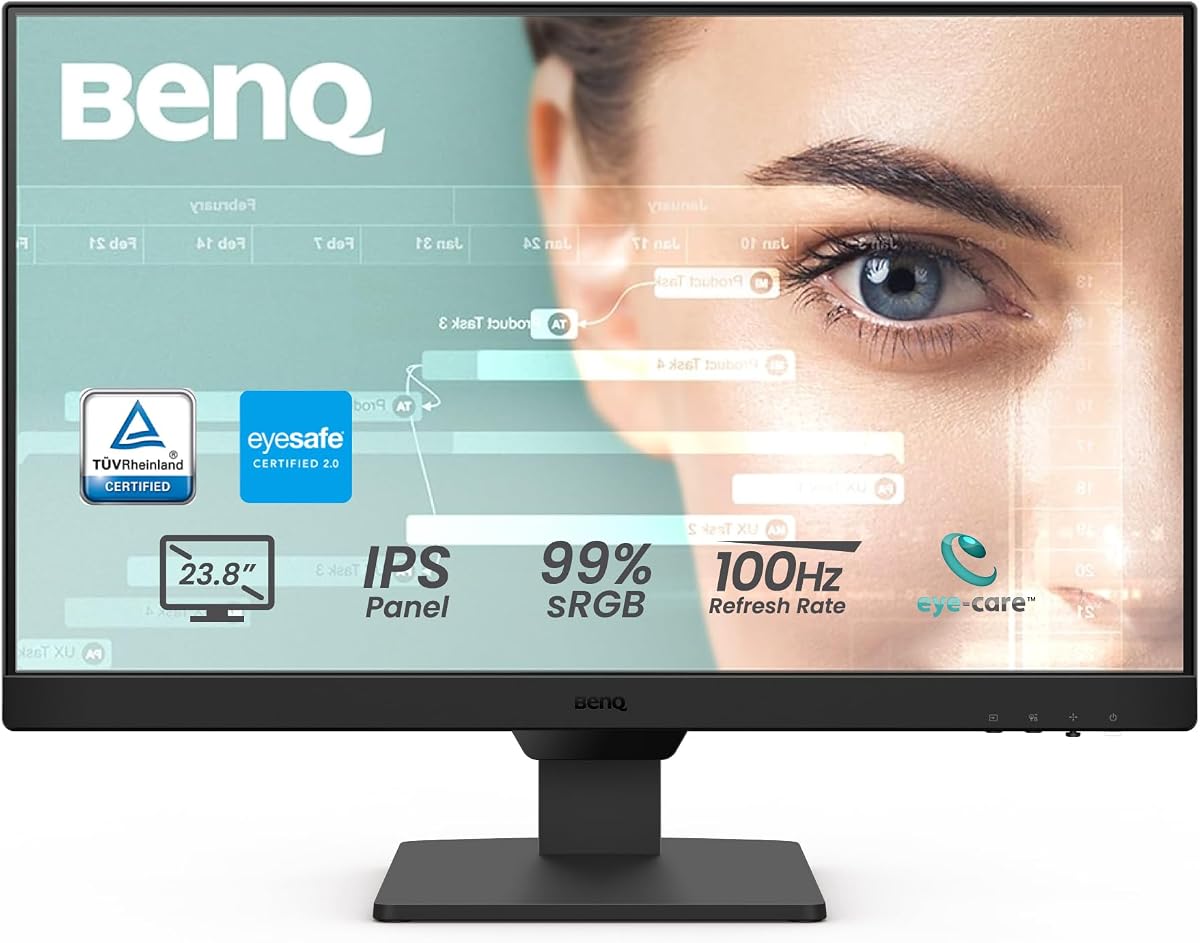
This BenQ monitor impresses with its focus on eye comfort and color accuracy. A 4.6 rating reflects user satisfaction with its smooth visuals and reliable performance for work and play.
We may earn a commission when you buy through this link, at no additional cost to you.
The IPS panel ensures wide viewing angles and consistent colors while 100Hz refresh rate reduces motion blur in games. Low Blue Light Plus filters harmful rays without washing out colors making it great for reading.
Connectivity includes HDMI and DisplayPort offering flexibility for various setups. The thin bezels look modern but the stand offers only tilt adjustment so VESA mounting is needed for full ergonomic positioning.
Users seeking a balanced monitor with eye care tech will appreciate this model. It fits well in home offices where long screen time demands comfort and visual clarity.
IPS technology delivers consistent colors and wide viewing angles for any setup.
Auto brightness adjustment helps maintain comfort under varying room lighting.
We may earn a commission when you buy through this link, at no additional cost to you.
The Dell SE2426H earns top marks for blending smooth gaming performance with professional color quality. Its 4.7 rating highlights the success of its high refresh rate and eye comfort features.
We may earn a commission when you buy through this link, at no additional cost to you.
The 144Hz refresh rate paired with a 1ms MPRT ensures fluid motion in fast games. AMD FreeSync prevents tearing while TÜV 3-star certification reduces blue light without sacrificing image quality for work.
IPS technology offers wide viewing angles and vibrant colors ideal for content creation. The stand lacks height adjust and speakers but thin bezels maximize screen space for dual monitor setups.
Gamers and creators who need both speed and color will find this pick ideal. It delivers excellent value with high refresh performance in a slim modern design.
144Hz and AMD FreeSync combine for tear-free smooth gameplay experiences.
TÜV certified low blue light protects eyes during long creative sessions.
We may earn a commission when you buy through this link, at no additional cost to you.
Philips delivers a stylish option with strong contrast for media viewing. A 4.6 rating confirms users enjoy its deep blacks and sleek design suitable for home entertainment or office use.
We may earn a commission when you buy through this link, at no additional cost to you.
The VA panel produces rich blacks and vibrant colors while 100Hz keeps motion smooth. Flicker-free technology helps reduce eye strain and EasyRead mode mimics paper for comfortable document viewing.
Ultra-slim bezels create a modern look for multi-monitor setups. While the stand lacks swivel the VESA pattern allows easy mounting for ergonomic positioning when needed.
This pick suits users who prioritize contrast and design over wide angles. It fits well in dark rooms for movies or focused office work where color fidelity is less critical.
VA technology delivers deeper blacks for immersive movie watching.
EasyRead mode adjusts the screen for a comfortable paper-like reading experience.
We may earn a commission when you buy through this link, at no additional cost to you.
The Dell P2425H shines with its versatile stand offering full adjustability. Users give it a 4.6 rating praising the build quality and ease of positioning for comfortable long-term use.
We may earn a commission when you buy through this link, at no additional cost to you.
Height swivel and tilt adjustments help achieve the perfect viewing angle easily. The 1500:1 contrast ratio ensures clear images for documents and spreadsheets throughout the workday.
While it lacks a high refresh rate the panel delivers solid Full HD visuals. It fits well in professional environments where ergonomics and reliability take priority over gaming features.
Office workers needing a sturdy adjustable monitor will find this model ideal. It provides essential features without extra cost making it a practical choice for business setups.
Full stand adjustability promotes better posture during extended work hours.
Consistent visuals and durable build make it suitable for daily office tasks.
We may earn a commission when you buy through this link, at no additional cost to you.
BenQ users award this model a perfect 5.0 rating for its balanced performance. It delivers smooth visuals and practical features suited for both office work and light gaming.
We may earn a commission when you buy through this link, at no additional cost to you.
The 100Hz refresh rate provides fluid motion while anti-glare coating reduces reflections. HDMI and DisplayPort inputs offer flexibility for connecting multiple devices without adapters or cables.
Tilt adjustment helps aim the screen but height and pivot are missing. The clean bezel design looks modern in any setup though speakers are absent for external audio.
Those seeking a reliable no-frills display should consider this pick. It offers great value with solid motion handling and essential ports for everyday computing tasks.
Coating reduces reflections to keep the image clear in bright rooms.
Both HDMI and DisplayPort ensure compatibility with PCs and media players.
We may earn a commission when you buy through this link, at no additional cost to you.
LG brings a sleek monitor with HDR support and smooth motion. A 4.6 rating reflects user satisfaction with its IPS clarity and useful software features for work and play.
We may earn a commission when you buy through this link, at no additional cost to you.
The 120Hz refresh rate and Motion Blur Reduction keep action sharp. HDR10 adds depth to supported content while Reader Mode reduces blue light for comfortable text viewing.
Borderless bezels create a modern look for dual setups. The slim stand saves space but offers only tilt so users needing height adjust may want a VESA arm.
Multimedia users appreciating HDR will find this model compelling. It combines visual quality with smart features like Dynamic Action Sync for responsive gaming.
HDR10 adds depth and detail to compatible movies and games.
Switch app enables easy multitasking and layout customization on screen.
We may earn a commission when you buy through this link, at no additional cost to you.
Acer offers a compact yet capable monitor ideal for smaller desks. The 4.6 rating shows users appreciate its blend of high refresh and slim design for efficient setups.
We may earn a commission when you buy through this link, at no additional cost to you.
100Hz refresh and Adaptive-Sync smooth out motion in games and videos. ZeroFrame design gives more screen area while reducing bezel distraction for a seamless look.
The 21.5 inch size saves space but limits multi-window use. FreeSync ensures tear-free playback though the VA panel may show lower contrast than IPS options.
Students or those with limited desk space will find this pick practical. It delivers smooth visuals and modern style at a budget-friendly price point.
Smaller size leaves more room for keyboard and workspace essentials.
Adaptive-Sync matches refresh rates to prevent stutter in games.
We may earn a commission when you buy through this link, at no additional cost to you.
Dell rounds out the list with a premium package offering top adjustability. The 4.6 rating highlights its robust features including high refresh and integrated audio for convenience.
We may earn a commission when you buy through this link, at no additional cost to you.
The stand supports height tilt pivot and swivel for perfect ergonomics. 144Hz and 1ms MPRT deliver smooth gaming while dual 3W speakers provide clear sound without extra gear.
TÜV 4-star eye comfort certification protects vision during long workdays. The Ash White finish looks stylish but may show dust more than darker panels.
Users wanting a complete ergonomic experience should consider this pick. It combines high performance with convenience features making it ideal for professional and home studios.
Full stand adjustability ensures comfort and better posture all day.
Dual speakers deliver clear sound for calls and media without external gear.
We may earn a commission when you buy through this link, at no additional cost to you.
Selecting the right monitor involves balancing screen size resolution and features with your budget. This guide breaks down the essential factors to consider before making your final purchase decision.
Resolution determines image clarity with 1080p being standard for most monitors in this guide. Larger screens offer more workspace but may require scaling for sharp text on 1080p panels.
Choose 24 to 27 inches for balanced clarity and workspace without excessive desk space.
Refresh rate affects motion smoothness where 60Hz is basic and 144Hz is better for gaming. Higher rates reduce motion blur and make scrolling feel smoother during daily tasks.
Opt for 100Hz or higher if you play games or watch fast video content frequently.
IPS panels provide the best color accuracy and viewing angles while VA panels offer deeper blacks. TN panels are fastest but suffer from poor colors making them less ideal for general use.
Select IPS for creativity and general use or VA for high contrast media watching.
HDMI ports are essential for modern devices while DisplayPort supports higher refresh rates. Check that your monitor has enough inputs to connect all your computers and peripherals easily.
Ensure at least two HDMI ports plus optional DisplayPort for flexible multi-device setups.
A stand with height tilt and swivel adjustments promotes healthy posture and reduces neck strain. If the stand is fixed consider VESA mounting to attach an arm for full flexibility.
Prioritize adjustable stands for long-term comfort especially if working at the monitor daily.
Blue light filters and flicker-free tech reduce eye strain during extended viewing sessions. These features adjust the screen output to protect your eyes without degrading image quality.
Look for TÜV certified eye care options to maintain comfort during long work hours.
Thin bezels create a modern look and make multi-monitor setups appear seamless. Check build materials and warranty terms to ensure the monitor will last through daily use.
Pick slim bezel designs for aesthetics and verify warranty terms for long-term peace.
Built-in speakers save desk space while HDR support improves content viewing depth. USB hubs can reduce cable clutter though they are less common on budget-friendly models.
Consider extras like speakers or HDR only if they directly benefit your usage habits.
Connect your monitor to a power outlet and use an HDMI cable to link it to your computer. Once powered on access your system display settings to set the recommended resolution and refresh rate for the best experience.
Clean the screen regularly using a soft dry microfiber cloth to avoid scratches. Avoid using harsh chemicals or spraying liquid directly on the panel as moisture can seep into the frame and cause damage.
Adjust the brightness and color temperature based on your room lighting to reduce eye strain. Enable blue light filters at night to protect your eyes during evening work or entertainment sessions.
A 75Hz to 100Hz refresh rate is usually ideal for general use as it smooths scrolling and video playback. Higher rates like 144Hz are beneficial for gaming but often cost more than needed for office tasks.
Built-in speakers are convenient for basic audio like system sounds or casual media. However they lack depth and volume so external speakers or headphones are recommended for music or detailed audio.
VESA mount refers to a standardized pattern of holes on the back of the monitor. This allows you to attach it to a wall arm or stand for greater positioning flexibility if the included stand lacks adjustments.
IPS panels typically offer wider viewing angles and consistent colors which can help reduce eye fatigue. VA panels are darker and more contrasty which some find easier on eyes for movies in dark rooms.
HDMI is standard for most TVs and consoles but DisplayPort supports higher refresh rates on PCs. If your monitor maxes at 100Hz HDMI is fine but higher rates often need DisplayPort for full speed.
Adjust brightness to match room lighting and keep the monitor at arm length. Enable blue light filters in settings and follow the 20-20-20 rule by looking away every 20 minutes.
Our top picks offer reliable quality across various price points and feature sets. The Dell SE2426H leads with smooth performance while the Sceptre 24-inch Prime delivers excellent value for budget shoppers.
Prioritize refresh rate and eye care features if you spend long hours gaming or working. A good stand and connectivity options will also determine how well the monitor fits your daily setup.
Prices and availability change so verify current stock before finalizing your order. Check user reviews for recent quality notes to ensure the model meets your expectations.