
Redragon H831 Wireless
5.0Editor score
Real-time Sidetone
45Hr Battery Life
Detachable Mic
This guide compares the top headsets with mic monitoring for gaming and streaming, highlighting features that help you hear your voice clearly during calls.
Finding the right audio gear can transform your gaming and streaming experience. A headset with mic monitoring allows you to hear your own voice in real time, preventing shouting and improving clarity. This feature is essential for long sessions where comfort and communication matter.
We evaluated ten top-rated models based on audio quality, microphone performance, and mic monitoring implementation. Our analysis includes wired and wireless options across various price points. Each product was assessed for build quality, comfort, and platform compatibility to ensure diverse needs are met.
Each pick showcases specific strengths like battery life, sound isolation, or budget-friendly pricing. While prices fluctuate due to market conditions, the value propositions remain consistent. Read on to discover which headset aligns best with your specific audio and communication requirements.
5.0Editor score
4.4Editor score

4.3Editor score
The following table provides a side-by-side comparison of all ten models. It highlights key specifications to help you quickly identify the device that fits your needs.




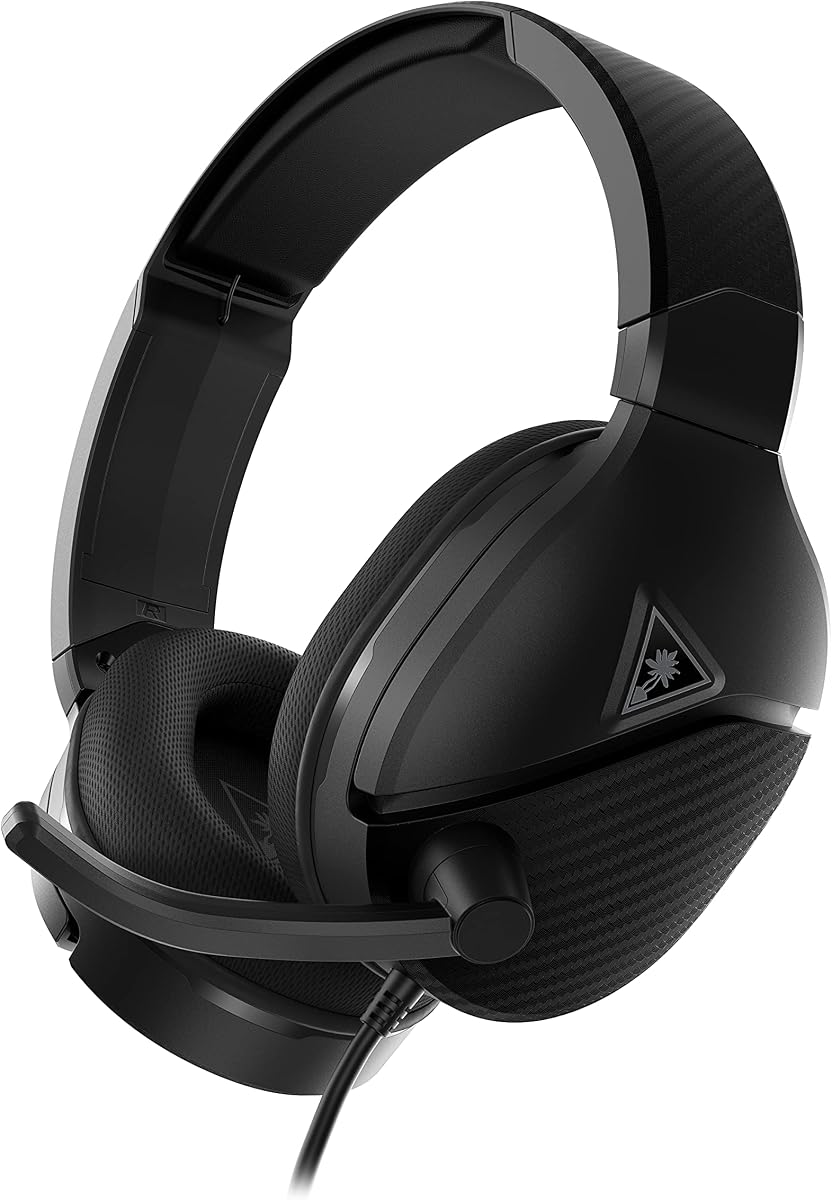
The Turtle Beach Recon 200 Gen 2 stands out as a top choice for gamers seeking reliable audio without breaking the bank. Rated 4.4 stars, it delivers enhanced audio through amplified 40mm speakers and a comfortable fabric-wrapped design.
We may earn a commission when you buy through this link, at no additional cost to you.
Its standout feature is the Variable Mic Monitoring, allowing users to hear their own voice volume clearly. This prevents shouting during intense matches. The High-Sensitivity Flip-to-Mute Mic ensures clear chat without manual adjustments.
While it lacks wireless capabilities, the 3.5mm connection ensures universal compatibility across consoles and PC. The ProSpecs glasses-friendly ear cushions are a thoughtful addition for long sessions.
For gamers prioritizing comfort and vocal clarity on a budget, this headset is an excellent investment. It balances performance and durability effectively.
The Variable Mic Monitoring feature lets you adjust how much of your own voice you hear, ensuring you speak at a comfortable volume.
Fabric-wrapped memory foam ear cushions reduce pressure points, making it suitable for extended gaming marathons without fatigue.
We may earn a commission when you buy through this link, at no additional cost to you.
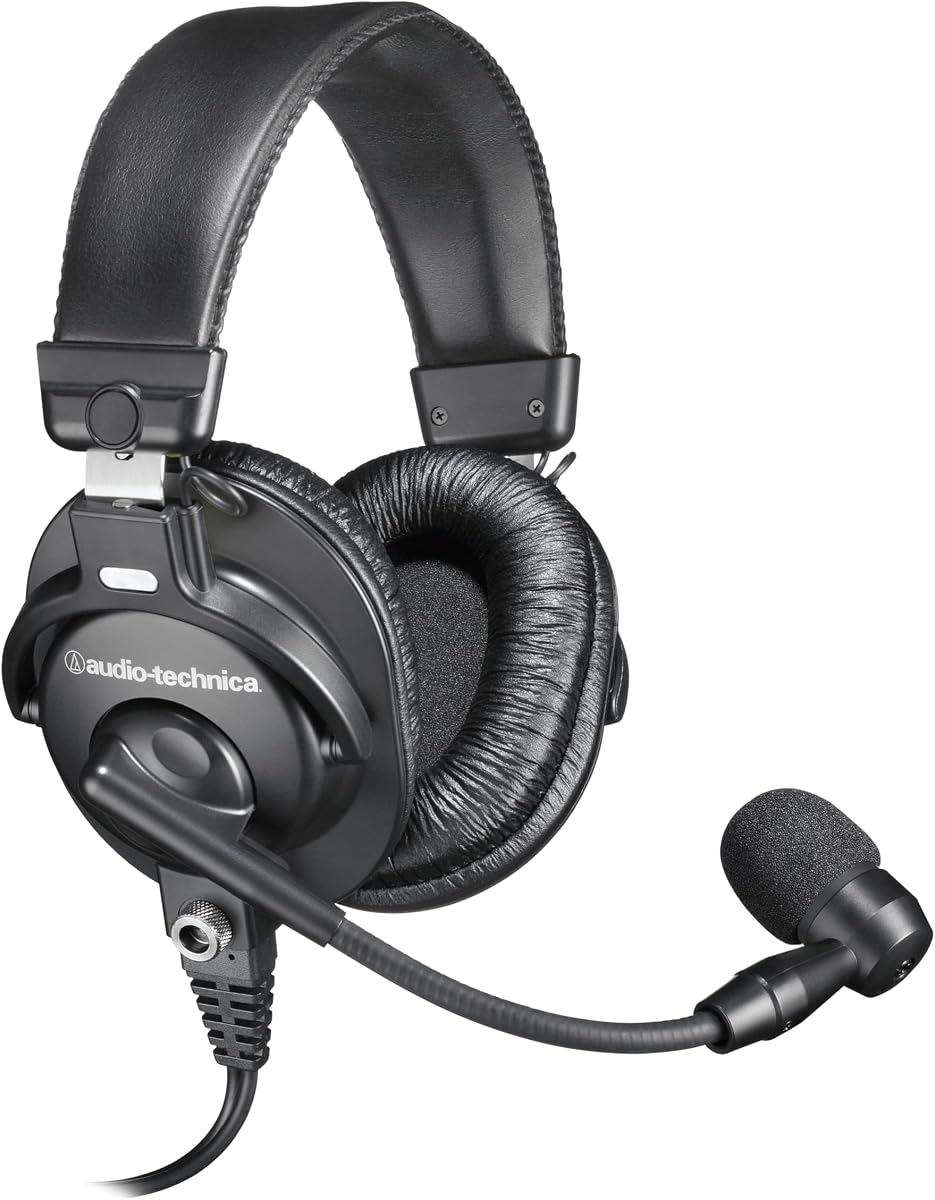
The Audio-Technica BPHS1 is designed for professionals needing reliable vocal reproduction. With a 4.4 rating, it features a dynamic cardioid boom mic tailored for intelligible speech in noisy environments.
We may earn a commission when you buy through this link, at no additional cost to you.
Its closed-back circumaural ear cups help seal out crowd noise, making it ideal for live broadcasts or crowded setups. The neodymium magnets in both mic and headphones ensure detailed sound reproduction and high output levels.
The cardioid pickup pattern effectively rejects off-axis sounds, focusing solely on your voice. The boom-mounted microphone can be positioned on either side, adding flexibility to your setup.
While it commands a higher price, the build quality and audio fidelity justify the cost for serious broadcasters. It remains a staple in many professional environments.
The dynamic mic captures vocals with precision, minimizing background noise and delivering a clear, broadcast-ready signal.
Closed-back ear cups physically block external sounds, ensuring you hear only the audio you intend to monitor.
We may earn a commission when you buy through this link, at no additional cost to you.
The Audio-Technica ATH-M50xSTS combines legendary studio sound with streaming clarity. Rated 4.2 stars, it pairs the popular ATH-M50x headphones with a 20 Series microphone for ideal live streaming audio.
We may earn a commission when you buy through this link, at no additional cost to you.
Proprietary 45mm drivers deliver exceptional clarity and deep bass, while the cardioid condenser mic provides studio-quality articulation. This ensures your voice cuts through background noise effectively.
The flexible boom arm keeps the mic near your mouth, rejecting background noise. However, the XLR connection requires a compatible interface, limiting plug-and-play convenience.
For streamers investing in professional setups, this headset offers unmatched audio fidelity. It transforms casual streaming into a polished broadcast experience.
The studio-grade drivers and mic ensure both game audio and your voice are transmitted with crystal-clear detail.
The flexible boom arm allows precise positioning, maximizing voice capture while minimizing ambient noise.
We may earn a commission when you buy through this link, at no additional cost to you.
The Talomen Studio Monitor headphones are tuned for accurate audio monitoring. Rated 4.2 stars, they feature clear mids, balanced bass, and detailed highs, ideal for podcasting and audio mixing.
We may earn a commission when you buy through this link, at no additional cost to you.
A removable cardioid boom microphone isolates your voice, making it great for voiceovers. The soft memory foam cushions reduce fatigue during long editing or recording sessions.
These wired headphones work seamlessly with audio interfaces and mixers. However, the lack of wireless connectivity might limit mobility during content creation.
For creators needing precise sound reproduction without high costs, this headset delivers. It balances functionality and comfort effectively.
Designed for mixing and recording, the headphones provide a flat response that ensures accurate sound representation.
The detachable microphone allows you to switch between podcasting and music listening modes effortlessly.
We may earn a commission when you buy through this link, at no additional cost to you.
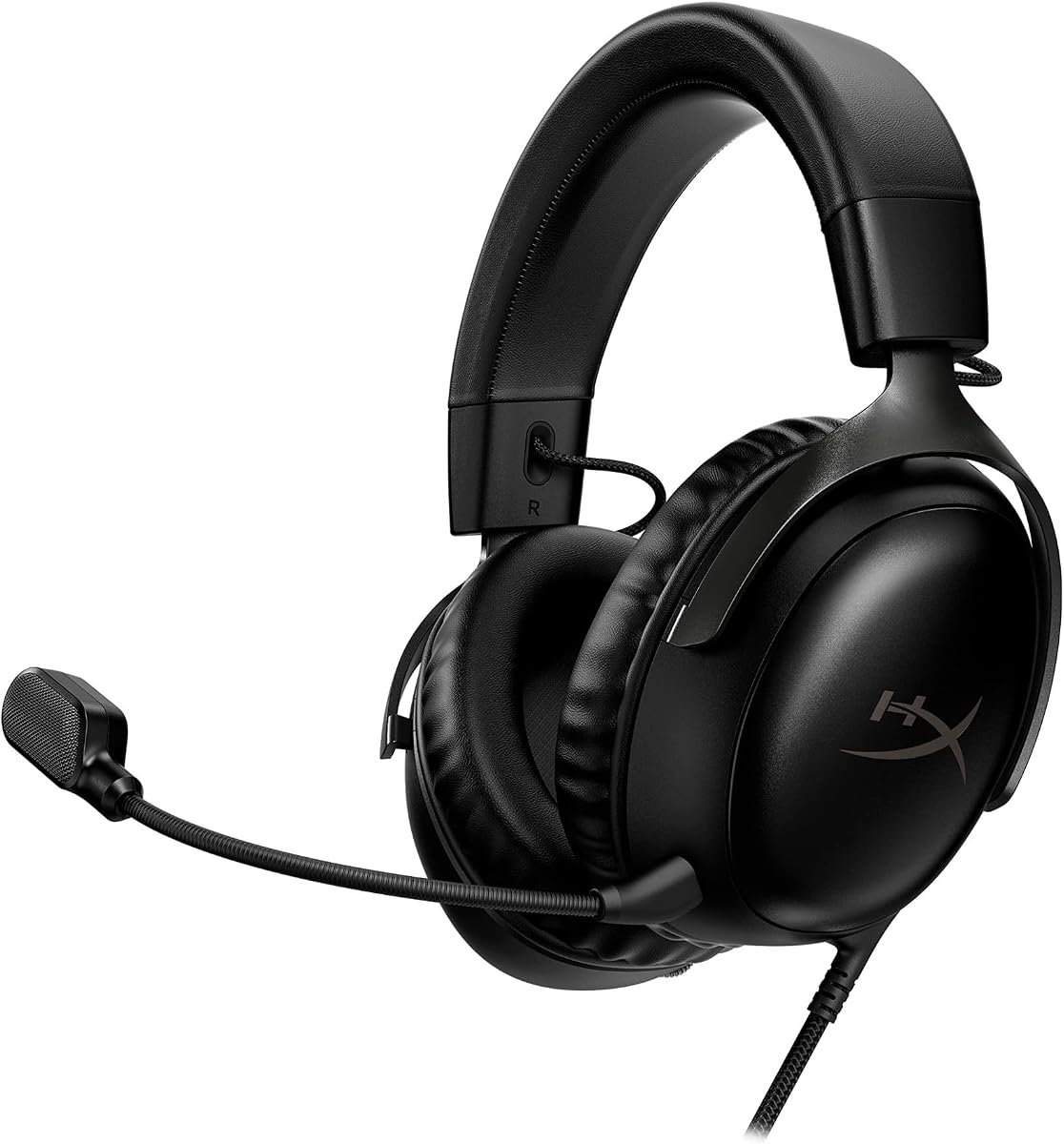
The HyperX Cloud III prioritizes comfort with its DNA built for gamers who need uninterrupted focus. Rated 4.3 stars, it features angled 53mm drivers tuned by audio engineers for dynamic sounds.
We may earn a commission when you buy through this link, at no additional cost to you.
Its upgraded microphone captures high-quality audio with a built-in mesh filter to omit disruptive sounds. The durable aluminum frame ensures resilience against accidents and travel wear.
USB-C and 3.5mm connectivity offer versatility across modern consoles and PCs. While the price is higher than competitors, the build quality and comfort justify the investment.
For marathon gamers who refuse to compromise on comfort or audio quality, this headset is a top contender. It keeps you in the zone for hours.
Angled drivers align with your ear canal, delivering a more natural and immersive listening experience.
Flexible aluminum frame withstands daily wear and tear, ensuring the headset lasts through years of gameplay.
We may earn a commission when you buy through this link, at no additional cost to you.
The Logitech G PRO X is engineered for competitive players needing professional voice comms. Rated 4.3 stars, its detachable pro-grade mic features real-time Blue Voice technology for noise reduction.
We may earn a commission when you buy through this link, at no additional cost to you.
Next-gen 7.1 surround sound improves positional awareness. The durable aluminum fork and steel headband ensure longevity, while soft memory foam ear-pads offer supreme comfort.
Advanced PRO G drivers deliver precise imaging. The included USB sound card allows onboard EQ storage, though it requires specific software functionality.
For esports athletes or streamers, this headset offers tournament-grade performance. The modularity and software ecosystem are distinct advantages.
Blue Voice tech processes your audio in real time, compressing and limiting noise for broadcast-quality speech.
7.1 surround sound helps you pinpoint enemy footsteps and environmental cues for a competitive edge.
We may earn a commission when you buy through this link, at no additional cost to you.
The Redragon H831 Wireless offers incredible versatility with 4 connection modes. Rated 5.0 stars, it provides real-time mic monitoring so you hear your own voice and avoid shouting.
We may earn a commission when you buy through this link, at no additional cost to you.
Its massive battery delivers over 45 hours of playtime. The 53mm drivers switch between acoustic modes for gaming, spatial, or stereo listening.
Dual-mode connectivity allows playing via 2.4GHz while staying connected via Bluetooth. It delivers ultra-low latency essential for competitive FPS games.
For budget-conscious gamers needing wireless freedom and mic monitoring, this headset is unbeatable. It competes with premium models at a fraction of the cost.
With over 45 hours of battery life, you can game for days without needing to recharge the device.
The four modes support PS5, PC, Switch, and mobile devices, offering maximum compatibility.
We may earn a commission when you buy through this link, at no additional cost to you.
The Turtle Beach Stealth 600 offers the best-in-class 80-hour battery life. Rated 4.4 stars, it features powerful 50mm Nanoclear Drivers for vibrant spatial audio.
We may earn a commission when you buy through this link, at no additional cost to you.
Memory foam cushions with glasses-friendly technology ensure comfort. A QuickSwitch button allows seamless wireless to Bluetooth switching for mobile calls.
Superhuman Hearing boosts subtle sounds like footsteps. The built-in EQ modes and Swarm II app allow extensive customization.
For Xbox and PS5 users prioritizing battery life and audio customization, this headset excels. It combines power with user-friendly design.
With 80 hours of battery, you rarely need to charge, ensuring uninterrupted gaming sessions over weeks.
The mobile app lets you tweak EQ and settings easily, adapting the sound to your personal preference.
We may earn a commission when you buy through this link, at no additional cost to you.
The Logitech H390 is a straightforward solution for calls and meetings. Rated 4.4 stars, its fine-tuned drivers provide enhanced digital audio for music and calls.
We may earn a commission when you buy through this link, at no additional cost to you.
The rotating noise cancelling mic minimizes background noise. In-line controls let you adjust volume or mute calls without disruption.
Plug-and-play USB connectivity makes it easy to use. It is Chromebook certified and features a long cable for movement.
For office workers needing a reliable and affordable headset, this model delivers. It offers essential features without unnecessary complexity.
No software installation is required; just plug in the USB and you are ready to communicate instantly.
The rotating boom mic effectively reduces ambient noise, ensuring your voice is heard clearly.
We may earn a commission when you buy through this link, at no additional cost to you.
The Razer BlackShark V2 X provides immersive 7.1 surround sound. Rated 4.4 stars, its Triforce 50mm drivers divide tuning into three parts for crisp highs, mids, and lows.
We may earn a commission when you buy through this link, at no additional cost to you.
Sturdy closed earcups prevent noise leakage, providing better isolation. The lightweight design at 240g ensures maximum comfort during extended use.
The bendable HyperClear cardioid mic ensures voice pickup. It works across PC, Mac, PS4, Xbox, and Switch via 3.5mm.
For PC gamers wanting high fidelity and comfort, this headset is ideal. It offers a solid balance of specs and weight.
Triforce technology allows each frequency to be tuned individually, resulting in clearer and more powerful sound.
The close seal on the ears blocks outside noise, letting you focus entirely on game audio.
We may earn a commission when you buy through this link, at no additional cost to you.
Choosing the right headset requires understanding key factors that impact performance and comfort.
Mic monitoring, or sidetone, allows you to hear your own voice. Look for models where volume is adjustable so you can find a balance between hearing yourself and game audio.
Ensure the feature is easy to adjust during sessions without interrupting gameplay.
Larger drivers typically produce better bass and clarity. Sizes ranging from 40mm to 53mm are common in gaming headsets.
Check that the frequency range is wide enough to capture both deep bass and high-frequency details.
Wired connections offer stability and zero latency, while wireless provides freedom. Consider if you need Bluetooth or proprietary dongles.
Match the connection to your primary device to avoid compatibility issues.
Dynamic mics are robust, while condenser mics offer higher sensitivity. Detachable options provide flexibility for music listening.
Look for noise cancellation to ensure your teammates hear only your voice.
Memory foam cushions and lightweight designs reduce fatigue. Headband pressure should be even to prevent headaches.
Glasses-friendly designs are crucial if you wear spectacles during long sessions.
Metal-reinforced bands and durable plastics extend the lifespan. Check for flexible cables that resist tangling.
A solid build ensures the headset survives travel and daily wear.
Ensure the headset works with your console or PC. Multiplatform support is valuable for switching between devices.
Verify specific requirements for surround sound features on different systems.
Look for EQ controls, app support, or spatial audio enhancements. Battery life matters for wireless models.
Extra features should align with your usage habits rather than adding unnecessary complexity.
To start using mic monitoring, navigate to your headset software or device settings. Locate the sidetone or mic monitoring slider and adjust it until you hear your voice naturally.
Clean ear cushions regularly with a soft cloth to maintain hygiene and comfort. Avoid exposing the electronics to moisture or extreme temperatures.
Store the headset in a cool, dry place when not in use. For wired models, coil the cable loosely to prevent internal wire damage.
Mic monitoring, also known as sidetone, plays your voice back through the headset. This prevents you from shouting by letting you hear yourself naturally.
When properly adjusted, it does not degrade audio quality. It simply adds a layer of your voice so you can monitor your speaking volume.
Yes, many wireless models include real-time sidetone. Ensure the model supports this feature and check for latency issues.
Use the inline dial, dedicated button, or software settings provided by the manufacturer. This control adjusts the volume of your voice feedback.
It is highly recommended for team communication. It helps maintain consistent voice levels without distraction from teammates.
Not all consoles do it natively. Some headsets handle this internally, so check compatibility with your specific system.
The Turtle Beach Recon 200 Gen 2, Redragon H831 Wireless, and Logitech G PRO X represent the best overall, budget, and premium picks respectively.
Prioritize comfort and mic monitoring adjustability if you game for hours. Wireless options offer convenience but check latency performance carefully.
Always verify current prices and features before purchasing. This guide ensures you find a headset that fits your needs and budget.